Next-Level Code. Nexuvibe Style ...
Hrs
Min
Sec

Most explanations of how Google uses internal links get bogged down quickly in technical vocabulary: crawl budget, PageRank distribution, information architecture, link equity flow. For someone who runs a WordPress site and wants to rank better in search results, that vocabulary creates more confusion than clarity. The underlying concepts are genuinely simple. The jargon just obscures them.
This guide explains exactly what Google is trying to accomplish when it visits your site, how internal links help it accomplish that, and what the practical consequences are for your rankings when you have good or poor internal linking. No jargon unless it is immediately explained. No assumptions about technical background.
By the end, you will have a clear mental model of what is actually happening behind the scenes, why internal linking matters more than most site owners realize, and what the simplest path to improving yours looks like, whether you are doing it manually or using a tool like Nexu Link Brain to automate the process.
Before understanding how internal links work, it helps to understand what Google is trying to accomplish. Google wants to answer questions. When someone types a query into the search bar, Google needs to find the best possible answer from across the billions of pages that exist on the internet and return it quickly and accurately.
To do this well, Google needs to know three things about every page on your site: that the page exists, what the page is about, and how important the page is relative to other pages on your site and across the web. Internal links help Google answer all three of those questions. That is the core of why they matter.
Google does not magically know that every page on your site exists. It discovers pages by sending automated programs called crawlers, often called Googlebot, to visit websites and follow links. Think of it like a person exploring a library: they find books by following signs, recommendations from librarians, and references within books they are already reading.
When Googlebot visits your homepage, it reads the page and follows every link it finds there to discover more pages. From each of those pages, it follows more links, and so on. This process is called crawling, and it is how Google builds its map of your site.
The practical implication is this: every page on your site that has no internal links pointing to it is harder for Google to find and revisit. Google may still index it through your sitemap, but it will be treated as a lower-priority page that gets crawled infrequently. If you update that page’s content, Google might not notice the update for weeks because it is not following a well-trodden path to reach it.
This is where internal links do something that surprises many people: they are not just navigation. They carry meaning. Specifically, the text of the link itself, called anchor text, tells Google something about the page you are linking to.
When you write a post about coffee equipment and include a link with the text “best burr grinders for home use” pointing to another page on your site, you are giving Google a label for that destination page. You are saying, in effect: this other page is about best burr grinders for home use. When multiple pages on your site link to the same destination page using similar, relevant anchor text, those labels accumulate and help Google understand what that destination page is the most relevant result for.
There is an important nuance here that catches many site owners out: anchor text that is too repetitive can actually work against you. If every single one of the 50 posts on your site links to your main product page using the exact same phrase, Google may interpret that uniformity as an attempt to artificially signal relevance rather than natural editorial linking. The algorithm has become quite good at detecting these patterns.
The right approach is variety within relevance. Multiple links to the same page should use different but topically related anchor phrases, just as a human editor would naturally phrase references to the same topic in different ways. This is one of the specific things that AI-powered linking tools handle automatically, generating contextually appropriate, varied anchor text for each link rather than repeating a single phrase across your entire site.
This is the most counterintuitive of the three jobs. When you add an internal link from page A to page B, you are not just helping visitors navigate. You are passing a small amount of authority from page A to page B. The more pages that link to page B, the more authority it accumulates, and the more important Google considers it to be.
This is the principle behind Google’s original PageRank algorithm, and it applies to internal links just as it does to external ones. The difference is that you have complete control over your internal links, whereas you have limited control over who links to you from other websites.
The practical consequence is simple but important: if you have a page you really want to rank well, whether it is your main service page, your most important product page, or the cornerstone piece of content in your niche, you should make sure that many of your other pages link to it. Each link from a related post is a vote that helps that page accumulate the authority it needs to rank competitively.
This is also why pages with no incoming internal links are at a double disadvantage: Google cannot find them easily, and even when it does find them, they have no authority votes from the rest of your site. They are essentially asking Google to take them seriously without any internal endorsement. It is the equivalent of a new hire showing up on their first day and asking for a senior title before anyone on the team has spoken up for them.
Pages with no internal links pointing to them are called orphan pages. They exist on your site, and you can visit them directly if you know the URL. But from Google’s perspective, they are isolated. Here is what that actually means in practice.
Googlebot discovers most pages by following links from pages it already knows. An orphan page can only be found through your sitemap, which means it relies on Google allocating crawl budget specifically to check the sitemap rather than following a natural link path. For most sites, this means orphan pages get crawled significantly less often than well-linked pages, sometimes as infrequently as once per month. Any content updates on those pages might not be noticed by Google for weeks.
Every page that links to a page passes it a small amount of authority. A page with no internal links receives none of this authority from within your site. It has to rely entirely on whatever external links it might have attracted, which for most pages on most sites means very little. The content could be excellent, but without internal authority flowing to it, it ranks below its potential for every query it could otherwise target.
Google builds a model of your site’s expertise based partly on how your content is connected. An orphan page, even if it covers an important subtopic in your niche, does not reinforce your site’s topical authority because Google cannot see its relationship to the rest of your content. It exists in isolation rather than as part of a coherent, interconnected body of knowledge. The content contributes nothing to the topical signal that helps your other pages rank.
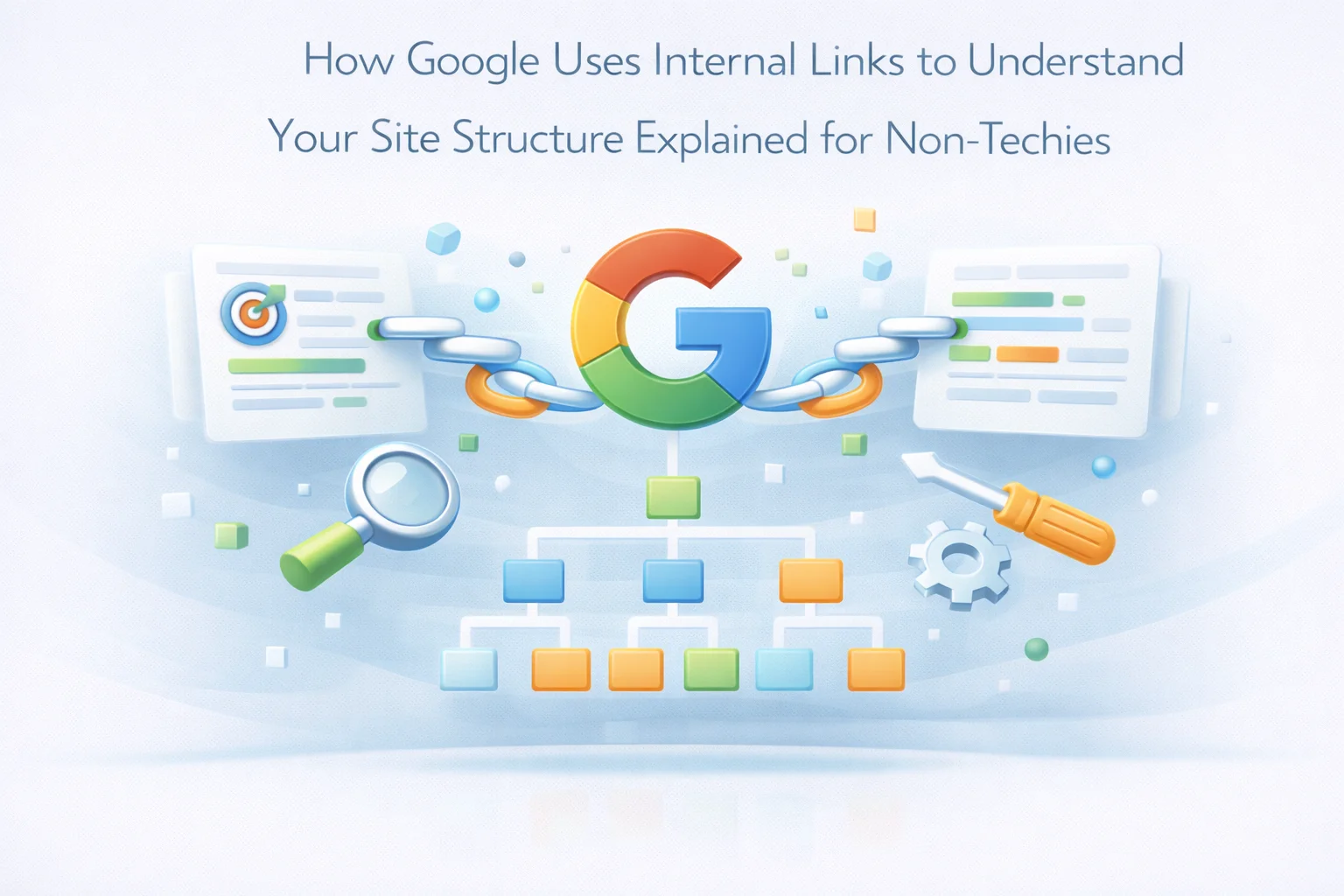
When Google crawls your site, it is not just cataloging individual pages. It is building a map of how those pages relate to each other. The pattern of internal links on your site tells Google a story about how your content is organized, which topics are the most important ones you cover, and how comprehensive your coverage of each topic is.
When multiple pages all link to a single central page, Google sees that central page as a hub of authority on that topic. Imagine a wheel: the hub in the middle receives connections from all the spokes around it. A page that is linked to by 15 related posts on your site is clearly more important and central to your content strategy than a page that has no links pointing to it. Google uses this hub-and-spoke pattern to identify your most important pages and rank them more favorably for competitive queries in that topic area.
When a group of pages all link to each other and to a central page, Google recognizes that cluster as a coherent treatment of a subject area. If you have 10 posts about email marketing that all cross-reference each other through internal links, Google sees not just 10 individual posts but an interconnected body of knowledge about email marketing. That cluster effect makes your site appear more authoritative on the subject than 10 isolated posts would, even if the content of each individual post is identical. The connections between pages carry meaning that the pages themselves cannot create alone.
The structure of your internal links also tells Google about the hierarchy of your content. Pages linked from your homepage receive the most direct authority signal. Pages that require three or four clicks to reach from the homepage are seen as less central to your site’s main topics. This does not mean deep content is ignored, but it means that your most important pages should be reachable in as few clicks as possible from your most authoritative pages, and that those important pages should have many internal links pointing to them from across your content.
Now that you understand the three jobs internal links do, the most common mistakes become obvious. Here they are in plain terms, with straightforward fixes.
Most people add links when writing new posts but never update existing posts with links to newer content. This means every new post you publish arrives as an island with no authority from your existing content pointing to it. Your older, established posts have accumulated some authority, and none of that is flowing to your new work.
When visitors read your content, “click here” tells them to click. When Google reads your content, “click here” tells it nothing about the destination page. You are wasting the topical labeling opportunity that every anchor text represents.
Many site owners add internal links but default to linking to their homepage or broad category pages rather than the specific posts and pages most relevant to the context of the link. This does not help Google understand the relationship between specific pieces of content, and it does not direct authority to the pages that most need it.
It might seem like more links is always better, but a post packed with 20 or 30 internal links creates two problems: it dilutes the authority it passes to each linked page because every link shares the same pool of authority, and it becomes difficult and unpleasant to read, which reduces the time readers spend on your site.
If every post on your site links to your main product page using exactly the phrase “best email marketing tool,” Google eventually flags that repetition as unnatural. Varied but topically consistent anchor text looks like genuine editorial judgment. Identical anchor text repeated dozens of times looks like a deliberate manipulation of ranking signals.
Everything described in this guide is manageable to implement manually when your site has 20 or 30 posts. You can read each post, think about which other posts are related, add links in both directions, and use varied, descriptive anchor text throughout. For a small site, that is a reasonable afternoon’s work.
The problem is that sites grow. Once you have 200 posts, the number of potential link connections between them runs into the tens of thousands. No person can hold that many relationships in their head simultaneously, which means links get missed, some posts accumulate authority while others remain isolated, and the quality and consistency of your linking structure degrades over time relative to your content output.
This is precisely what semantic AI-powered WordPress internal linking tools are built to solve. Instead of you having to read every post and manually identify relevant connections, an AI reads all of your content, understands the relationships between topics, and suggests or automatically creates the links that serve the three jobs described in this article: discovery, topical labeling, and authority distribution. The result is a comprehensive, consistent linking structure that no manual process could maintain at scale.
Internal linking is one of the few SEO levers you have complete control over. External backlinks require other websites to choose to link to you. Technical SEO requires development resources. Content quality takes time and expertise. But internal links? You can improve those today, on any page, and start seeing the effect in Google’s crawl behavior and your rankings within weeks. That is a genuinely rare combination of impact and accessibility in SEO, and it is why getting internal linking right is worth the attention it deserves.
Nexu Link Brain builds the internal links that help Google find your pages, understand what they are about, and recognize your most important content, all automatically, with semantically relevant connections and natural anchor text diversity.







Hey, grabbed this guide on a whim after seeing another coach struggle with SEO. The way it breaks down Google's process without drowning you in tech terms is solid finally something that doesn't make me feel like I need a CS degree. That said, the part about "link equity flow" still had me pausing to reread.
Hey, this was way too basic for anyone who already knows SEO kinda felt like a waste of
Had potential but way too long. thought this would be quick tips, not a 14 minute lecture ain't