Next-Level Code. Nexuvibe Style ...
Hrs
Min
Sec

A failed delivery costs more than the delivery itself. When a parcel arrives and no one is home, the carrier attempts redelivery, the customer has to chase the status, and in many cases the package is returned to the sender. That process — redelivery attempts, customer service exchanges, and potential re-shipment — typically costs between two and five times the original shipping cost, according to research from the logistics consultancy firm Metapack. And it damages the customer’s perception of the brand, not the carrier.
The simplest intervention against failed delivery is also one of the most underused: asking the customer when they want their delivery to arrive. A delivery date picker on the checkout page gives customers a direct mechanism to express their availability, which dramatically increases the probability that the delivery will succeed on the first attempt. It also communicates that the store has thought about the end-to-end customer experience, not just the transaction.
Beyond reducing failed deliveries, a date picker serves a second function that is often overlooked: it manages expectations. A customer who selects a delivery date has anchored their expectation to that specific date. They are less likely to contact support asking where their order is before the selected date arrives, because they chose that date themselves. A customer who receives no delivery date information tends to form their own expectation — usually more optimistic than realistic — and contacts support when it is not met.
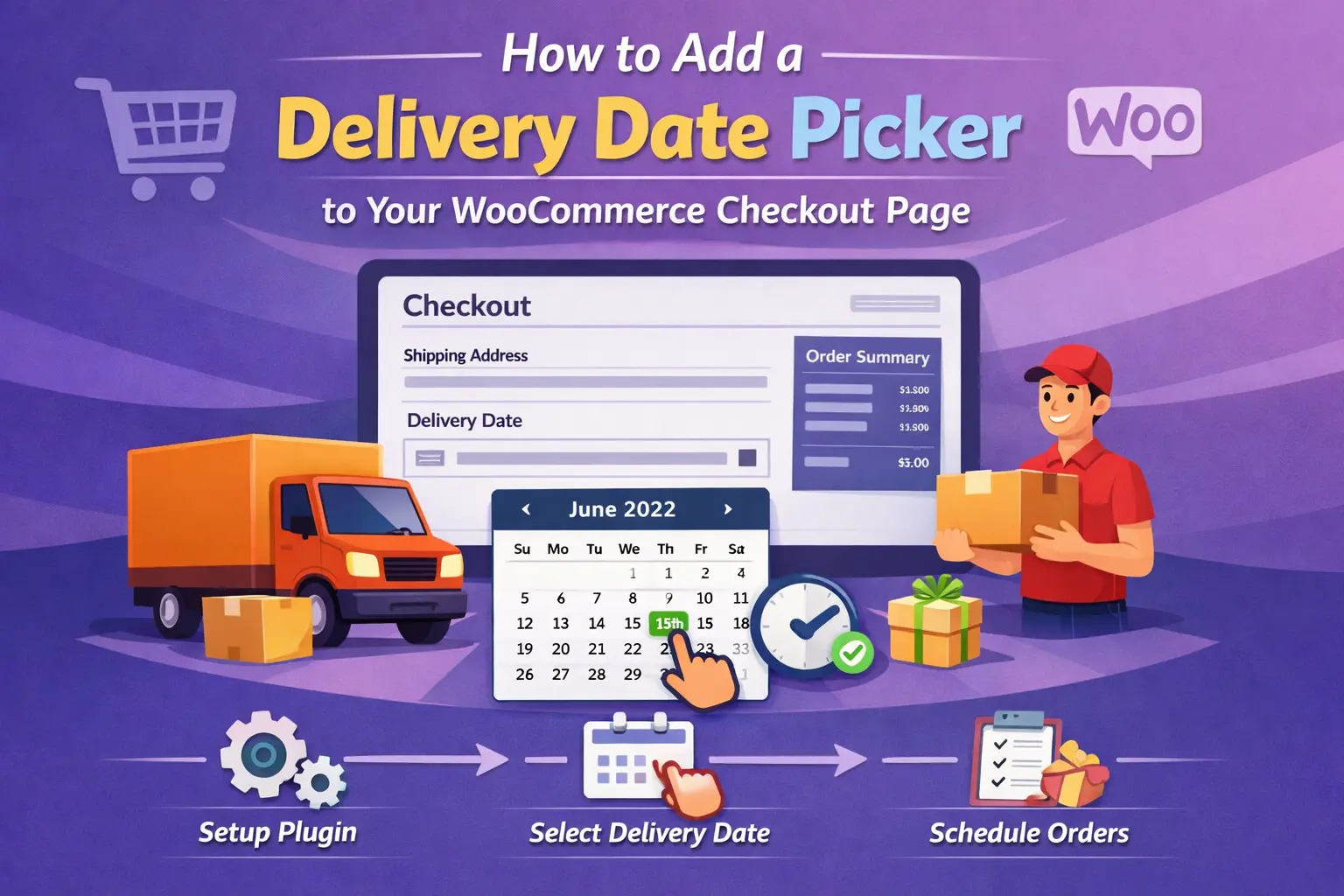
This guide walks through everything involved in adding a well-configured delivery date picker to a WooCommerce checkout: what makes a date picker implementation genuinely useful versus merely decorative, how to configure it correctly for your lead times and operational constraints, and how to do it without custom development using an advanced WooCommerce checkout field editor with date picker support.
Not every WooCommerce store needs a delivery date picker, and adding one when it does not match your fulfillment model creates false expectations that are worse than no date picker at all. Understanding which store types benefit most helps you decide not just whether to add a date picker, but how to configure it in a way that reflects your actual operational capabilities.
This is the highest-value use case for delivery date selection. Perishable orders have a narrow delivery window — a customer who is away cannot receive a fresh food delivery. Missed deliveries mean spoiled goods, full refunds, and a deeply negative brand experience. A date picker that constrains selection to dates within your delivery zone’s availability is not optional for this store type; it is a core operational requirement. Customers in this category expect date selection and are often surprised when it is absent.
When someone orders a birthday gift, anniversary flowers, or a celebration hamper, the delivery date is part of the product’s entire value. A gift that arrives two days early or a day late has diminished meaningfulness regardless of its quality. For these stores, a delivery date picker is directly tied to conversion — a customer who cannot guarantee a specific delivery date will often not purchase at all, because the uncertainty makes the gift feel unreliable before it is even sent.
Business buyers frequently order to a production timeline. A manufacturer ordering components needs them to align with a manufacturing run. A retailer ordering stock needs delivery before a product launch or promotional period. For these buyers, specifying a required delivery date at checkout is a professional expectation, not a preference. A store that accommodates this requirement at the checkout stage rather than through a follow-up support conversation earns trust as a reliable supplier.
Stores offering local delivery or scheduled collection need date and time slot selection as an operational necessity. Without it, you cannot manage your delivery driver schedule, allocate preparation time, or communicate meaningfully with customers about when to expect arrival or when to come in for collection. The date picker in this context is the interface through which your operational capacity is communicated to and agreed with the customer.
A delivery date picker that is not configured correctly is worse than no date picker. It creates a commitment you have not validated against your actual operational capacity. A customer who selects a delivery date and then receives their order two days later has had a worse experience than a customer who received no delivery date guarantee at all — because their expectation was set and then broken. The difference between a date picker that builds trust and one that destroys it is almost entirely in the configuration details.
The minimum selectable date should be today’s date plus your total lead time: order processing, picking, packing, and the carrier’s transit time to the customer’s region. If you process orders within 24 hours and your standard shipping takes 2 to 3 business days, your minimum selectable date should be at least 4 business days from today. Add a buffer day for safety. A date picker where tomorrow is always available regardless of your capacity is an operational liability.
Any date on which you cannot realistically fulfil a delivery commitment should be blocked from selection. This typically includes weekends if your carrier does not deliver on those days, public holidays, and any planned operational closure (stock takes, seasonal shutdowns, maintenance periods). A customer who selects Christmas Day as their delivery date and receives an order confirmation has been set up for disappointment. Blackout dates are your mechanism for preventing impossible commitments from entering your order system.
Many stores have an order cutoff time — orders placed before 2pm are processed the same day, orders placed after 2pm are processed the following business day. A date picker that does not account for this cutoff will allow customers placing late-afternoon orders to select dates that assume same-day processing. The minimum date logic should be time-aware: if the current time is before your cutoff, count from today; if it is after, count from tomorrow. This is a detail that requires either smart configuration or a plugin that handles it automatically.
A customer selecting a delivery date six months in the future creates an operational headache — that order will sit in your system against a date that may no longer reflect your stock levels, pricing, or operational capacity. Setting a maximum date window of 30 to 60 days is sensible for most stores. For seasonal businesses or made-to-order products with long lead times, this window can be extended, but it should always have a meaningful upper limit that reflects how far ahead you can reasonably commit to fulfillment.
The following steps assume you are using a dedicated checkout field editor plugin rather than custom code. Custom code implementations require ongoing PHP maintenance and compatibility testing on every WooCommerce update — a burden that is difficult to justify for a feature that a quality plugin handles reliably without it.
The delivery date picker typically belongs in the additional information section or at the end of the shipping section, after the customer has selected their shipping method. Placing it too early in the form, before the customer has thought about shipping, creates a context mismatch. Placing it after the shipping method selection makes logical sense — the customer has chosen how they want the order delivered, and now they are specifying when. This sequential logic makes the form feel coherent rather than random.
In the Advanced WooCommerce Checkout Field Editor, navigate to the additional fields section and add a new field. Select the date picker field type. Give it a clear label: “Preferred delivery date” is more descriptive than just “Delivery date,” because the word “preferred” communicates that this is the customer’s preference, not a guaranteed promise. Add placeholder text or a help note that sets the right expectation — for example: “We will aim to deliver on your selected date. Actual delivery may vary by one business day depending on your location.”
Set the minimum selectable date to today’s date plus your total order-to-doorstep lead time. If your handling time is one business day and your standard shipping zone takes two to three business days, set the minimum to today plus four business days. Add one extra day as a buffer for carrier delays. This is the configuration step that determines whether your date picker is operationally sound or just decorative. Be conservative — a customer who receives their order a day earlier than selected is pleasantly surprised; a customer who receives it a day later has had their expectation broken.
If your carrier does not deliver on weekends, disable weekend selection. Most date picker implementations allow you to specify which days of the week are available for selection — set this to match your carrier’s actual delivery days. For public holidays, maintain a list of blocked dates that you update at the start of each year. In some markets, different regions have different public holidays, so if you serve multiple regions, use your most conservative list or consider a zone-based approach.
Not every order in your store necessarily benefits from a delivery date selector. If you sell a mix of physical and digital products, suppress the date picker for cart sessions containing only digital downloads — there is no delivery to schedule. If you offer both local delivery and standard postal shipping, you might want separate date picker configurations for each: a more constrained picker for local delivery (where you control the schedule precisely) and a looser preferred-date picker for postal orders (where you are communicating a preference rather than a guaranteed slot).
Place a test order and confirm that the selected delivery date appears in the WooCommerce order detail view in your admin panel, in the customer-facing order confirmation email, and in any order management or fulfillment system you use. A date picker that collects a preference but does not pass it to your fulfillment workflow is collecting data with no operational value. The date needs to travel with the order from checkout to pick, pack, and ship.
A delivery date picker is only as valuable as the workflow that acts on the data it collects. The date sits in the order meta as a custom field value. From there, it needs to be visible and actionable at every point in your fulfillment process. How you integrate it depends on the complexity of your operation.
Custom field values from a quality checkout field plugin appear automatically in the order detail view within WooCommerce. Your team can see the preferred delivery date alongside the order contents, shipping address, and payment details without any additional configuration. Sorting or filtering orders by delivery date requires an additional view setup, but the data is present from the moment the order is placed.
Custom checkout field data can be included in WooCommerce’s order confirmation emails by configuring the email template to include custom order meta. Showing the customer their selected delivery date in the order confirmation email reinforces the commitment, reduces “where is my order” inquiries in the days before the selected date, and gives the customer a reference point for following up if the delivery does not arrive as expected.
If you use a third-party fulfillment provider or warehouse management system, the delivery date field value needs to be passed to that system as part of the order data. Most fulfillment integrations pull order data from WooCommerce via the REST API or through a dedicated integration plugin, and custom order meta is typically included in that data. Verify this with your specific fulfillment provider before assuming the data will flow automatically.
The language you use around your delivery date picker matters almost as much as the technical configuration. There is an important distinction between a “guaranteed delivery date” and a “preferred delivery date,” and most WooCommerce stores are not in a position to guarantee delivery dates the way a service like Amazon Prime can. Using language that implies a guarantee you cannot back up creates exactly the expectation problem you are trying to solve.
“Choose your delivery date” — implies you control carrier timing exactly
“Guaranteed delivery by” — a commitment almost no carrier arrangement allows
“Your order will arrive on” — presents a certainty you cannot ensure
“Preferred delivery date” — signals this is your preference, not a contract
“We aim to deliver on or before” — honest and gives a positive framing
“Target delivery date” — clear that it is an intention, not a guarantee
The best delivery date picker implementations pair the field with a brief one-sentence note that sets expectations honestly. Something like “We will do our best to deliver on your selected date. Deliveries occasionally vary by one business day due to carrier routing.” This honesty does not reduce customer confidence — it increases it, because the store is communicating openly rather than making claims it might not be able to keep. Customers are generally understanding when delays are communicated proactively; they are significantly less forgiving when a specific promise is broken without warning.
A delivery date picker that is configured thoughtfully — with an honest label, a minimum date that reflects your actual lead time, and blackout dates that match your carrier schedule — does something that almost no other checkout element can do: it makes a positive operational impact for your business while simultaneously improving the customer’s purchase experience. The customer gets confidence and control. You get better delivery success rates, fewer support inquiries, and order data that your fulfillment team can act on.
The implementation, using a WooCommerce checkout date picker plugin that integrates with conditional field logic, takes under an hour from start to test order. The configuration decisions — particularly around minimum date and blackout days — deserve careful thought because they are the decisions that determine whether the feature builds trust or erodes it. Treat them with the seriousness the delivery promise deserves.
Advanced WooCommerce Checkout Field Editor includes date picker field support alongside conditional logic, drag-and-drop ordering, and WooCommerce Blocks compatibility — everything you need to add a properly configured delivery date selector to your checkout without custom development.








Didn't expect the date picker to block dates my team couldn't make. saved me from overpromising nice touch
Just a quick heads up for other small business owners using this. the date picker itself works fine, but it really needs a built in buffer day option. Right now, if you forget to manually block out your handling time, customers can pick delivery dates you just can't meet. I had two orders last week where people selected next day delivery, but our processing takes 48 hours. Ended up having to refund one because we couldn't get it out in time.
Hey, the delivery dates were way off.
This step by step guide is missing critical setup details.