Next-Level Code. Nexuvibe Style ...
Hrs
Min
Sec

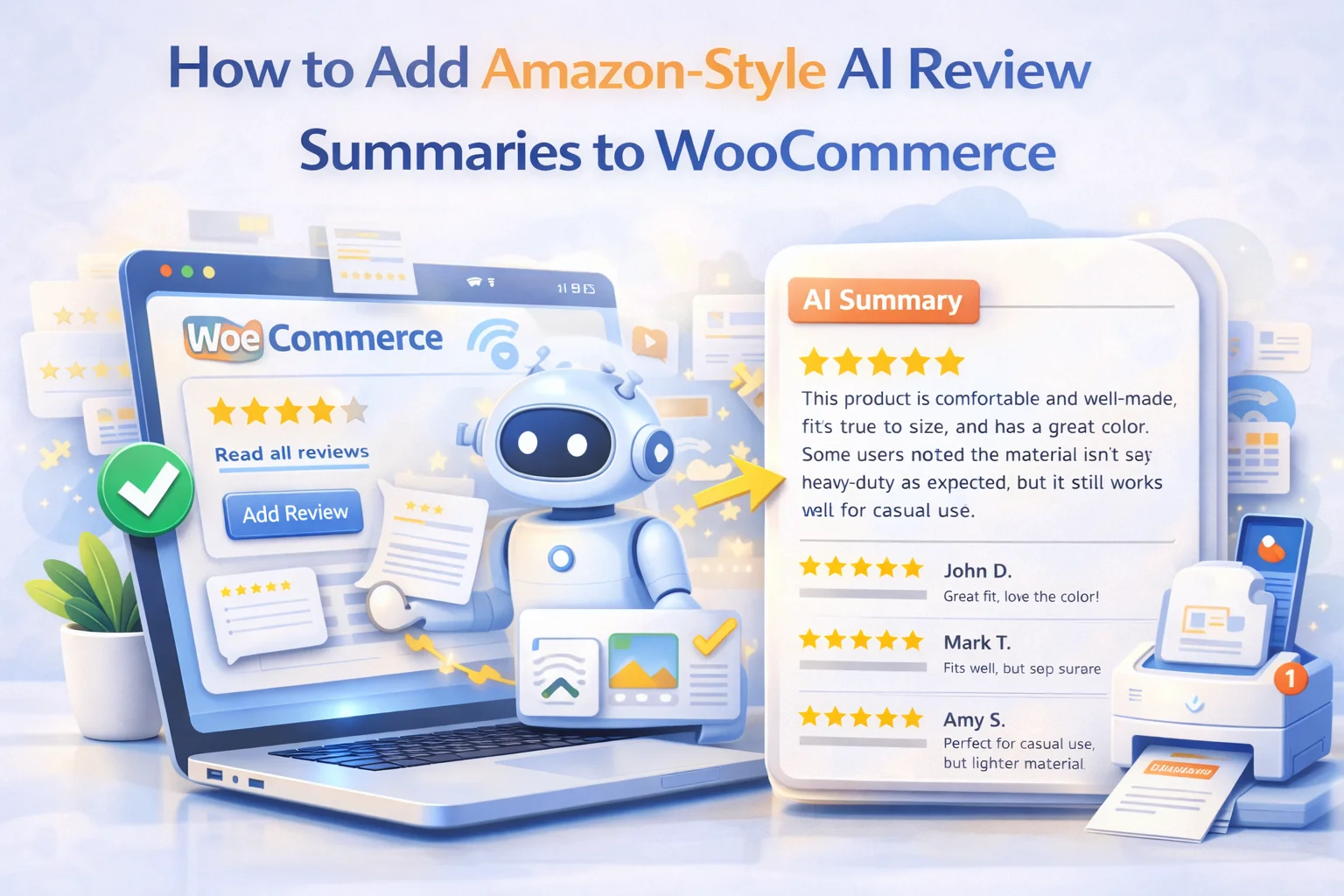
If you have shopped on Amazon recently, you have probably noticed that little box near the top of the reviews section. It reads something like “Customers say the quality is excellent and delivery is fast, but some note the sizing runs small.” That is not written by a human editor reviewing thousands of comments one by one. It is generated automatically, and it has become one of the most quietly powerful conversion features in modern e-commerce.
The reason it works is not complicated. Most shoppers do not read reviews thoroughly. They scan, look for a quick answer, and make a decision. When Amazon condenses hundreds of opinions into a single paragraph of plain English, it removes the friction that causes hesitation. Sales go up. Cart abandonment drops. The whole process of turning a browser into a buyer becomes faster and smoother.
The good news is that this feature is no longer exclusive to companies with Amazon-sized engineering teams. With the right plugin, you can add the exact same experience to your WooCommerce store this afternoon. This guide walks through how that works, why it matters for your conversion rates, and what to look for when setting it up properly.
We will use Nexu AI Review Analyzer, the AI-powered WooCommerce review summary plugin, as the practical example throughout this guide, because it is built specifically to replicate this Amazon-style experience on WordPress. But the concepts apply broadly regardless of the tool you choose.
Before building anything, it helps to understand why this feature exists in the first place. Amazon did not add AI review summaries because they thought it was a cool technology demo. They added it because their testing showed it moves the needle on purchasing decisions. Understanding the mechanism behind that result is what lets you replicate it effectively on your own store.
The core issue is decision fatigue. When a product has 200 or 300 reviews, the cognitive effort required to read even a fraction of them is significant. Most shoppers do not have the patience for it. Research on consumer behavior consistently shows that when the effort required to evaluate a product exceeds a certain threshold, buyers default to one of two outcomes: they either make a snap judgment based on the star rating alone, or they abandon the page entirely.
Neither of those outcomes is great for conversion. A snap judgment based purely on a star rating means the buyer has not actually understood the product. They may return it when the experience does not match their undefined expectations. An abandonment is worse. The buyer leaves to find a product whose reviews are easier to parse, which often means a competitor’s listing that is simpler or better organized.
What a well-placed AI review summary does is collapse that cognitive load into something manageable. Instead of asking the buyer to read 300 reviews, you present them with a clear paragraph that captures the consensus, a short list of what most people liked, a short list of what they flagged as problems, and sometimes a few recurring questions answered directly. That is enough information to make a confident purchase decision. The buyer feels informed. They convert.
A one-paragraph summary is a good start, but Amazon’s implementation works as well as it does because it goes several layers deeper. If you want to truly replicate that experience on WooCommerce, the system you use needs to handle more than just text generation.
This is the opening paragraph that a buyer reads first. It should reflect the genuine aggregate sentiment across all reviews, not just the positive ones, and it should read like a human wrote it. Stilted, robotic summaries do not build trust. The language quality matters as much as the content accuracy.
A structured pros and cons list is not just easier to scan than a paragraph. It also signals editorial fairness. When buyers see both sides clearly laid out, they feel the information has been organized for their benefit rather than to manipulate them. This visual structure is one of the biggest trust signals you can add to a product page.
Reviews are full of questions that buyers had before purchasing. “Does it work with X?” “Is it good for beginners?” “How does it compare to the older model?” When the AI extracts these recurring questions and provides answers drawn from the review corpus itself, it creates a FAQ section that is genuinely useful and completely authentic. This is dramatically more effective than manually written FAQs because it addresses what real buyers actually wondered about.
Things like quality, durability, value for money, ease of use, and fit can be surfaced as visual bars that show the collective sentiment of reviewers on each dimension. This is the layer that really starts to look like an Amazon product page. It gives buyers a quick visual read on exactly the attributes that matter most for their decision, and it works better than any amount of descriptive text.
The pros and cons your AI generates are not just useful for buyers on your page. When they are output as structured JSON-LD schema, Google can read them and potentially display them as rich snippets in search results. This is a meaningful SEO advantage that most store owners completely overlook. We will cover this in more detail later in the guide because it is one of the strongest arguments for doing this properly rather than with a basic text-only solution.
The actual setup process is shorter than most people expect. The plugin handles the heavy lifting. What you are doing is connecting it to an AI provider, pointing it at your product reviews, and configuring how the output should look on your product pages. Here is how that process works with the Nexu AI WooCommerce review digest plugin.
Install the plugin through your WordPress dashboard just like any other plugin. Once activated, it will prompt you to begin the guided setup wizard. This wizard walks through the entire configuration in a logical sequence, so you do not need to hunt through settings screens trying to figure out what order to configure things.
This is where you choose which AI model analyzes your reviews. The plugin supports OpenAI (GPT-4o), Anthropic Claude, and Google Gemini. You need a valid API key from whichever provider you choose. If you do not already have one, each provider offers straightforward sign-up processes. We will cover how to choose between these models in the next section of this guide.
Decide which components you want displayed: the overview paragraph, the pros and cons list, the FAQ section, the trait bars, or any combination of these. Each element can be toggled on or off independently. For a first deployment, enabling all components is usually the right call. You can always refine based on how your specific audience responds.
Choose where the summary appears on your product page. Positioning it above the individual review list, near the top of the reviews section, is the configuration that gets the most visibility and best mirrors the Amazon pattern. The plugin provides display tab settings that let you control the visual presentation without needing to touch any code.
Once configured, trigger the analysis for one of your products and review the generated output. Check that the summary accurately reflects the actual sentiment in your reviews. The AI occasionally produces outputs that are technically correct but tonally off for a specific product category. Adjust the prompt settings if needed, then run the analysis across the rest of your catalog.
One of the most genuinely useful things about a flexible WooCommerce review sentiment analyzer is that it lets you choose your AI model rather than locking you into one provider. This matters more than it might seem. Different models have different strengths when it comes to processing large volumes of opinion text.
GPT-4o is the most commonly used option and the easiest to get started with. It handles mixed-sentiment reviews reliably, produces clean structured output, and works well across most product categories. If you do not have a strong preference or specific reason to use another model, starting with GPT-4o is the most straightforward path. The API is mature, well-documented, and the cost per analysis is predictable.
Claude tends to produce more nuanced, balanced summaries and is particularly good at capturing subtle sentiment that other models sometimes flatten into generic praise or criticism. For stores selling products where the nuance in reviews really matters, like premium goods, technical products, or anything where buyer expectations are complex, Claude often produces more useful output. It also handles long, essay-style reviews better than most alternatives.
Gemini is a strong option for stores with multilingual review bases. Its language detection and cross-language comprehension capabilities are notably strong, and if your product receives reviews in multiple languages from an international customer base, Gemini often handles that scenario more cleanly than the other two. For stores operating in a single language, the difference is less pronounced.
The conversion benefits of AI review summaries are the obvious sell. But there is a secondary benefit that is arguably as valuable and almost completely unappreciated in most discussions of this topic: the structured SEO impact.
When an automated review digest plugin for WooCommerce generates pros and cons, that content can be output alongside the page as JSON-LD schema markup. Google reads this structured data and can use it to generate rich snippets in search results. When a shopper searches for a product and sees your listing with a structured pros and cons block visible directly in the search result, your click-through rate improves meaningfully. You are differentiating your listing at the point where the buyer is deciding which result to click.
There is also a content depth benefit. Product pages that previously had only a star rating and a list of text reviews now have a structured, content-rich section that includes a summary, pros and cons, an FAQ, and attribute ratings. Search engines interpret this additional structured content as a signal of page quality. Your product pages become more substantive from Google’s perspective, which can positively affect their rankings for long-tail search queries related to your products.
The FAQ section in particular has direct SEO value. Questions that real buyers ask about your product, extracted from actual reviews and presented as structured FAQ markup, map directly to the kind of conversational queries that appear in Google Search and AI Overviews. When someone searches “does this product work for beginners” or “is this product worth the price,” your product page with an AI-generated FAQ that addresses those exact questions has a strong chance of appearing prominently.
The quality of what you get out of an AI review analysis system depends significantly on how you configure it. A few specific practices make a meaningful difference in output quality.
AI summaries generated from fewer than five or six reviews tend to be unreliable. A single unusually positive or negative review can skew the entire output in a misleading direction. Set a minimum threshold, something in the range of ten reviews is usually ideal, below which the summary section simply does not display. This prevents your newest or least-reviewed products from showing a summary that does not accurately represent buyer experience.
Reviews change over time. A product that launched well may start receiving complaints about a quality issue discovered after extended use. Your AI summary should reflect the current state of your reviews, not just the state they were in when you first ran the analysis six months ago. Configuring automatic re-analysis when a certain number of new reviews have been added keeps the summary accurate without requiring you to manually trigger updates.
If your store receives reviews in multiple languages, configure the plugin to detect language automatically and include those reviews in the analysis rather than filtering them out. A review written in French or German contains the same sentiment information as one written in English. Including multilingual reviews gives the AI a more complete picture of buyer experience, and the summary output itself can be generated in your store’s primary language regardless of the input language mix.
Before running analysis across your entire product catalog, test with ten or fifteen products across different categories and manually read the outputs. You will quickly develop a sense of whether the summary quality is consistent with your store’s voice and whether the AI is correctly identifying what matters most in your specific product range. This small up-front quality check prevents you from deploying inaccurate summaries to hundreds of product pages at once.
The results most store owners see after adding AI review summaries follow a fairly consistent pattern. The most immediate effect is a reduction in support queries about products. When buyers can read a clear, structured summary of what the product is like in practice, they arrive at checkout with more realistic expectations. Returns and refund requests tend to decrease at the same time.
Conversion rate improvements tend to show up over weeks rather than days, and they are more pronounced on products that have a large number of mixed or varied reviews. Products with overwhelmingly positive reviews see smaller gains because the existing review content was already relatively easy to process. Products with hundreds of mixed reviews, where buyers previously had to work to figure out whether the product was right for them, show the largest conversion uplifts.
The SEO effects take longer, typically one to three months before the schema markup begins contributing meaningfully to search visibility. But unlike conversion improvements, SEO gains compound over time rather than plateauing. Each product page you enhance becomes a more capable search asset that continues accumulating rankings benefit as new reviews are processed and the structured content grows richer.
Amazon spent years and considerable engineering resources building the review intelligence system that other retailers now have to compete against. The gap between what a small WooCommerce store could offer in terms of review presentation and what Amazon offers has narrowed to the point where a single plugin installation closes most of it. The question is less “should I do this?” and more “which products do I prioritize first?”
Start with your best-selling products that have the most reviews. Those are the pages where the impact of a well-implemented summary will be highest, and they are the products where buyers are most likely to be doing careful evaluation before purchasing. From there, work through your catalog systematically. The Nexu AI WooCommerce review intelligence tool supports bulk analysis, so once you have your configuration dialed in, processing your full catalog is a matter of triggering the analysis rather than doing it product by product.
Nexu AI Review Analyzer automatically generates review summaries, pros and cons, FAQs, trait bars, and structured schema markup for every product, powered by the AI model you choose.








Added these to three stores last quarter. Shoppers don't read reviews they just skim for quick reassurance
Hey everyone, just installed this and wow the setup guide at the top made tweaking the AI summaries super easy. took maybe 10 minutes max. Still totally worth it!
Took a bit to set up but works