Next-Level Code. Nexuvibe Style ...
Hrs
Min
Sec

Anyone who runs an online course, training program, workshop series, or professional development offering knows that certificates matter to participants. They share them on LinkedIn. They attach them to job applications. They frame them. For your learners, the certificate is often the tangible proof that the experience happened and was worth something. For your organization, it is a branding touchpoint that travels well beyond the moment of completion.
The problem is that issuing certificates manually does not scale. When you have ten completions a week it is manageable. When you have a hundred, it becomes a job. When you have a thousand, it becomes an entire role. Manual certificate issuance also introduces delays: participants complete a course and then wait hours or days for their certificate to arrive, which dampens the celebratory momentum of finishing.
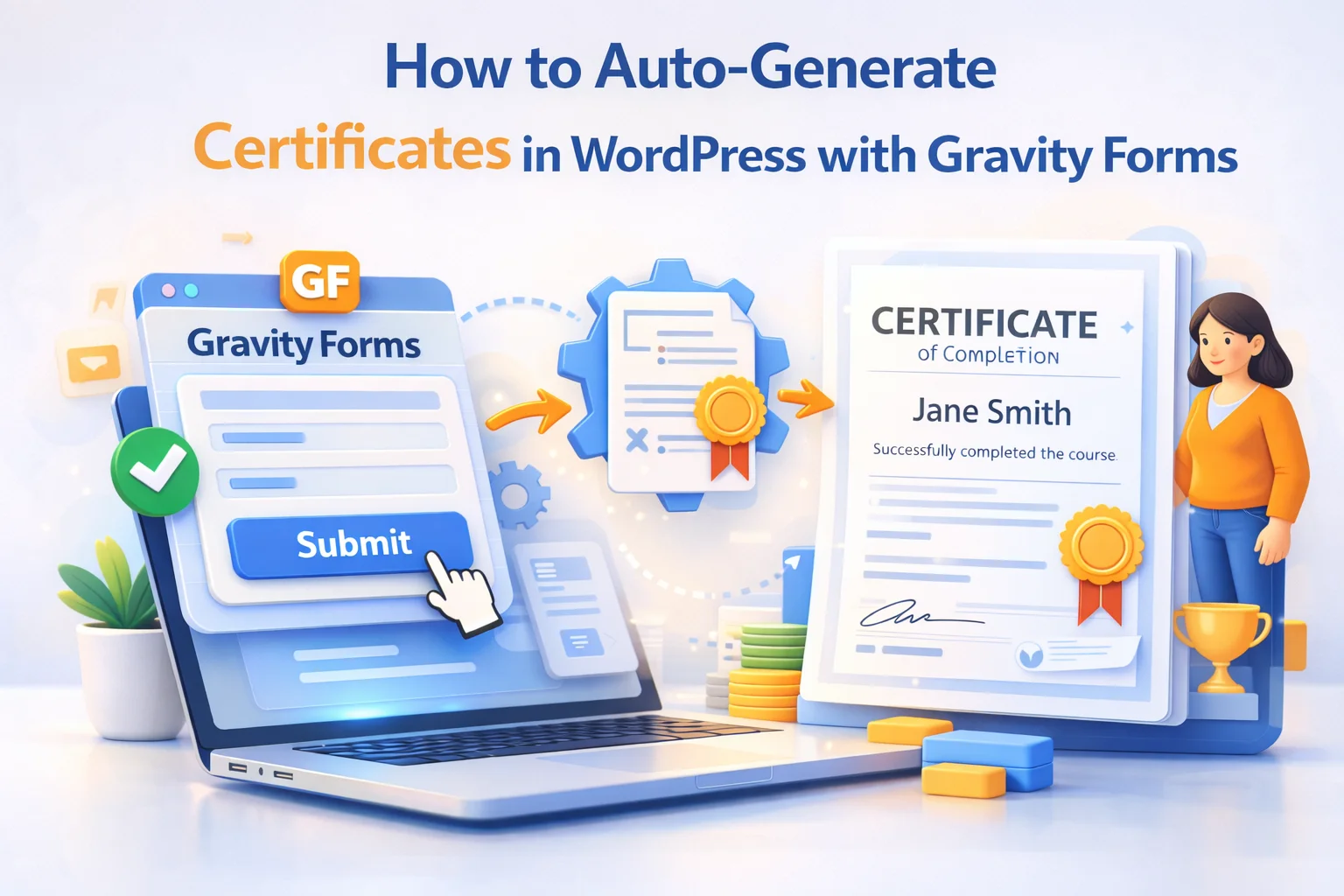
This guide shows you how to build a fully automated certificate issuance workflow using Gravity Forms as the completion trigger and Nexu PDF Generator’s automatic certificate issuance for Gravity Forms as the generation and delivery engine. Every completion triggers a certificate. Every certificate is personalized, professionally designed, and delivered within seconds. No manual work required on your end.
We will cover four distinct scenarios: standalone WordPress sites, LMS integrations, live event and webinar completions, and multi-level certification programs. The underlying workflow is the same across all of them, but the form design and trigger mechanism differs in ways worth understanding before you start building.
The moment a learner completes something challenging is emotionally significant. There is a peak of pride and accomplishment right at that moment. When a certificate arrives immediately, it captures and amplifies that feeling. When it arrives two days later in a follow-up email, the moment has passed and the certificate feels like an afterthought rather than a recognition.
From a practical standpoint, immediate certificate delivery also reduces your administrative burden. Every “where is my certificate?” support inquiry your team receives represents a failure in the delivery workflow, plus the time cost of responding. A system that delivers reliably and instantly eliminates that entire category of support ticket.
There is also a marketing dimension that is easy to underestimate. A well-designed certificate is shareable content. When participants post their certificates on LinkedIn or other professional networks, they are effectively promoting your course or program to their entire network, attributing credibility to your organization in the process. A certificate that looks generic or arrives late is less likely to be shared. One that looks genuinely professional and arrives at the peak moment of accomplishment is much more likely to be displayed proudly.
The certificate generation workflow starts with a Gravity Forms form submission acting as the trigger. That trigger can come from several different sources depending on how your training or course program is structured.
The simplest scenario is a direct completion form: a form the participant fills out upon finishing the course or training, which captures their name, the course they completed, and the date. This is entirely self-reported, which works well for trust-based programs or where the honor system is appropriate.
A more controlled scenario uses a quiz or assessment form. Gravity Forms supports scoring through its Survey add-on and through conditional logic on quiz-style forms. When a participant achieves a passing score on the final assessment, the certificate feed is triggered. Submissions that do not meet the passing threshold do not trigger the feed, so only genuine completions receive a certificate.
For LMS integrations, Gravity Forms can be connected to platforms like LearnDash, LifterLMS, or Tutor LMS through webhooks or dedicated add-ons that trigger a form submission when a course completion event fires in the LMS. This keeps your certificate generation centralized while respecting the LMS as the source of truth for completion tracking.
A certificate’s visual design communicates legitimacy before a single word is read. Participants, their employers, and professional networks make an instant judgment about whether a certificate looks real or looks like it came from a free online generator. The difference lies in a handful of specific design decisions.
The issuing organization’s logo should appear prominently at the top of the certificate. Use a high-resolution version, SVG if possible, to ensure it renders crisply at the higher pixel density that PDFs use. A blurry or pixelated logo immediately signals amateur production, even if everything else looks good. The logo is the first thing people look at when evaluating a certificate’s authenticity.
Certificates follow an understood visual hierarchy: the recipient’s name is the largest element, followed by the achievement or course title, followed by supporting details. Using a large, elegant font for the recipient’s name (the merge tag that pulls from your name field) makes each certificate feel personally issued. Supporting details, like the completion date and certificate ID, appear smaller but must be clearly legible.
Every legitimate certificate has a reference number. In the Nexu PDF Generator feed configuration, you can include the Gravity Forms entry ID or a formatted combination of fields as a unique certificate identifier. This ID serves two purposes: it makes the certificate look professionally issued, and it gives you and the recipient a reference number for verification if someone ever questions authenticity.
A certificate signed by a named authority, the course director, training manager, or organization head, carries more weight than an unsigned document. You can include a static signature image (a scanned version of the relevant person’s signature) as a fixed element in the certificate template. This signature is the same on every certificate, positioned below the completion statement above the signatory’s name and title.
The issue date comes from the form submission date merge tag and is always accurate because the certificate is generated at the moment of completion. If your certifications expire (common in professional training, safety certifications, and compliance programs), you can include a calculated expiry date field in the form or derive it in the template from the issue date plus your defined validity period.
The certificate generation mechanism is the same across all scenarios. What changes is how the completion trigger works and what data the form collects. Here is how each scenario plays out in practice.
For WordPress sites that deliver course content through pages or a simple gated content system without a full LMS, the completion form is typically the final step of the last course module. Participants fill out a brief completion acknowledgment form that captures their name and confirms they have reviewed all the material. The form submission triggers the certificate. You can add a short quiz to this final form to verify engagement before the certificate is issued.
Most LMS platforms for WordPress have Gravity Forms integration options or webhook support. When a learner completes a course in LearnDash, for example, a webhook can trigger a Gravity Forms submission with the learner’s data passed as pre-filled field values. The feed then generates the certificate from that submission. This approach keeps the LMS as the source of truth for completions while using Nexu PDF Generator for the actual certificate production and delivery, which produces better-looking documents than most native LMS certificate tools.
For webinars, workshops, and live training sessions, the certificate trigger is typically an attendance confirmation form rather than a completion assessment. After the event, attendees receive a link to a brief attendance confirmation form. They submit it, and the certificate is generated immediately. For larger events, the host can batch-trigger certificates by submitting an admin form that generates certificates for each confirmed attendee, or use a Gravity Forms entry import process to generate from a prepared attendee list.
Professional certification programs often have multiple levels: foundation, practitioner, advanced, and expert, for example. Each level has its own Gravity Form and its own PDF feed, with a certificate template that reflects the specific level achieved. The certificate design can vary between levels (different colors, different titles, different level indicators) while sharing the same structural template and branding. Participants who advance through multiple levels receive distinct certificates for each achievement.
The delivery configuration in Nexu PDF Generator gives you two simultaneous delivery channels for the certificate. The confirmation page shown after form submission includes a download link via a merge tag. The Gravity Forms notification email to the participant has the certificate attached as a PDF file. Both fire at the same moment the form is submitted.
To make the certificate more shareable, consider what you include in the confirmation message alongside the download link. A pre-written LinkedIn share prompt that the participant can copy and paste, a suggested caption for social posts, and instructions for adding the certificate to their LinkedIn profile Licenses and Certifications section all increase the likelihood that participants will share their achievement publicly.
If you want to support certificate verification, you can include a URL on the certificate itself (as static text in the template) that points to a verification page on your site. That page can use Gravity Forms’ entry lookup functionality to display basic certificate details when a certificate ID is submitted, giving employers and others a simple way to confirm a certificate’s validity.
Every generated certificate is stored and accessible from the Gravity Forms entries list. Each entry row has a PDF action button that allows you to download or preview the certificate for that specific participant without opening the full entry. This makes it straightforward to handle requests like “can you resend my certificate” or “I need a copy of my certificate from the March cohort.”
Certificates display the participant’s name prominently and often in a large font. If you collect first and last name in a single text field, some people will enter their names in different formats (“John Smith” vs “JOHN SMITH” vs “john smith”). Use Gravity Forms’ Name field type, which has separate first and last name subfields, and then concatenate them with proper capitalization in the template. This gives consistent, well-formatted name display on every certificate.
A certificate designed for “John Smith” may overflow or break when someone enters “Alexandra Bartholomew-Christodoulou.” Test with names of varying lengths, including hyphenated surnames and names with accented characters, before going live. Adjust font sizes and text area widths in the template until the layout handles edge cases gracefully.
A certificate without a unique identifier looks unverifiable and feels less official. Always include a certificate reference number. Even if you do not plan to build a verification system immediately, having the ID on the certificate means you can build that system later. It also immediately makes the certificate look more legitimate to anyone who receives it.
If your certificate is tied to professional development, CPD points, or has any real-world value, a form that anyone can submit without completing the course creates a credibility problem. Consider adding a final quiz with a minimum passing score, requiring a unique completion code distributed only to participants, or using conditional logic that restricts the completion form link to authenticated users only.
Nexu PDF Generator turns your Gravity Forms completion trigger into an instant, personalized certificate PDF. Branded layout, unique certificate ID, participant name dynamically populated, delivered to the participant’s inbox the moment their form is submitted.








Man, this auto certificate setup with Gravity Forms has saved me so much headache. i used to spend hours every week emailing out PDFs after our safety training courses now it just happens automatically the second someone finishes. No more "Hey, where's my certificate?" emails clogging up my inbox
Got it. no more chasing students for proof
I've been using this auto certificate setup for a few months now, and the instant delivery is what really stands out. the second a user finishes their course, the certificate hits their inbox no lag, no manual uploads, no "where's my proof?" emails clogging up support. that immediate gratification keeps the momentum going for learners, and honestly? it saves my team hours every week. but once it's running? zero complaints. just smooth, reliable delivery.
Got this set up for our training portal, and it definitely cuts out the manual grind. Certificates go out automatically when someone finishes, so no more chasing people down for completions.