Next-Level Code. Nexuvibe Style ...
Hrs
Min
Sec

Most businesses that use WordPress and Gravity Forms are sitting on a document automation opportunity they have not yet fully realized. Their forms collect the data. Their processes require the documents. But the connection between the two still involves a person in the middle, copying, formatting, creating, and sending, for every single submission.
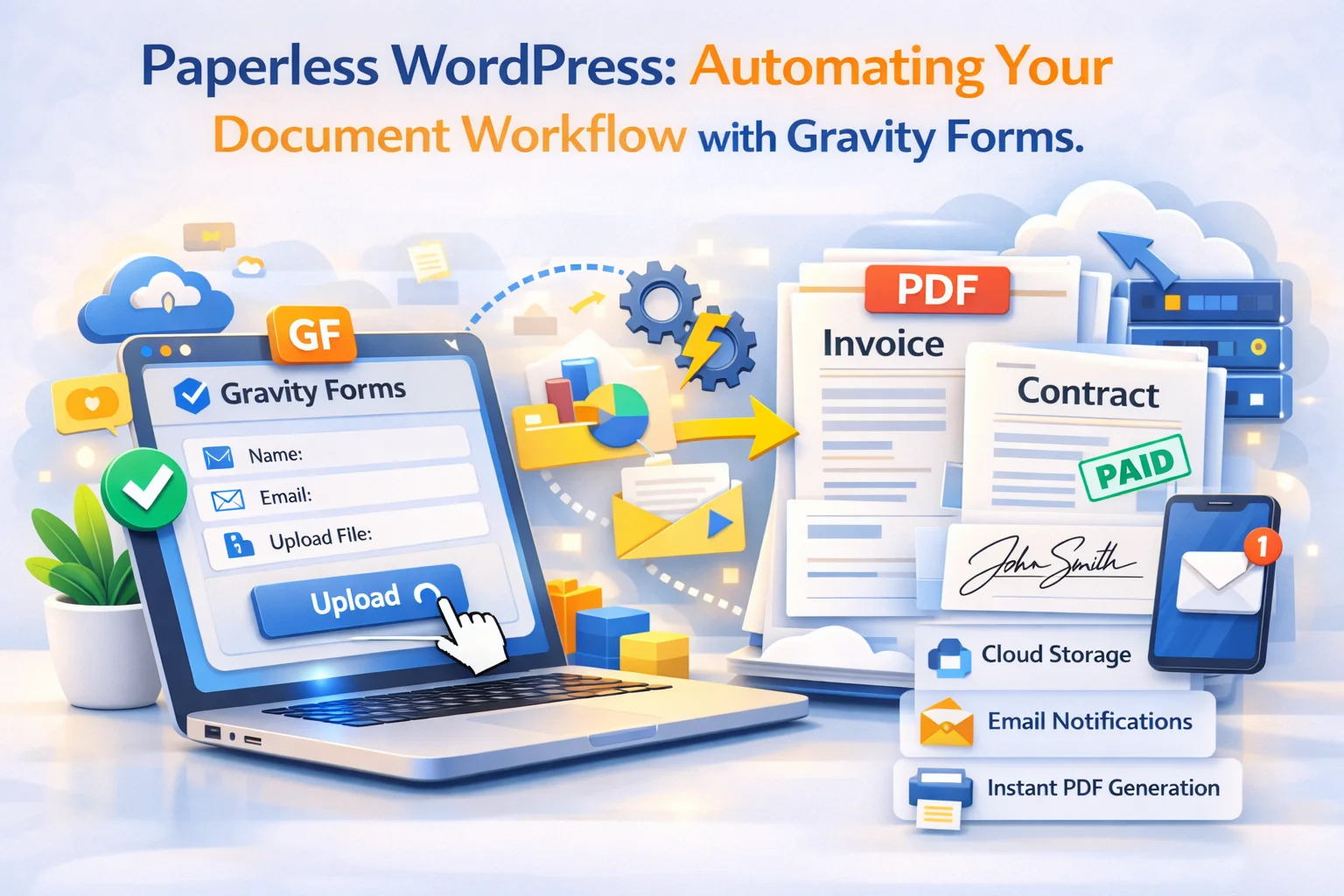
A paperless document workflow on WordPress means eliminating that person in the middle for every routine document type. Invoices, quotes, contracts, certificates, confirmation letters, onboarding packets, service agreements, delivery notes: all of them can be generated automatically from form submissions and delivered to the right people without any manual step. The technology for this has existed for a while. What is newer is that it has become accessible enough that any business with a WordPress site can implement it without developer involvement.
This guide takes a strategic view. Rather than focusing on a single document type, we look at how to map your entire document operation onto an automated system, which documents to start with, how to build the infrastructure that handles all of them, and what the fully realized version of a paperless WordPress document workflow looks like for agencies and growing businesses.
The tool at the center of this is Nexu PDF Generator’s complete document automation for Gravity Forms. By the end of this guide, you will have a clear blueprint for building a document workflow that scales with your business rather than requiring more staff time as volume grows.
Before automating anything, you need a complete picture of what you are automating. Most businesses significantly underestimate the number of document types they produce manually because the documents are created in scattered ways: some by one person in one tool, others by someone else in another tool, others improvised from whatever template was used last time.
A document audit is simply a list of every document type your business creates, how it is triggered, who creates it, how long it takes, and how often. Walk through your entire client or customer lifecycle and ask: what documents does this process produce? A typical service business working through this exercise finds eight to fifteen distinct document types that are created manually on a regular basis.
The final column is the key insight from the audit. For most businesses, the overwhelming majority of their document volume falls into automatable categories. The documents that genuinely require human judgment and bespoke creation are a small minority of the total volume. Starting with the high-frequency, high-volume document types produces the biggest immediate impact.
Once you have your document audit, the question is sequencing. Which document type should you automate first? The answer depends on three factors: volume, pain, and simplicity.
The document type you produce most frequently is where the time saving is largest. For most service businesses, invoices are the highest-volume document. If you produce twenty invoices a week and automating each one saves fifteen minutes, you recover five hours of staff time per week from a single automation. Start with the highest-volume document and the ROI calculation is immediate and obvious.
Sometimes the most painful document process is not the highest-volume one. Quote generation for a trades business might happen fewer times per week than invoicing, but the manual quote process is disorganized, inconsistent, and causes the most client friction. If a particular document type is causing the most complaints, errors, or delays in your business, that is also a strong candidate for prioritization regardless of volume.
A document type where every field on the form maps cleanly to a specific position in the template is easier to set up than one with complex conditional logic, multi-section content, or non-standard formatting. If you are new to this type of automation, starting with a simpler document type and building confidence before tackling the complex ones produces better results than trying to automate your most complex document first.
The technical infrastructure for a paperless WordPress document workflow has four components. Getting each one right from the start means the system is stable and maintainable as you add more document types and forms over time.
Each document type needs a corresponding Gravity Form with fields that map cleanly to the template. Use Gravity Forms’ field type system intentionally: Name fields for names, Address fields for addresses, Date fields for dates, and pricing fields for anything financial. Avoid single text fields that capture multiple pieces of information, because they cannot be mapped to specific template positions. A form where every field has a single clear purpose is a form that maps cleanly to a document template.
Each document type gets its own feed on the relevant form. The feed defines what kind of document to produce, the text direction, the template content and field mapping, and the delivery configuration. Feeds are the atomic unit of your document automation system. One feed equals one document type on one form. Multiple feeds on one form means multiple document types trigger from the same submission.
Every automated document relies on notification email delivery to reach the client. WordPress’s default PHP mail is unreliable for this purpose. Configure a transactional email service, SendGrid, Mailgun, or Postmark all work well, connected via an SMTP plugin. This is the infrastructure layer that makes everything else reliable. Without it, your automation is only as dependable as PHP mail delivery, which is not dependable enough for a business-critical document workflow.
Every generated document is stored with its entry and accessible from the Gravity Forms entries list. Configure WordPress user roles to restrict who can view entries and download documents. For sensitive document types like contracts and signed agreements, only designated team members should have access. This access control layer is part of both your security posture and your GDPR compliance if you serve European customers.
For agencies that build and maintain WordPress sites for multiple clients, the document automation workflow has a different dimension: you are not just building one system, you are building a reusable capability that can be deployed for any client whose site includes Gravity Forms.
The most efficient agency approach is to develop a library of document templates that serve common client needs: a standard invoice template, a standard service agreement template, a standard quote template, and a standard certificate template. Each template is generic enough to be customized per client (logo, brand colors, business details, specific terms) but structured enough that adapting it for a new client takes hours rather than days.
When onboarding a new client who needs invoice generation, the process becomes: customize the standard invoice template with their branding, connect it to their existing order or booking form, configure the notification delivery, test three submissions, and hand over. What might take two to three days if built from scratch takes two to four hours when working from a proven template library.
It is worth describing the fully realized version of this system, because the gap between “we automated our invoices” and “we run a paperless document operation” is significant in terms of both operational impact and business maturity.
In the fully realized version, every form submission that should produce a document does produce a document, automatically, immediately, and correctly every time. The customer who submits your quote form receives a professional PDF quote before they close the browser. The client who fills out your intake form receives their service agreement the same minute. The course participant who completes their final assessment receives their certificate before they mention it to anyone.
Your team’s document-related work shifts entirely from production to oversight. Instead of creating documents, they occasionally review the automated output quality, update templates when terms change, and handle the small percentage of edge cases where a document needs manual attention. The routine majority runs without them.
Your document archive is complete and searchable. Every document ever generated is stored with its entry. Finding a specific client’s contract from eight months ago takes thirty seconds rather than fifteen minutes of searching through email threads and shared drives.
Your client experience is consistently professional. Every client at every stage of their relationship with you receives well-formatted, correctly personalized documents at exactly the right moment. The inconsistency that comes from documents created by different people on different days using different template versions is eliminated. The professional impression your business makes is the same on the tenth submission of the day as it is on the first.
The impact of a complete document automation system is measurable across several dimensions. Here is how to quantify what you have built and communicate its value.
Track how many documents of each type you were producing manually per week before automation. Multiply by the average time each took. Sum across all document types. This is your weekly time saving, which you can convert to a monthly cost saving using your staff hourly rate. For most businesses that complete this calculation, the number is large enough to justify the investment immediately.
Count the number of document correction requests or complaints you receive per month before automation. Manual document production produces errors; automated document production does not. Any reduction in correction requests and related client friction represents real cost savings, both the time to fix the errors and the professional credibility cost of the errors occurring.
Compare your average document delivery time before and after automation. For quotes, track whether faster delivery correlates with higher acceptance rates. For invoices, track whether immediate delivery correlates with faster payment. For contracts, track whether the new frictionless signing experience reduces time from inquiry to signed agreement. These are the metrics that connect document automation to actual revenue outcomes.
Pay attention to client feedback about the document experience. When clients comment on how organized and professional your communications are, when they mention that they had everything they needed before they even asked for it, those are signals that the document automation system is creating tangible value in the client relationship beyond the operational efficiency you have already measured.
The gap between a WordPress site that produces documents manually and one that runs a fully automated paperless document operation is not as large as it might seem. The infrastructure is already there in most cases: Gravity Forms is already collecting the data. The forms already exist. The document content already exists in your manual templates. The work is in connecting the pieces and configuring the feeds and templates that replace the manual process.
Start with the document audit. List every document your business produces manually from a form-based trigger. Identify the highest-volume type. Install Nexu PDF Generator, create your first feed on your highest-volume form, build the template from your existing manual document, test it thoroughly, and go live. Track the time saving in the first month. Then move to the next document type.
Most businesses that approach this systematically find that by the time they have automated their top three or four document types, the operational character of the business has changed in a meaningful way. The document workload that previously occupied hours of staff time every week has essentially disappeared. The professional consistency that previously depended on whoever created the document that day has become a reliable, predictable system property. The paperless WordPress document workflow is not a feature of your business. It becomes part of how your business operates.
Nexu PDF Generator is the PDF engine for every document type your Gravity Forms workflow produces. One plugin, every document type, fully automated. From the first form submission to the final archived PDF, without manual work at any step.








Hey, great for mapping forms to docs saved
Got invoices automated nice start, but what about
This guide helped me tackle our biggest bottleneck right away. saves me hours every week
Hey everyone! Just wanted to share how much this guide helped me clean up my workflow. As a software engineer, I'm always hunting for ways to cut out busywork, and the part about spotting high volume document types was a really helpful. i tackled quotes first since they eat up so much time, and wow what a difference