Next-Level Code. Nexuvibe Style ...
Hrs
Min
Sec

Affiliate commission payouts are the moment of truth in any referral program. Everything else — the tracking, the dashboard, the commission rules, the referral attribution — is infrastructure that supports this single outcome: an affiliate earns money for a referral, and they receive it. When this part of the program works cleanly, affiliates stay motivated. When it is slow, opaque, or inconsistent, even your best referrers quietly reduce how much they promote you.
Most WooCommerce stores that run affiliate programs manage payouts manually — a spreadsheet of who is owed what, a periodic reconciliation against orders, and a round of transfers processed individually. This approach works at the beginning, when you have five or ten affiliates generating occasional commissions. It stops working the moment your program grows, because manual payout management scales with the number of affiliates in the worst possible way: every new affiliate adds a recurring admin task that compounds indefinitely.
The solution is not to hire someone to manage the spreadsheet. It is to replace the spreadsheet with a system — a structured payout workflow that tracks eligibility automatically, gives affiliates a self-serve request mechanism, and gives you a single admin screen where every pending payout is visible and actionable.
This guide covers exactly how that works in practice using Affiliate Engine – Ultimate WooCommerce Referral & Affiliate Marketing Plugin — from setting up the commission approval flow that feeds into payouts, to the affiliate-facing request system, to the admin workflow that keeps everything moving without manual reconciliation.
The problem with manual payout management is not that it requires effort — it is that the effort is invisible to your affiliates. From their perspective, they referred a customer, the sale completed, and now they are waiting for money. They do not know if you have a spreadsheet, a queue, or a process. They just know that time is passing and nothing has happened.
This waiting period, without any visible status update, is when affiliate programs lose momentum. Not through a dramatic fallout, but through quiet disengagement. Referrers stop sharing as actively. They start to wonder whether the tracking is working. They begin to feel like the commission is theoretical rather than real. A single delayed payout, handled without communication, can undo weeks of engagement that a well-run program builds.
The structural answer is a payout system that separates the three distinct stages of commission management — earning, approval, and disbursement — and makes each stage visible and trackable for both the affiliate and the store owner. When all three stages have clear status indicators and a defined workflow, the whole process feels organised rather than arbitrary.
Before any payout can happen, a commission has to move from “recorded” to “approved” — and that transition is governed by the commission settings you configure in Affiliate Engine. Getting these settings right is the foundation of a clean payout workflow, because every downstream problem in payout management typically traces back to a commission approval rule that is not doing what the store owner thought it was.
Affiliate Engine’s commission settings give you three specific controls that define when a commission becomes payable. The first is the approval trigger: which WooCommerce order status causes a commission to move from Pending to Approved. Most stores set this to “Completed” — meaning the commission approves when the order is fulfilled and marked complete in WooCommerce. This is the right default for physical product stores, because it ensures the product has shipped before commission is earned.
Set to “Completed” for physical goods. Consider “Processing” for digital products where fulfilment is instant and refunds are rare. The trigger determines when a commission moves from Pending to Approved in the system.
Set this to match your return window. If you offer 30-day returns, a 31-day hold period means you never pay out on a commission that subsequently gets refunded. This single setting eliminates one of the most common payout errors in affiliate programs.
Optional but useful. Setting a minimum order value prevents affiliates from being paid commission on small orders that barely cover your processing costs, while keeping the program profitable on the orders that matter.
Once a commission clears the hold period and becomes eligible for withdrawal, the affiliate needs a way to request their payout. This is where most manual systems break down: the affiliate emails the store owner, the store owner checks a spreadsheet, calculates the eligible amount, and initiates a transfer. Every step in that chain is manual, slow, and prone to error.
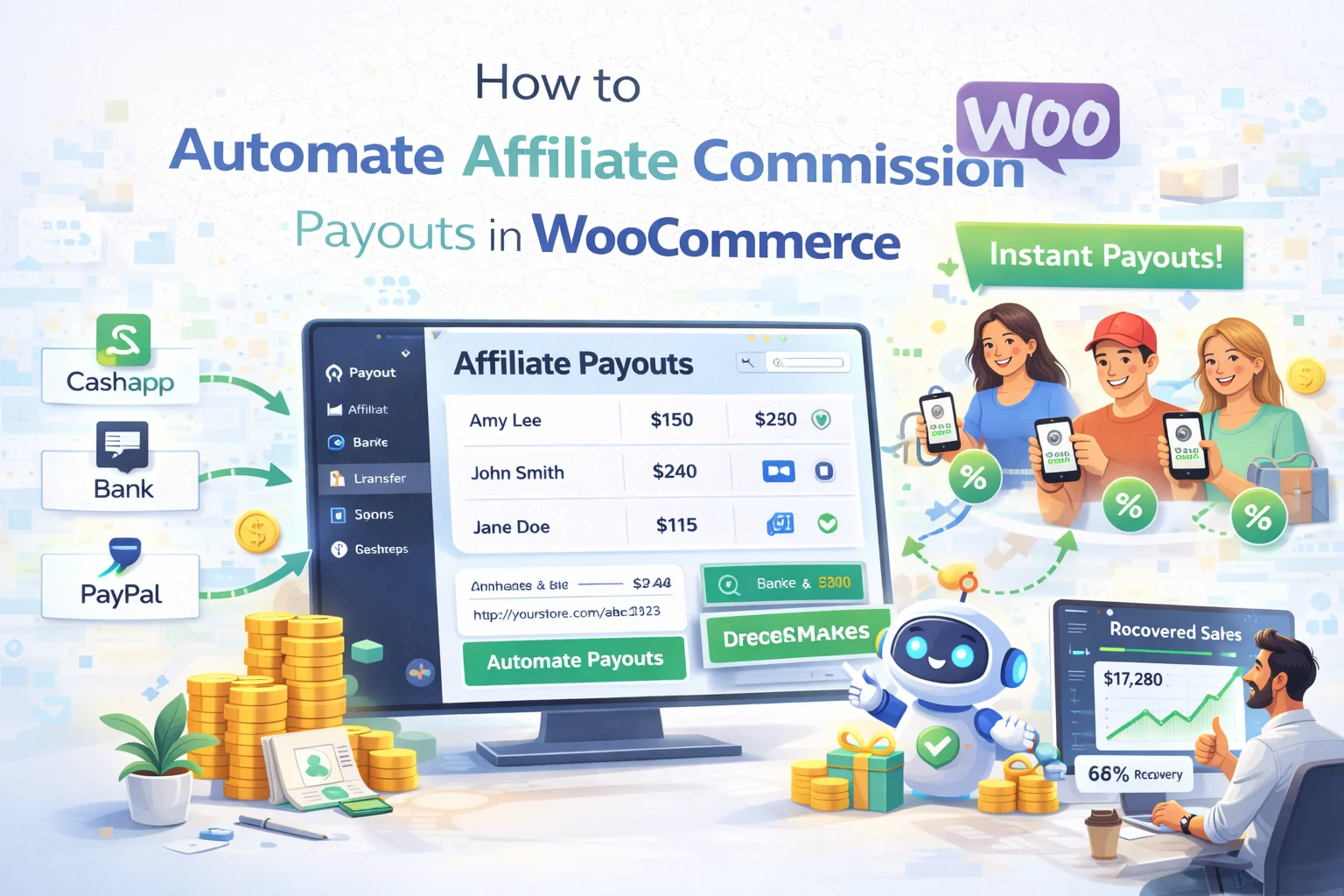
Affiliate Engine replaces that chain with a self-serve request system built into the affiliate dashboard. When an affiliate has eligible commissions — approved and past the hold period — a payout request form becomes accessible in their WooCommerce My Account affiliate section. They fill in their payment details and submit the request. The request lands in the admin Payouts tab immediately, with the amount, the affiliate’s identity, and a timestamp. No email required. No manual calculation required.
The payout settings panel in Affiliate Engine lets you configure the rules that govern when requests are allowed. You can set a minimum payout threshold — the minimum balance an affiliate must have before they can submit a request — which prevents the admin queue from filling up with small withdrawal requests that are expensive to process individually. You can also configure the payment method options and any instructions you want affiliates to see when they submit a request.
The admin side of the payout workflow is where the store owner’s experience lives. When it is well-designed, processing payouts takes minutes per cycle rather than hours. When it is poorly designed — or when there is no system at all — it becomes a recurring audit task that breeds errors and delays.
Affiliate Engine’s Payouts tab in the admin dashboard shows every pending payout request in a single screen. You can see the affiliate’s name, the requested amount, the submission date, and the current status. You review the request, process the payment through your preferred payment method, and update the status to mark it complete. The affiliate sees the updated status in their dashboard immediately — no email confirmation needed on your end, because the system communicates the change automatically.
The payout workflow does not operate in isolation — it is the downstream output of the referral tracking and commission approval system. When a referral is recorded incorrectly, or when commission approval rules behave in ways affiliates do not expect, the payout becomes the moment those upstream problems become visible. This is why the referral records screen is as important to understand as the payouts screen.
The Referrals tab in the Affiliate Engine admin dashboard shows the complete attribution record for every commission in the system: the order reference, the commission amount, the affiliate who generated it, the current approval status, and the date. When an affiliate asks “why has my commission not been approved yet?” — the answer is in this screen. When a commission amount is different from what an affiliate expected — the calculation details are here.
For stores that want to give affiliates an even more fluid earnings experience, Affiliate Engine supports an optional integration with a compatible WooCommerce wallet plugin. When the wallet integration is active, approved commissions can be credited directly to the affiliate’s store wallet balance — which they can then apply to future purchases rather than withdrawing as cash.
This model works particularly well for affiliate programs where the referrers are also regular customers of the store. Instead of processing an external bank transfer or PayPal payment, the commission credit goes directly to a balance the affiliate can use at checkout. It reduces friction on both sides: the affiliate sees their earnings applied instantly without waiting for a transfer, and the store owner avoids the overhead of processing individual external payments for smaller commission amounts.
As your affiliate program grows and payouts become a regular outflow, it becomes worth ensuring that the commissions you are paying out reflect genuine referral activity. Affiliate Engine includes fraud detection that runs automatically on visits and referral records — flagging unusual patterns like rapid repeated clicks from the same IP, suspicious velocity, or other signals that suggest gaming.
Flagged activity appears in the Fraud tab in the admin dashboard. The system does not automatically cancel commissions or block affiliates — it surfaces the data and gives you the context to make a judgment call. This is the right approach: automated blocking creates false positives that damage legitimate affiliate relationships, while human review of flagged records keeps the program clean without the collateral damage.
Putting all three stages together, here is how a commission moves from a referred sale to a completed payout in a well-configured Affiliate Engine setup — and what the affiliate sees at each stage versus what you see in the admin.
A well-structured payout workflow is not a luxury for mature affiliate programs — it is a baseline requirement for keeping affiliates engaged from the start. The commission tracking, the hold period, the self-serve request system, and the admin payout queue are all pieces of the same infrastructure, and each one serves a specific purpose in removing friction from the moment a referral converts to the moment an affiliate receives their earnings.
Affiliate Engine – Ultimate WooCommerce Referral & Affiliate Marketing Plugin gives you all of this infrastructure inside your existing WooCommerce installation — no external platform, no monthly fee, and no spreadsheet required.
Commission approval triggers, hold periods, self-serve payout requests, admin payout queue, fraud detection, and optional wallet integration — everything you need to run a clean affiliate payout workflow inside WooCommerce.








Good guide but wish it mentioned the trust
Hey folks, this automation saved me 10+ hours a month. No more spreadsheet heck!
Just wanted to say this payout automation setup actually works. My affiliates can see their earnings in real time now, no more "where's my money?" emails.
I bought this for a buddy running a WooCommerce store, and the Affiliate Engine's commission settings seem solid so far. the three controls for when commissions become payable are clear, but I'm wondering does the "approval trigger" (like order status) override the payout schedule, or do they work together?