
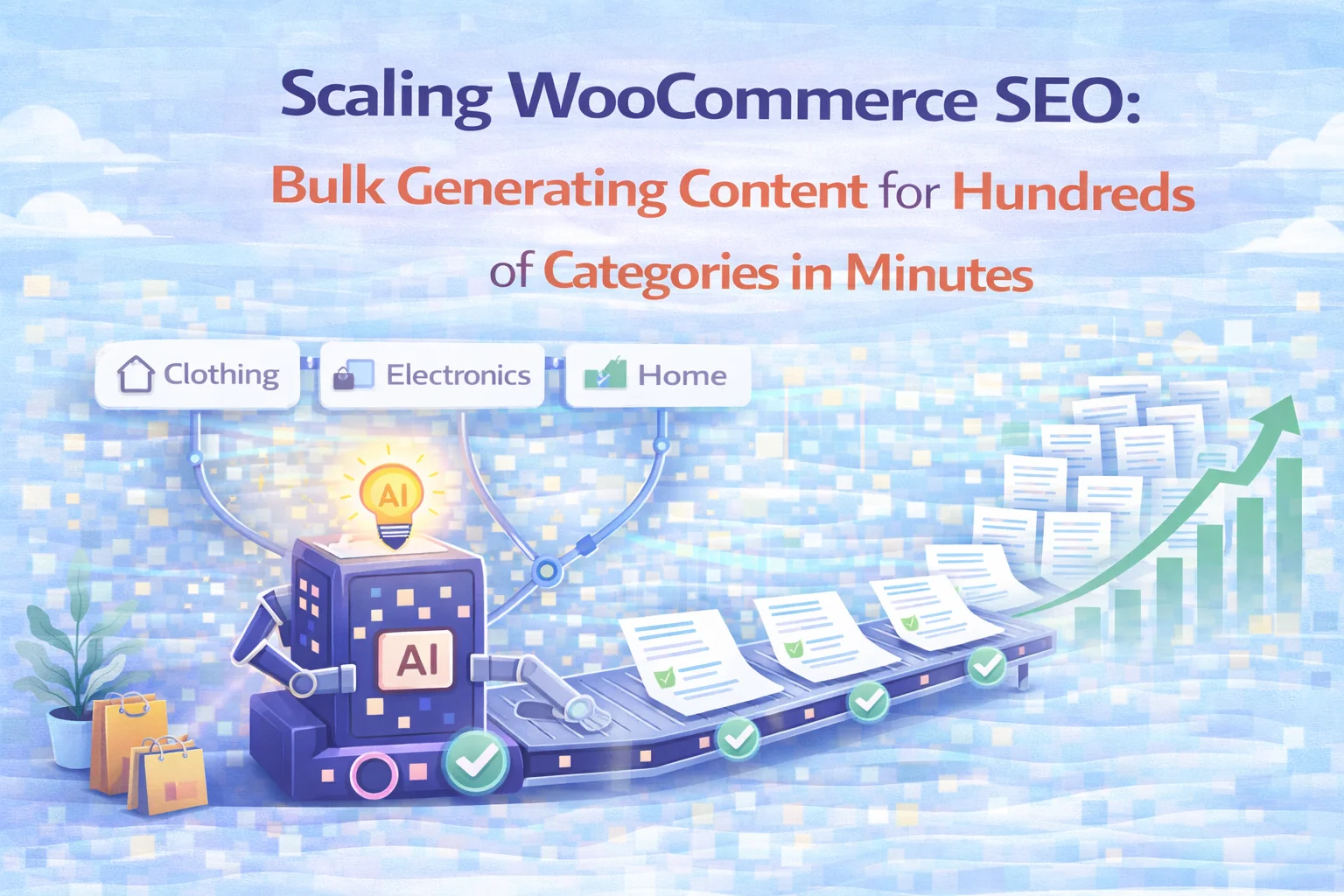
There is a category of WooCommerce store where the conventional advice about category SEO breaks down almost immediately. The advice — write a good intro for each category, add long-form content below the products, include a FAQ with schema markup — is correct. The problem is the word “write.” For a store with forty categories, writing is a project. For a store with two hundred categories, writing is a full-time role that most eCommerce operations cannot staff and most agencies cannot price competitively.
Large WooCommerce catalogs are where the SEO opportunity and the practical constraint collide most visibly. The opportunity is enormous: each empty category page is a missed chance to rank for commercial category queries that shoppers are actively using. The constraint is equally real: at scale, the gap between knowing what needs to be done and having the capacity to do it becomes the defining bottleneck for organic search performance. Most large stores end up in a permanent partial-fix situation — ten or fifteen categories have decent content, the remaining eighty are thin archives, and the team keeps planning to fix the rest without ever quite getting there.
This guide is specifically for that situation. It covers how the bulk generation workflow in the WooCommerce bulk category SEO content generator by Nexu works in practice, what the interface shows you while running, and how a store with a large catalog goes from empty category pages to full content coverage in a fraction of the time any other approach requires.
This is a practical guide for people who are already convinced that category content matters and want to understand how to execute it at the scale their store requires. If you are still exploring the case for why category SEO deserves attention in the first place, the earlier guides in this series cover the rationale in detail.
The large catalog problem: why scale changes everything about category SEO
A WooCommerce store with twelve categories and a store with one hundred and twenty categories have the same category SEO problem in theory. In practice, the difference in scale makes them almost unrecognizable as the same challenge. The twelve-category store can treat category content as a manageable writing project — two or three weeks of focused effort, perhaps a freelance assignment, and the work is done for a year. The one-hundred-and-twenty-category store cannot treat it that way without a budget and timeline commitment that most eCommerce businesses cannot make.
10–15 categories. Category content is a defined project with a start, middle, and end. Manual writing is feasible. A freelancer or internal team member can complete the work in a few weeks. Maintenance is manageable.
80–200 categories. Category content is not a project — it is a continuous operational workload. Manual writing cannot realistically cover the catalog. The work never gets done. Categories stay thin indefinitely.
The large catalog store also faces a compounding quality problem that the small store does not. When content coverage is partial — some categories rich, most thin — the SEO benefit is also partial in a way that is less than proportional. Google’s quality assessment of the domain is influenced by the aggregate quality of all indexed pages, not just the best ones. A site where seventy percent of its category pages are thin archives is a site with a quality ceiling, regardless of how good the remaining thirty percent are.
This is the specific problem that bulk generation solves for large WooCommerce stores. Not just faster writing — a fundamentally different relationship between catalog size and content coverage. The time required to populate one hundred categories with full content is no longer linearly related to the number of categories. Setup time, generation time, and review time scale differently once the bulk workflow is running, and the result is comprehensive coverage that was previously only available to stores with dedicated content teams.
Inside the bulk generator: what the interface shows you
The bulk generator tab is the operational center of the plugin for large catalog management. Understanding what it displays and how to navigate it efficiently is the difference between a generation session that goes smoothly and one that requires constant manual intervention. Here is a detailed walkthrough of the interface and what each component does.

The top of the bulk generator shows filter controls that let you narrow the category list before running any generation. You can filter by taxonomy type — WooCommerce product categories, standard WordPress categories, or custom taxonomy slugs — and by content status: all categories, only empty categories that have not yet been generated, or categories that already have content. For large stores, the content status filter is essential for efficient session management. Filtering to show only empty categories means you work on what needs attention without losing track of what is already done.
The main body of the bulk generator is a table showing every category in your filtered view. Each row shows the category name, its position in the category hierarchy, its current content status (empty, generated, or partially generated), and an editable keyword field. The status column is the most operationally useful piece of information in the table — it tells you at a glance which categories have already been through the generation workflow and which still need attention, without opening each category individually to check.
The keyword field in each row is editable directly in the table. You do not need to open each category’s edit screen to assign or update keywords before running generation. This is a significant time saving for large catalogs: instead of navigating to thirty individual category edit screens to add keywords, you can work through the keyword column in the bulk table and complete the same task in a fraction of the time. For categories where you already have a keyword list from your SEO research, this column is where that data is entered most efficiently.
Each row has a single-category generate button for running generation on one specific category without affecting others. There is also a selection mechanism for choosing multiple categories and running a batch generation across all selected rows. The batch operation processes categories sequentially, so you can start a run covering twenty or fifty categories and let it process while you work on other tasks. Generation does not require you to stay on the page while it runs.
While a batch is running, a progress indicator shows which category is currently being processed and how many have been completed. This keeps the run transparent — you are not waiting on a process that gives you no feedback until it either finishes or fails. If you need to stop a run midway, the pause control stops processing after the current category completes, preserving whatever has already been generated rather than abandoning the entire session.
How to organize a large catalog generation session
Running bulk generation across a large catalog is most effective when approached as a planned session rather than a single all-at-once operation. The planning does not need to be elaborate, but a few decisions made before starting will make the output significantly more useful and the review process significantly faster.
Setup (30 min) + Tier 1 prep (45 min) + Bulk keyword entry (60 min) + Batch run (2 hours, mostly unattended) + Priority review (3 hours) + Schema enable (15 min) = roughly one working day to achieve full coverage across a 100-category catalog. Compare this with the 75 hours manual writing would require for the same store. The ratio holds at larger catalog sizes — the batch run time increases, but the human time investment scales much more slowly than the category count.
How context-aware generation produces different content per category — not templates
A legitimate concern with bulk generation is that it produces the same output with the category name swapped in — essentially a template rather than genuinely distinct content per page. This concern matters both for user experience and for SEO: Google can detect near-duplicate content across pages on the same domain, and category descriptions that are structurally identical with different product names substituted are functionally duplicate content.
The generation approach in the plugin addresses this through context awareness at the category level. For each category being generated, the system uses a different set of inputs: the category name, its breadcrumb path within the taxonomy hierarchy, the target keywords assigned to that specific category, any sibling categories that share the same parent, and product data from within the category when product mentions are enabled. The combination of these inputs produces a different generation context for each category, which in turn produces structurally and semantically different output.
Consider a store with a parent category “Women’s Footwear” and child categories “Women’s Running Shoes,” “Women’s Hiking Boots,” and “Women’s Sandals.” Each child category shares the same parent but targets a different buying intent, a different use case, and a different product attribute set. When the breadcrumb context is used in generation, the content for “Women’s Running Shoes” focuses on performance, road versus trail considerations, and fit for athletic use. The content for “Women’s Sandals” addresses comfort, occasion appropriateness, and style range. The content for the parent category covers the broader landscape. Three distinct outputs from the same batch run, because three distinct context inputs shaped each one.

Using the bulk generator for agency workflows across multiple stores
For agencies managing WooCommerce SEO across multiple client stores, the bulk generator changes the economics of category SEO deliverables significantly. Category content has historically been one of the most labor-intensive line items in an eCommerce SEO engagement — time-consuming to produce, difficult to price competitively, and slow to demonstrate measurable impact at the scale that makes clients confident about renewals.
Allocate a content writer to the client’s catalog. Writer produces 5–10 category descriptions per week. Client with 60 categories waits 6–12 weeks for full coverage. Writing cost makes the engagement expensive relative to other SEO deliverables. Client becomes frustrated with slow progress.
Result: Partial coverage, high cost, slow timeline
Configure the plugin for the client’s brand voice and content rules. Run bulk keyword entry across the catalog using the bulk table. Execute generation batch during an off-peak session. Review and edit top-priority categories. Full coverage delivered in a single sprint week rather than over months.
Result: Full coverage, competitive cost, immediate impact
The agency value proposition for bulk category SEO shifts from “we will write good content for your categories” — which is slow and expensive — to “we will optimize your entire category architecture for organic search in a defined sprint” — which is fast, comprehensive, and demonstrates measurable search impact within weeks rather than months. The same AI provider and content rules configuration can be adapted for each client with a different brand voice setting and context note template, making the workflow repeatable across accounts without starting from zero for each engagement.

What to expect in search performance after bulk generation
After running bulk generation across a large catalog and enabling FAQ schema output, the expected search performance trajectory follows a recognizable pattern. Understanding what to look for — and when — prevents the most common mistake of abandoning a strategy that is working before the data shows it.
Google recrawls pages when they change. Use Search Console’s URL Inspection tool to request indexing for your highest-priority category URLs immediately after publishing. For a large catalog, Google will discover and process the changes across all affected pages over three to four weeks through normal crawl activity. No ranking changes should be expected during this phase.
The first measurable signals appear as increases in total impressions for category-level queries — the pages are now being considered for more queries than they were before. Average position for primary category keywords may begin to improve. FAQ-related queries start appearing in the performance data. These are leading indicators, not the full recovery picture.
The most meaningful improvements consolidate over three to six months for a large catalog. The cumulative effect of comprehensive content coverage — every category with context, depth, and FAQ schema — produces measurable improvements in total organic traffic, average session depth, and click-through rates from search. For stores that were previously running with near-zero category content, this period often shows the clearest before-after contrast in organic performance data.
Scaling WooCommerce category SEO to match a large catalog is not a matter of working harder or hiring more writers. It is a matter of having the right operational tool for the right problem. The WooCommerce AI bulk category SEO generator with context-aware content and FAQ schema output changes the fundamental economics of category coverage at scale. What was previously a months-long writing project becomes a structured generation session followed by priority review. The result — comprehensive content and schema across every category in the catalog — is the same regardless of whether the store has twenty categories or two hundred.
From zero category content to full catalog coverage — in one generation session
Nexu AI Category SEO’s bulk generator processes your entire WooCommerce catalog in a single batch run — filtering by status, editing keywords inline, tracking progress, and producing context-specific content for every category without individual manual effort.






As a busy mom running an online shop, this guide was a lifesaver during our holiday sale prep. The bulk generator cut my category content work from weeks to one afternoon no more late nights typing descriptions
As a retired teacher who spent way too many hours grading papers, I know how precious time is. so when I saw the estimate of 7 to 11 hours just to write content for 80 categories, I'll admit I was skeptical. But after actually using this tool, I realized manual writing is doable if you've got the right setup
As a firefighter running a side gear shop with 300+ categories, I was drowning in the "write descriptions for every category" advice. This guide finally made it click that the real issue isn't writing speed it's how to even approach a project this big without wasting weeks. The bulk generator's filtering system let me tackle high priority categories first (like turnout gear vs. accessories) in one focused session instead of spinning my wheels trying to do everything at once.
This bulk editor saved my store.