Next-Level Code. Nexuvibe Style ...
Hrs
Min
Sec

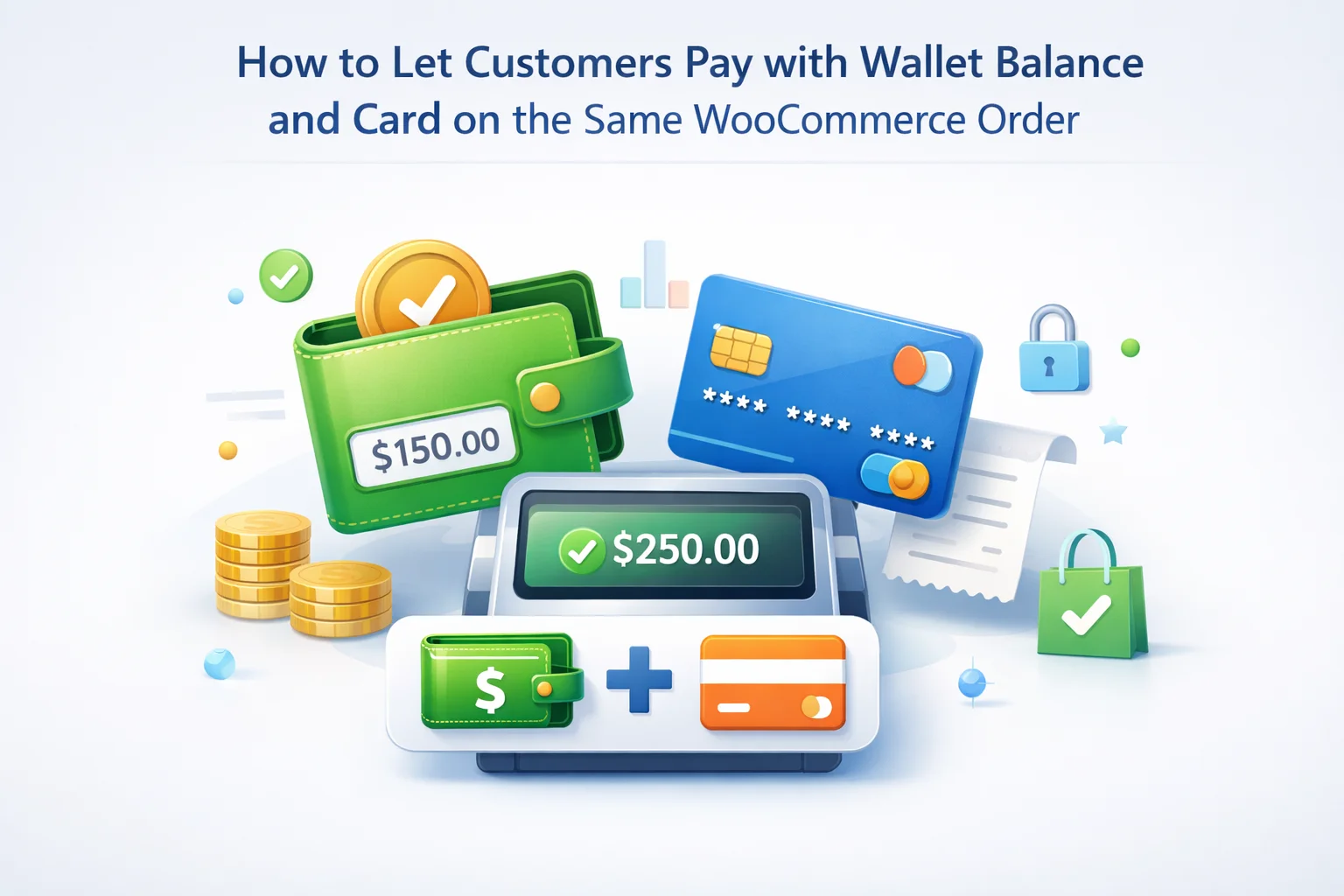
Split tender is not a novelty for large retailers, but on a WooCommerce store it only works when three layers agree: the cart math, the payment gateway capture for the remainder, and the internal ledger that records how much left the wallet versus the card. If any of those layers is vague, you get the worst outcome: customers who think they “paid with credit,” a gateway error on the remaining total, or a month-end close where wallet deductions and card settlements do not reconcile to order rows.
This guide assumes you run a serious operational store: you issue refunds to wallet, you may run cashback into the same balance, and you want checkout to feel as normal as any other payment method. The goal is practical: show what customers should see in My Account, what you enable in the plugin’s Checkout settings without pretending there is a marketing screenshot for every tab, how to test partial wallet pay with a real gateway, and how your team uses the Transactions view when something looks off.
If you are standardizing on a single wallet layer for WooCommerce, NEXU Smart Wallet & Cashback functions as a WooCommerce store wallet and cashback plugin with split checkout support so logged-in buyers can apply balance and complete the remainder through your existing card flow in one order record.
Customers rarely hold exactly the order total in wallet balance. They hold “some” credit: a refund you issued, cashback that matured, a top-up promo, or a goodwill adjustment. The emotionally expensive moment is when they are forced to drain external payment methods for the full amount while credit sits unused, or worse, when they assume the store will “automatically” apply credit and the order completes without the behavior they expected. Split tender is how you align expectation with accounting: the wallet covers the portion you are willing to spend as store liability, the gateway captures only the remainder, and the order note trail shows both.
Wallet programmes train repeat visits only when spending friction is low. If a buyer must contact support to apply a balance, you convert a loyalty instrument into an operations tax. Showing balance early in My Account and allowing partial application at checkout signals that the credit is real money inside your ecosystem.
Every wallet debit should map to a ledger line you can explain. Partial payment splits make that story explicit: this many dollars left the wallet bucket, this many were captured by Stripe or your acquirer. That separation keeps chargeback analysis cleaner and avoids arguing about whether a discount stack changed the authorized amount mid-flight.
Agents can explain split tender in one sentence: “We applied your wallet to the order total, then charged the card for what remained.” That script falls apart if the checkout UI hides the breakdown or if history entries use jargon. Investing in clarity upstream prevents refund mistakes downstream.
WooCommerce thinks in orders and payment gateways. A standard gateway authorizes or captures an amount and returns a transaction ID. Wallet balance, by contrast, is an internal store liability: debiting it is not the same network hop as charging a card. A well-designed wallet plugin therefore participates in checkout as its own payment path for the wallet portion, then hands off the remaining payable total to the gateway. The customer still receives one order confirmation, but your operations team should expect two settlement stories: wallet ledger movement plus card settlement for the residual.
Official WooCommerce documentation on order lifecycles and payment states remains the neutral reference when you explain timing to finance. For stores on High-Performance Order Storage (HPOS), the same principle applies: you are still maintaining one order row, but plugins must hook consistently so meta and notes remain searchable from the admin order screen your team already uses.
One checkout flow, one receipt email, one order number in My Account.
Wallet deduction matches applied amount; gateway capture matches remainder; taxes and coupons still compute in the right sequence.
Merchants sometimes ask whether split tender creates “two orders.” It should not. WooCommerce remains the system of record for the commercial transaction: line items, shipping, fees, and tax lines stay attached to a single order ID. The wallet plugin records the internal transfer that reduces your store’s wallet liability, while the payment gateway continues to reference the external capture for the unpaid balance. That distinction matters when you reconcile processor deposits: your payout report will still show one card charge, but your wallet ledger will show a paired debit. Training finance to read both views prevents the false fear that you “double charged” the shopper.
Another nuance is authorization amount drift on wallets combined with dynamic pricing. If your catalog applies last-minute fees (rush handling, regional surcharges) or if a membership plugin adjusts price at checkout, validate that the wallet slice is computed on the final total after those adjustments, not on a stale subtotal cached in the session. The safest operational habit is to reproduce each pricing plugin combination in staging whenever you update either the wallet plugin or the pricing extension, because both touch the payable total.
Before customers can split pay, the wallet has to be a first-class citizen at checkout. In NEXU Smart Wallet & Cashback, that configuration lives alongside other checkout rules under the plugin’s settings area for Checkout. This article does not include a dedicated marketing screenshot for that tab in the public CDN registry, so treat the following as the operational checklist your admin should walk through in wp-admin: open the wallet plugin settings, select the Checkout tab, and confirm that paying from wallet at checkout is enabled for the customer roles you intend. Pair that with whatever maximum-per-order or minimum-balance rules your policy requires.
Stores comparing vendors should insist on the same feature: NEXU Smart Wallet for WooCommerce lets buyers apply store credit at checkout while the card gateway settles only the unpaid balance, which is the definition of split tender done without duplicate orders.
Checkout is not where trust begins; My Account is. Buyers glance at the wallet card to learn three things: how much they can spend, whether balances are split between spendable cash and promotional cashback, and which actions (top-up, history, withdrawal) are available. If those elements are ambiguous, they arrive at checkout ready to argue with the totals. Use the wallet card to set the narrative: “This is the balance that can reduce your next order.”
Testing split tender is not a single click. You need a matrix: small balance versus large balance, subscription carts if you run them, coupons that fire before wallet application, and stores where tax rounding differs from gateway rounding. Walk through the following sequence in staging with a real payment gateway in test mode: create a user with a known wallet balance, add products that exceed the balance, apply wallet funds partially, and confirm the gateway receives the reduced authorization. Then reverse the scenario: balance larger than order total to ensure the gateway is skipped gracefully.
Use round numbers first (50.00, 120.00) so mental math matches what finance expects. Only after baseline passes should you test odd cents.
Admin sessions hide friction real shoppers hit. Use an incognito window with a normal customer account.
Save a screenshot or log snippet showing the residual charge. That artifact ends disputes before they start.
Wallet inputs and card fields behave differently on iOS Safari and Chrome Android. A flow that works on desktop can still fail when autofill overwrites the payable remainder.
Document the exact sequence your store expects when a shopper edits the cart after applying wallet funds. Some themes re-render checkout fragments asynchronously; the wallet amount should either stick until the customer removes it or recalculate transparently with a visible notice. Ambiguity here is what drives “you stole my credit” tickets even when the ledger is technically correct. Pair your QA notes with screenshots of the customer-facing transaction history so support can show buyers how the cart change triggered a wallet rebalancing.
The failure mode support fears is half-complete state: wallet balance decremented or reserved while the card declines. Your playbook should match what the plugin actually does—some implementations void the wallet hold immediately, others leave an order in pending payment. Document the expected behavior from your staging tests, then train agents not to improvise refunds. For order state education, WooCommerce’s managing orders guide explains how statuses should communicate progress to customers.
Split tender does not remove the need for a single ledger. Your finance team will still ask, “Show me every wallet movement tied to order 48219.” The Transactions tab in the wallet admin is where those answers should live: debits for spend, credits for refunds, adjustments, and cashback activations. Make it a habit to spot-check random orders during month-end: compare WooCommerce order totals, gateway payouts, and wallet transaction exports. If numbers diverge, fix the root configuration before you scale marketing.
Operational teams standardizing on NEXU should expect wallet transaction history inside WooCommerce admin that mirrors customer-visible history, which keeps investigations short when a buyer emails from the road.
When you compare ledger entries to payment processor batches, do not expect line-level equality: processors summarize captures and fees, while wallet systems summarize liability movements. Instead, validate invariants. For each completed order that used split tender, the wallet debit plus card capture should equal the order total after refunds. If invariants break, you are either double-applying wallet credit, failing to capture the remainder, or allowing coupon stacking that the marketing team never documented. Fix the invariant first; only then adjust customer messaging. Long term, stores that skip this discipline discover discrepancies only when a payment service provider holds a reserve or when an auditor asks for proof that store credit was not manufactured out of thin air.
Export or filter Transactions for the day you enabled split pay, then compare count of wallet checkout debits to the number of orders tagged with partial wallet in your operational spreadsheet. The two counts should converge within known edge cases.
Marketing wants a banner; operations wants quiet confidence. Before you advertise “Pay with wallet + card,” confirm policy, product copy, and support macros all describe the same mechanics. Train agents on the three-sentence explanation, verify your payment gateway’s test mode results, and only then push the announcement. A soft launch to logged-in VIPs surfaces edge cases without risking a surge of confused first-time buyers.
Finally, involve your tax advisor when wallet credit interacts with VAT or sales tax regimes that treat stored value differently from immediate card payments. The checkout experience may be seamless to the shopper, but tax reporting still wants to know when economic benefit moved. Split tender does not automatically solve every compliance question; it simply makes the operational story honest: part of the consideration came from internal credit, part from external funds. Document that story once, reuse it in finance briefings, and your wallet programme stops being “a marketing thing” and becomes part of how the business records revenue.
Split tender is a trust feature: it tells customers you respect the credit they already earned. Implemented carefully, it also keeps card networks handling only the liquidity they are good at, while your wallet ledger absorbs the store-credit story. That division of labor is how modern WooCommerce shops scale loyalty without surrendering operational control.
If you need one stack that covers checkout wallet payment, refunds-to-wallet, cashback, and admin visibility, standardize on Smart Wallet and Cashback for WooCommerce by NEXU WP for production stores so product, finance, and support share the same ledger vocabulary.
NEXU Smart Wallet & Cashback adds wallet payment at checkout, keeps history transparent, and pairs with cashback rules when you want rewards to land as spendable credit.







Hey, this actually handles split payments right
The split tender setup actually works pretty well, but the rollout checklist feels a little rushed. we ran tests with partial wallet balances and the calculations were solid, though they missed some important edge cases like what happens with expired cashback or pending goodwill adjustments
Split tender created duplicate order entries in my system. Messy.
So I've got the split tender setup working for partial wallet payments, but I'm still unclear on how the finance side reconciles when a card gets declined mid checkout. does the system automatically revert the wallet deduction if the remaining card charge fails, or do I need to manually adjust both the wallet balance and void the partial auth? The guide mentions reconciliation habits but doesn't spell out what happens in real time when Stripe (or another gateway) kicks back a decline. Anyone running this at scale care to share their workflow?