Next-Level Code. Nexuvibe Style ...
Hrs
Min
Sec

Merchants who manufacture after purchase often start by bolting a long questionnaire onto checkout for all carts. It feels thorough. It trains retail buyers to assume your store is “complicated,” and it guarantees support debt when someone skips a field that never applied to their cart in the first place. Made-to-order workflows should feel like precision instruments: visible when the SKU demands them, invisible otherwise.
WooCommerce’s default checkout has no native notion of per-SKU interrogation. You simulate it with plugins, snippets, or awkward product add-on stacks that do not always travel cleanly into Blocks checkout. The architecture that survives theme updates binds configuration to the product record, version-controls it, and expresses visibility with cart rules your team can read without opening PHP.
Below is a field strategy for mixed catalogs: how to decide what belongs at product level, how to phrase questions so production teams receive actionable answers, and how to regression-test when you add another bespoke SKU. You will also see how WooCommerce checkout field editor per-product configuration for made-to-order SKUs keeps the rest of your catalog fast.
A global textarea that says “describe customization” invites poetry. Production needs measurements, Pantone codes, approved fonts, and legally safe text. Retail buyers see the same box and type “surprise me,” which is a liability on a made-to-order banner. The mismatch is structural: one input cannot serve two audiences with incompatible mental models.
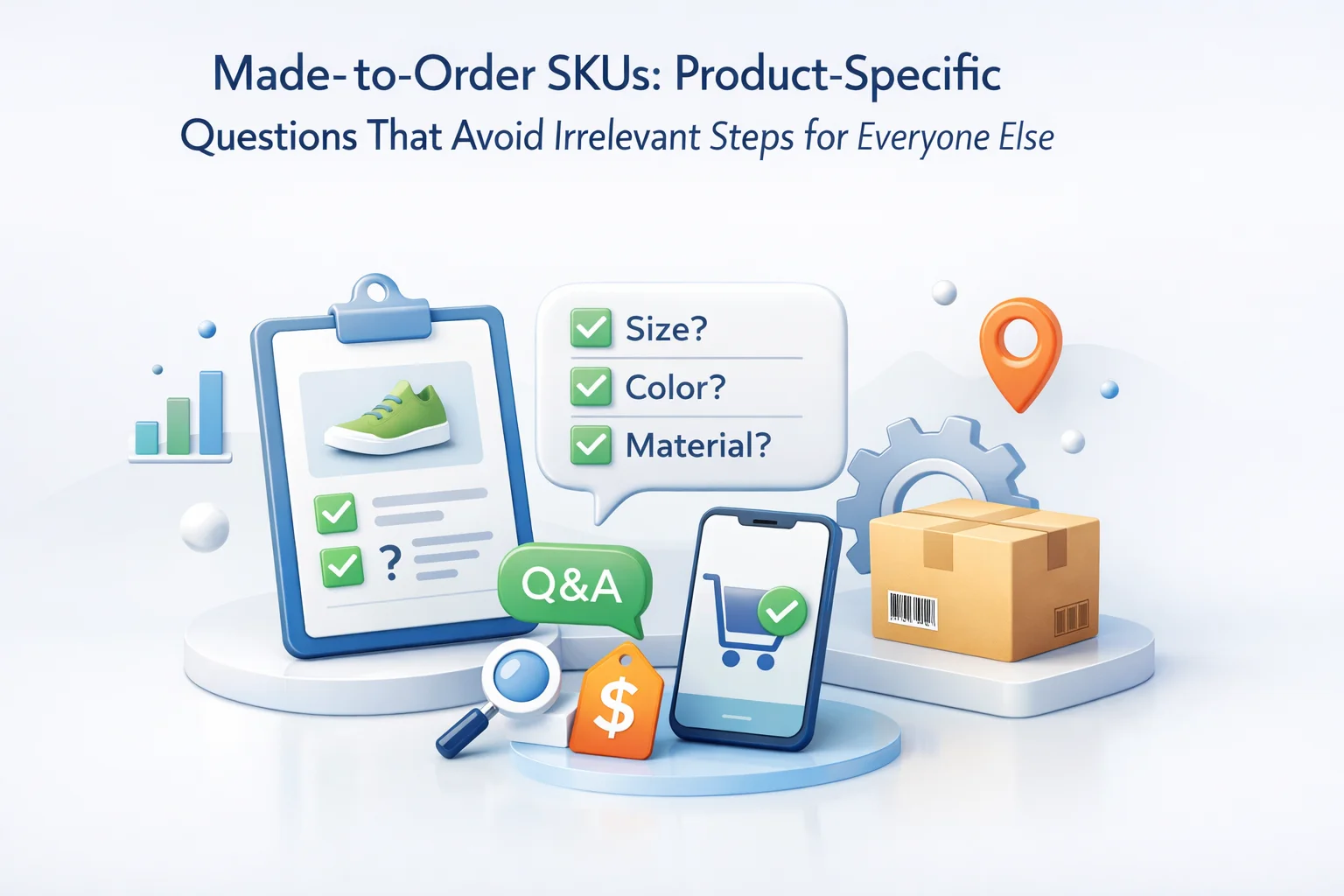
Per-SKU fields break the ambiguity. They let you ask for thread color on embroidered goods, panel width on cabinetry samples, and donor inscription on commemorative plaques without implying that a pack of screws needs a creative brief. The buyer of screws never sees those prompts, which protects their sense of speed and your support queue from irrelevant validation errors.
Ambiguous prompts, skipped fields on unrelated SKUs, and unstructured answers that cannot be filtered into BOM lines.
Each question maps to a station in production, with required flags only when the SKU is present.
Treat checkout prompts as part of the SKU’s bill of materials. When merchandising approves a configurable variant, they should also approve the minimum viable questions: what must be true before manufacturing starts, what can default, and what should be impossible to submit. If those decisions happen only after the first orders arrive, you will rewrite fields under pressure and orphan historic orders with different semantics.
WooCommerce product data already centralizes price, inventory, and attributes. Extending that surface with checkout questions keeps responsibility obvious: the person who owns the SKU owns the interrogation. Devs should not be the only ones who know why a field exists. Document the owner in your internal wiki with screenshots tied to the product ID.
Dropdowns beat open text when options are finite. Radios beat dropdowns when there are fewer than five mutually exclusive choices and you need legibility on mobile. Textareas are appropriate for legal disclaimers or inscription content, but pair them with character limits and profanity policies your brand already enforces elsewhere. Date pickers help when production slots are calendar-driven; they hurt when your factory thinks in business days, not calendar widgets.
File uploads belong where artwork or signed approvals are non-negotiable. Make acceptance criteria explicit in the helper text: vector formats, minimum bleed, maximum upload size. The WooCommerce guide to managing products is a useful cross-reference when you align downloadable assets with variable products and explain how attachments should relate to line items in your operational SOPs.
When a cart contains both a made-to-order jacket and a belt buckle that ships from shelf stock, buyers need to understand which answers apply to which item. Grouping in the checkout UI matters. If your plugin prints per-product answers adjacent to line items in confirmation emails, you reduce “which hat was embroidered?” confusion. If answers only appear as a detached list, customer service becomes archaeology.
Quantity multipliers deserve attention. Two bespoke chairs might need two independent fabric selections or one shared selection; decide explicitly. If the second line should inherit the first, say so in helper text rather than hoping buyers infer parallelism. Hidden coupling is how you manufacture mismatched pairs.
Audit which products trigger which fields; eliminate orphan prompts.
Specify per-unit versus shared answers and test multiples >1.
Answers must appear next to the triggering line item in every surface operators read.
Even when questions are product-bound, the global field order still affects autofill and thumb reach. Use a drag-and-drop editor to place email and shipping essentials before bespoke expansions, so buyers see a coherent story: who you are, where goods go, then what makes this SKU special. Sudden jumps backward in the form break browser autofill heuristics and increase typo rates on postal codes.
Product-specific groups often expand after cart totals render. Block themes introduce stacking contexts and spacing tokens that classic themes did not. A field group that looked tidy in Twenty Twenty-Four may crowd the pay button on a narrow phone width. QA should capture screenshots on real devices, not only desktop admin previews.
Order notes will not enforce maximum inscription length or stop unicode emoji from breaking your laser engraver pipeline. Move repeatable data into typed inputs. Reserve notes for genuinely exceptional circumstances: “Customer will pick up partial on Tuesday,” not “font kinda like Helvetica.” Structured fields can be validated; prose cannot.
Made-to-order mistakes are expensive because materials may be cut before a human rereads the order. Front-load prevention with field-level validation rather than post-payment apologies. Numeric fields should reject impossible dimensions. Dropdowns should disallow “choose a finish” placeholders from submitting. File uploads should fail fast with human-readable reasons instead of opaque HTTP errors that send buyers back to the cart guessing.
Error messages deserve the same copywriting care as product descriptions. Say what happened, what to do next, and how to get help if the constraint is surprising. “Inscription exceeds 40 characters” beats “Invalid input.” If a combination of answers is illegal, surface the rule at the moment both values are known, not after the pay button glows. Late-stage rejection feels like a broken store even when the rule is legitimate.
Pair validation with education. Link to a size diagram when you ask for strap length. Show a rendered preview thumbnail when buyers upload artwork, even if the preview is approximate. The goal is informed consent at checkout, not a tribunal afterward. Teams that log validation failures for thirty days often discover a single confusing label driving half their errors.
Checkout is not the place to promise a ship date you cannot defend unless that date is calculated from inventory and production rules you trust. If you collect a “needed-by” date, be explicit that it is a request, not a guarantee, unless your ERP integration truly reserves capacity. Buyers remember bold calendar widgets longer than they remember footnotes.
Instead, anchor expectations in the product page and echo them succinctly beside bespoke fields. “Typical bench production: 12–15 business days after approved artwork” belongs near the upload control. Link to your policy page for weather delays, material shortages, and revision rounds. The checkout fields should collect facts; the policy page owns probabilities.
When rush fees exist, surface them as line-item clarity rather than hiding them in metadata. If rush selection belongs at checkout, make it a visible choice with price impact, not a secret note interpreted by a manager. Ambiguous rush language creates disputes that show up as chargebacks, not tickets.
Agents need a script that references the same field labels buyers see. If your internal ERP uses different terminology, maintain a translation cheat sheet rather than asking agents to guess. When buyers email changes, verify whether the SKU allows edits after payment or whether a cancellation and reorder is safer for production integrity.
Log common amendments. If customers frequently ask to swap thread colors after submission, your field order or defaults may be misleading. If they rarely touch a field you thought critical, remove it to reduce cognitive load. Service data is free UX research if you capture it with discipline.
Escalations involving artwork should include the uploaded asset hash or filename in internal tickets so teams do not apply the wrong revision. Checkout metadata that travels intact into your project management tool prevents “we thought you meant v2” disasters.
Made-to-order catalogs change. Fabrics discontinue, machines add new capabilities, legal copy updates. Export your field configuration whenever you promote a change; import it on staging first and run parallel test orders. JSON exports also let you snapshot the state before a seasonal launch, which is cheaper than reconstructing fields from memory during a spike.
Treat exports as versioned artifacts. Name files with dates and ticket numbers so you can answer “what did checkout ask on March 3?” when a dispute references historic language. Pair exports with a short changelog entry describing which SKUs gained or lost questions. Future you will not remember why a field disappeared unless you write it down when emotions are calm.
When rolling back, verify that removing a field does not strand in-flight carts. Some stores schedule changes at low-traffic windows for that reason. If abandonment recovery emails still point to carts with outdated schemas, clear those carts or regenerate sessions thoughtfully. Edge cases around cached checkout pages are rare but memorable when they happen during a launch party.
Manufacturing software rarely cares about the checkout’s aesthetic; it cares about stable keys and deterministic mapping. When a bespoke answer must become a work order line, decide early whether you transmit JSON, CSV columns, or webhook payloads. If two SKUs share a field label but mean different things to different machines, disambiguate in the internal key, not only in the pretty label shoppers see.
Webhooks and REST integrations should include the product ID, variation ID, and quantity alongside each answer bundle. Mixed carts will otherwise collapse into ambiguous blobs. Test at least one order containing two separate bespoke lines with different answers to ensure your integration does not overwrite the first bundle when the second appears. Silent overwrites are more common than teams like to admit because developers test single-line happy paths.
If you rely on manual CSV exports for the shop floor, document column order and escaping rules. Inscriptions with commas belong in quoted fields; filenames with unicode should not break Excel imports on Windows. Operations deserves a sample export before launch, not a discovery session during peak season.
Finally, align retention policy. Artwork uploads may contain personal dedications; decide how long you store binaries and who may access them. Checkout captures the moment of consent; your privacy policy should repeat the same retention story so legal, marketing, and engineering do not give contradictory answers under scrutiny.
If you run A/B tests on product pages, keep checkout fields stable during the experiment window unless the test explicitly targets configuration UX. Otherwise you will attribute revenue swings to merchandising when the real mover was a hidden field change deployed the same week. Discipline in change calendars matters as much as copywriting. Snapshot field JSON whenever you start an experiment so you can diff outcomes honestly and avoid blaming the wrong team when conversion moves week to week across channels, campaigns, and markets worldwide right now.
Made-to-order SKUs deserve interrogation that feels inevitable, not intrusive. Binding questions to products keeps the promise that your catalog is shoppable for casual buyers while still contract-grade for bespoke lines.
Nexu WP Advanced WooCommerce Checkout Field Editor for configurable and made-to-order products combines per-product fields, conditional logic, Blocks support, and import-export tooling so your team can iterate on SKU questions without punishing everyone else’s checkout path.
Advanced WooCommerce Checkout Field Editor localizes interrogation to the SKUs that need it, keeping stock buyers on a fast, quiet path.








Hey everyone, just had to say how much smoother our checkout is now! we sell custom banners and basic hardware, and before, every single customer had to slog through the same long form even if they were just grabbing a handful of screws. Now the engraving or fabric questions only show up for the items that actually need them
Grabbed this to handle custom engravings without messing up the regular checkout flow
Finally, a checkout that doesn't annoy everyone