Next-Level Code. Nexuvibe Style ...
Hrs
Min
Sec

Here is a thought experiment. Imagine you own a coffee shop. A customer walks in, orders a large latte, hands over their card. The transaction takes ten seconds. They leave with their drink.
Now imagine that every single barista in every single coffee shop in the world had been trained to say one thing before handing over the cup: “Would you like a croissant with that? We have them fresh this morning.” Not pushy. Not repeated. Just one natural question, at the exact moment when the customer is already happy, already paying, already committed to spending money in this place. Industry data suggests roughly one in four customers says yes.
That is a checkout upsell. And the version available to WooCommerce store owners in 2026 is, if anything, more powerful — because it requires no human to deliver it, no training, and no additional staff. It runs automatically, every time, on every order, at the single moment in the customer journey when purchase intent is at its absolute peak.
The question is not whether a checkout upsell strategy works. The data on that is settled. The question is why so many e-commerce stores still do not have one — and what it costs them every month they go without.
Every page in an e-commerce store serves a different purpose and attracts a visitor in a different psychological state. The homepage is exploration. The category page is comparison. The product page is evaluation. The cart page is hesitation — the moment when the customer is still deciding whether this purchase is worth it.
The checkout page is something categorically different. By the time a customer reaches checkout, the hesitation is resolved. They have decided to buy. They are filling in their address, entering their payment details, preparing to complete a transaction. Their mental energy is not spent on “should I buy this?” — that question is already answered. Their focus has shifted entirely to completing the process they have started.
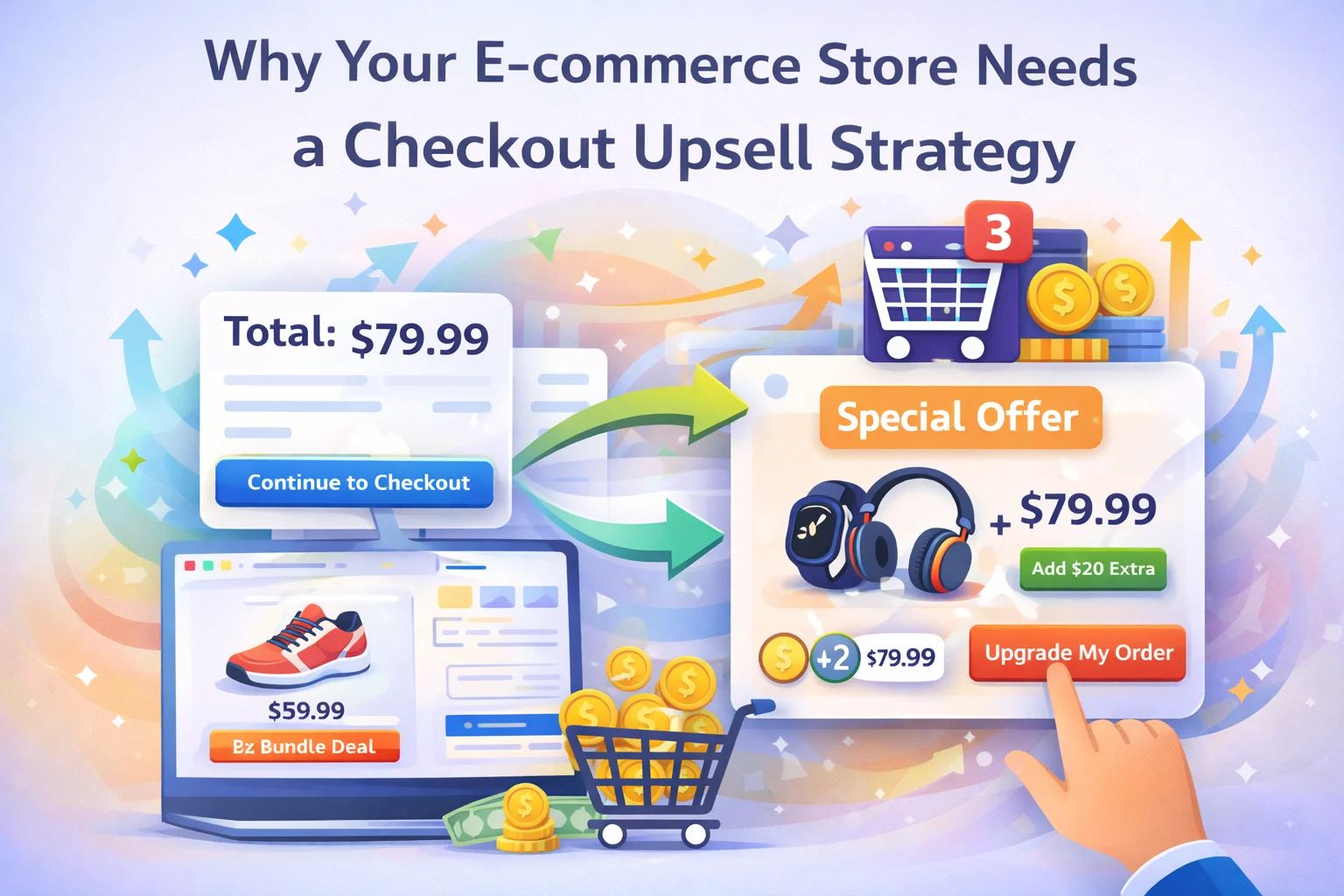
This is why checkout upsells — specifically, order bumps presented as a single checkbox offer above the payment button — convert at rates that product page upsells simply cannot match. The average product page upsell converts at 3–8%. A well-configured checkout order bump converts at 15–30%. The offer itself has not changed. The context has.
That context — a customer in an active buying state, completing a transaction they have already committed to — is available to every WooCommerce store on every order. Most stores do nothing with it.
A checkout upsell strategy has three components: the offer itself, the placement, and the targeting. Getting all three right is what separates a bump that converts at 22% from one that converts at 4%.
The offer is the make-or-break variable. A checkout bump is not the place for your best-selling product or your highest-margin item — it is the place for the product that most naturally belongs alongside what is already in the cart. A customer buying a coffee grinder should see coffee beans as the bump. A customer buying a yoga mat should see a yoga block or strap. The relevance has to feel obvious, even instinctive. When it does, the bump feels like a reminder. When it does not, it feels like a sales tactic — and the customer notices.
The order bump works because it appears at the exact moment of peak intent — after the customer has filled in their details but before they have clicked “Place Order.” Placed anywhere else, it becomes something different: a cross-sell on a product page, a pop-up interruption, a post-checkout suggestion. Each of those has its place. But none of them access the same psychological window as the checkout bump. The placement is not a preference — it is the mechanism.
A single bump shown to every customer regardless of what is in their cart will underperform a bump triggered by specific cart contents. A store selling three product categories needs three different bumps — one per category — each triggered by the relevant products. This is where targeted bump conditions pay the most dividends: the customer buying from Category A sees Bump A; the customer buying from Category B sees Bump B. Acceptance rates for targeted bumps are consistently 8–12 percentage points higher than untargeted ones.
In WooCommerce, configuring all three of these components — offer, placement, and targeting — without replacing your existing checkout requires a dedicated plugin. Smart Funnel handles this from a single admin panel: you select the product, set the discount, define the cart condition that triggers the offer, and save. The bump appears on the native WooCommerce checkout — no custom page builders, no checkout replacement, no frontend development required.
Abstract arguments about conversion psychology are less persuasive than concrete numbers. Here is what a checkout upsell strategy looks like in monthly revenue terms across different store sizes — using conservative acceptance rate assumptions.
| Monthly orders | Bump offer value | Accept rate | Extra revenue/mo | Annual lift |
|---|---|---|---|---|
| 100 | $12 | 15% | $180 | $2,160 |
| 300 | $15 | 18% | $810 | $9,720 |
| 600 | $18 | 20% | $2,160 | $25,920 |
| 1,200 | $20 | 22% | $5,280 | $63,360 |
These figures are from a single order bump only. Stores that add a post-purchase upsell modal on the thank-you page — which Smart Funnel also handles — typically add another 50–70% on top of these figures from the same order volume.
An order bump is the core of a checkout upsell strategy, but it is not the entirety of one. The full strategy extends one step earlier — to the product grid that appears on the checkout page — and one step later, to the moment immediately after the order is confirmed.
A checkout-page related products grid gives customers the opportunity to add complementary items before they finalise the order — without the friction of navigating back to product pages. Unlike the order bump (which is one specific offer, triggered by specific cart contents), the related products section shows several options, allowing customers who want to round out their purchase to do so in a single action. It functions as a final discovery moment: items the customer had not yet considered, surfaced at the point when adding them requires the least effort.
The order confirmation page is the second-highest-converting moment in the customer journey, right after the checkout itself. The customer has just succeeded — the purchase is done, the anxiety is gone, and they are in a genuinely positive emotional state. A post-purchase upsell modal presented here, offering a relevant product that can be added in one click with no re-entry of payment details, converts at 10–25% depending on the offer.
The one-click mechanic is the critical detail. Asking a customer to re-enter their card number for a second purchase immediately after completing a first one introduces real friction. Charging the same payment method automatically — which is what a proper post-purchase upsell does — removes that friction entirely. The customer’s only decision is whether they want the product, not whether they want to go through another checkout.
Not all checkout upsells perform equally. The ones that convert at 25% and the ones that convert at 3% are distinguished by a small number of specific factors — and understanding those factors is the difference between a strategy that compounds revenue and one that sits there doing nothing.
A $200 main purchase bumped with a $180 add-on feels like a second major decision. A $200 main purchase bumped with a $25 complementary item feels like a natural addition. The friction of a decision increases with its perceived financial weight. Keep bumps light — something the customer can say yes to without having to think too hard about whether they can afford it.
A 10–15% discount on the bump product gives the customer a concrete reason to add it now rather than later. It also frames the checkout as a moment of value, not just cost. What the discount should not do is undercut the standalone product listing so significantly that it trains customers to wait for bump appearances to buy that item at a reduced price.
“Add Coffee Beans — $14.99” is a product name and a price. “Add 250g of the house blend that pairs best with this grinder — $14.99” is a reason. The copy does not need to be long — one sentence is enough — but it should explain why this specific product belongs with what the customer is already buying. That explanation is what transforms a bump from an offer into a recommendation.
Multiple offers at the checkout stage create decision paralysis. The customer who was moving toward a clear completion of their task is now being asked to evaluate options. Choice reduces conversion. A single, well-chosen bump consistently outperforms two or three mediocre ones, even when the individual quality of each offer is similar.
Hiding or minimising the option to skip a bump is a short-term tactic that damages the long-term relationship. Customers who feel manipulated complete the transaction with a slightly worse impression of the store. That impression affects their likelihood of returning, leaving a positive review, or recommending the store to others. A bump that is easy to decline and still gets accepted 20% of the time is far more valuable over a store’s lifetime than one that is hard to decline and generates acceptance through friction rather than genuine interest.
A checkout upsell strategy that is not measured is not a strategy — it is a set of guesses left running indefinitely. The data required to iterate is simple: how many times was the bump shown (impressions), how many times was it accepted (conversions), and how much revenue did it generate. Acceptance rate — conversions divided by impressions — is the single most useful diagnostic number.
An acceptance rate below 8% is a signal that something is wrong with the offer, the pairing, or the price. Between 8% and 15% is functional but improvable. Above 15% is healthy. Above 22% is excellent, and at that point the question becomes whether the price could be increased without significantly reducing acceptance.
The iteration cycle for a checkout bump is short. Change the product, or the price, or the copy. Wait two weeks for enough data to accumulate. Read the acceptance rate. Adjust again if needed. Most stores reach a steady-state configuration within 6–8 weeks of launching their first bump — a configuration that then runs indefinitely, generating revenue on every order without any further intervention.
Every e-commerce store that processes orders is leaving money at the checkout. Not because the customers do not want to spend more — the data consistently shows they will, when given a relevant, well-timed reason. But because nothing has been placed in that moment to give them that reason.
A checkout upsell strategy is the most direct, most measurable, and fastest-to-implement way to close that gap. The window is open on every order. The only question is whether you put something in it.
Order bumps at checkout. Post-purchase upsell modal. Smart related products. Analytics dashboard. Everything a checkout upsell strategy needs — from one plugin, on your existing WooCommerce checkout, from $39/year.







Hey everyone, just wanted to share how this checkout upsell thing worked out for me. i've got a small online shop, and after reading about this approach, I figured why not test it? That whole "Would you like a croissant with that?" timing when customers are already sold is seriously smart. It doesn't feel pushy at all, just a natural little question that actually bumps up sales. My average order value has gone up since I started using it, which is awesome
The comparison on the category page between a coffee shop upsell and an e commerce checkout totally made me see things differently. Most online stores treat checkout like just another boring step, but seeing it next to a real world example really opened my eyes to how much potential they're missing. i've worked on WooCommerce sites where the payment form is literally all there is no suggestions, no last minute deals. like the article said, that's just leaving money on the table
Didn't realize how much I was leaving on the table. That 1 in 4 stat for upsells at checkout is wild like free money if you set it up right. but man, why doesn't WooCommerce just bake this in by default? Feels like something that should be standard, not an add on. Still, good wake up call for my side project store