
The default assumption in most chatbot deployments is that one bot handles everything. One name, one tone, one knowledge base, deployed across every page. This approach is simple to set up, but it produces a chatbot that is optimized for nothing in particular. A visitor arriving at your pricing page with a budget question and a visitor reading your blog for the first time have completely different contexts, different needs, and different conversational expectations. Serving both of them with the same generic assistant is leaving real quality on the table.
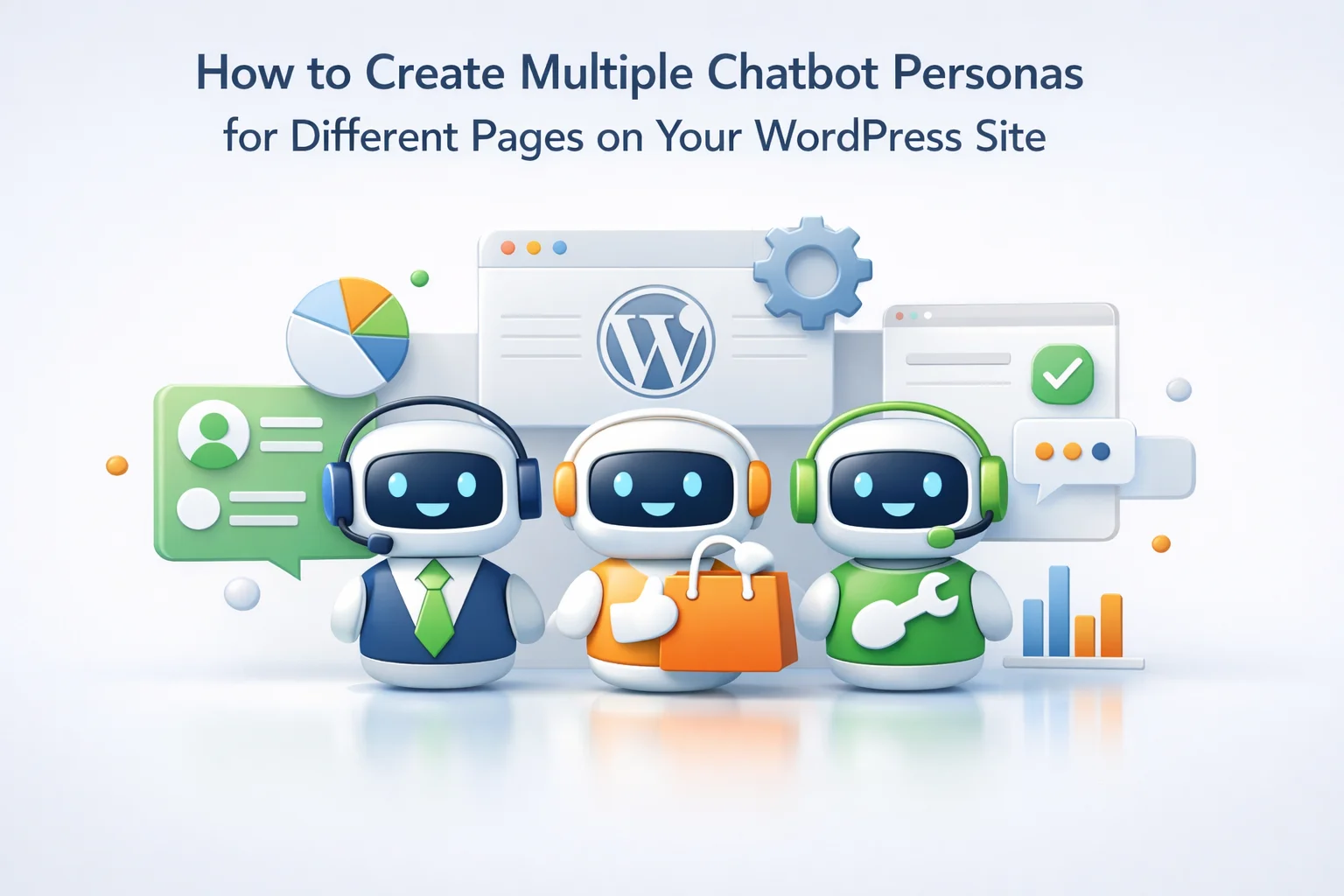
Multiple chatbot personas solve this. A persona is not just a different name and color scheme — it is a complete behavioral configuration: distinct system prompt, specific knowledge base scope, dedicated tone, focused intent, and deployment rules that put each persona exactly where it is most useful. Done well, it makes every page on your site feel like it has a specialist rather than a generalist on standby.
This guide covers the full setup from persona architecture through to deployment configuration. We reference Nexu SmartChat’s multi-bot WordPress chatbot system throughout, since per-page bot assignment and independent persona configuration are specific plugin capabilities, not universal features. The principles apply broadly but the implementation requires a plugin that actually supports creating and deploying multiple independent bot instances.
By the end of this guide you will have a clear picture of which pages on your site warrant a dedicated persona, what each persona configuration involves, and how to deploy them without creating a management burden that offsets the quality gain.
Why visitor intent varies so dramatically by page
Before building multiple personas, it is worth understanding why the same chatbot configuration performs differently on different pages. The answer is visitor intent, and it varies more by page location than by anything else you can observe about a visitor.
A visitor on your homepage is typically at the earliest stage of awareness. They want to understand quickly what you do and whether it is relevant to them. The chatbot interaction they value at this stage is orientation: a short, clear explanation that helps them navigate toward what they are looking for. This visitor does not want detailed product specifications. They want to know if they are in the right place.
A visitor on a product page has made a more specific decision: they are already interested in this product. They want detail, comparison, and confidence. The questions they ask are specific and technical. The chatbot that serves them best is one that knows everything about that product and can answer with precision.
A visitor on a pricing page is in active evaluation mode. They are comparing options, calculating ROI, or assessing whether they can afford you. The chatbot serving them should understand your pricing structure intimately and be oriented toward helping them find the right tier for their situation, not toward explaining general product features.
A single chatbot deployed across all three of these pages with the same system prompt is misconfigured for at least two of them at any given moment. The multi-persona approach solves this by aligning the chatbot’s behavior with where the visitor actually is in their journey.
The four most valuable persona types for WordPress sites
Not every page needs its own persona. The management overhead of maintaining twenty different bots is not worth the marginal quality improvement across low-traffic pages. The following four persona types cover the highest-value contexts on most WordPress and WooCommerce sites, and starting with these gives you most of the benefit with a manageable configuration footprint.
This is the persona most WooCommerce stores need most urgently. Its knowledge base is scoped specifically to your product catalog: descriptions, specifications, compatibility information, care instructions, and sizing guides. Its tone is knowledgeable and helpful, matching the credibility of a well-informed sales associate. It focuses on product questions and does not try to handle support, account, or general company questions.
Visitors on your pricing page are in a decision-making mode that is different from product browsing. They are evaluating tiers, calculating cost-value trade-offs, and often trying to figure out which plan matches their specific situation without being sold something they do not need. A chatbot that sounds like a salesperson on a pricing page increases friction. One that sounds like an honest advisor reduces it. The Pricing Guide persona is calibrated for this: it knows every plan thoroughly, understands the situations where each tier makes sense, and helps visitors self-select rather than pushing them toward the most expensive option.
Visitors who arrive at your support or contact page are already customers in most cases, or are at least past the consideration stage. Their questions are operational: how do I do this, why is this not working, where do I find that. The Support Agent persona should know your documentation, your FAQ, your setup guides, and your troubleshooting content thoroughly. Its tone is calm, patient, and practical. Unlike the Product Specialist, it does not focus on persuasion. It focuses on resolution.
This is the broadest persona and also the lightest in terms of knowledge base requirements. The Site Navigator is for visitors who are still orienting — they have just found your site, they are browsing your blog, or they are trying to understand what you offer. It knows your site’s main sections, your core product categories, your company basics, and your primary value proposition. It does not need deep product knowledge. It needs to help visitors find where they want to go and give them a reason to stay.
The five components that define a persona
A chatbot persona is not just a name. Each of the following five components contributes meaningfully to how a persona behaves and how visitors experience it. Configuring all five deliberately for each persona produces a qualitatively different result than changing the name and assuming the rest follows.
Writing system prompts for each persona type: worked examples
The system prompt is where most of the persona differentiation actually lives. The following examples are starting points, not finished prompts — your actual business context, products, and brand voice will require adaptation. They demonstrate the structural elements and tonal calibration that differ between persona types.
Configuring page-level deployment: making each persona appear only where it belongs
Creating the personas is the first half of the work. Deploying them correctly is the second. A poorly targeted deployment — the Product Specialist appearing on the homepage, the Support Agent appearing on product pages — negates the intent-alignment benefit the persona was built to deliver.
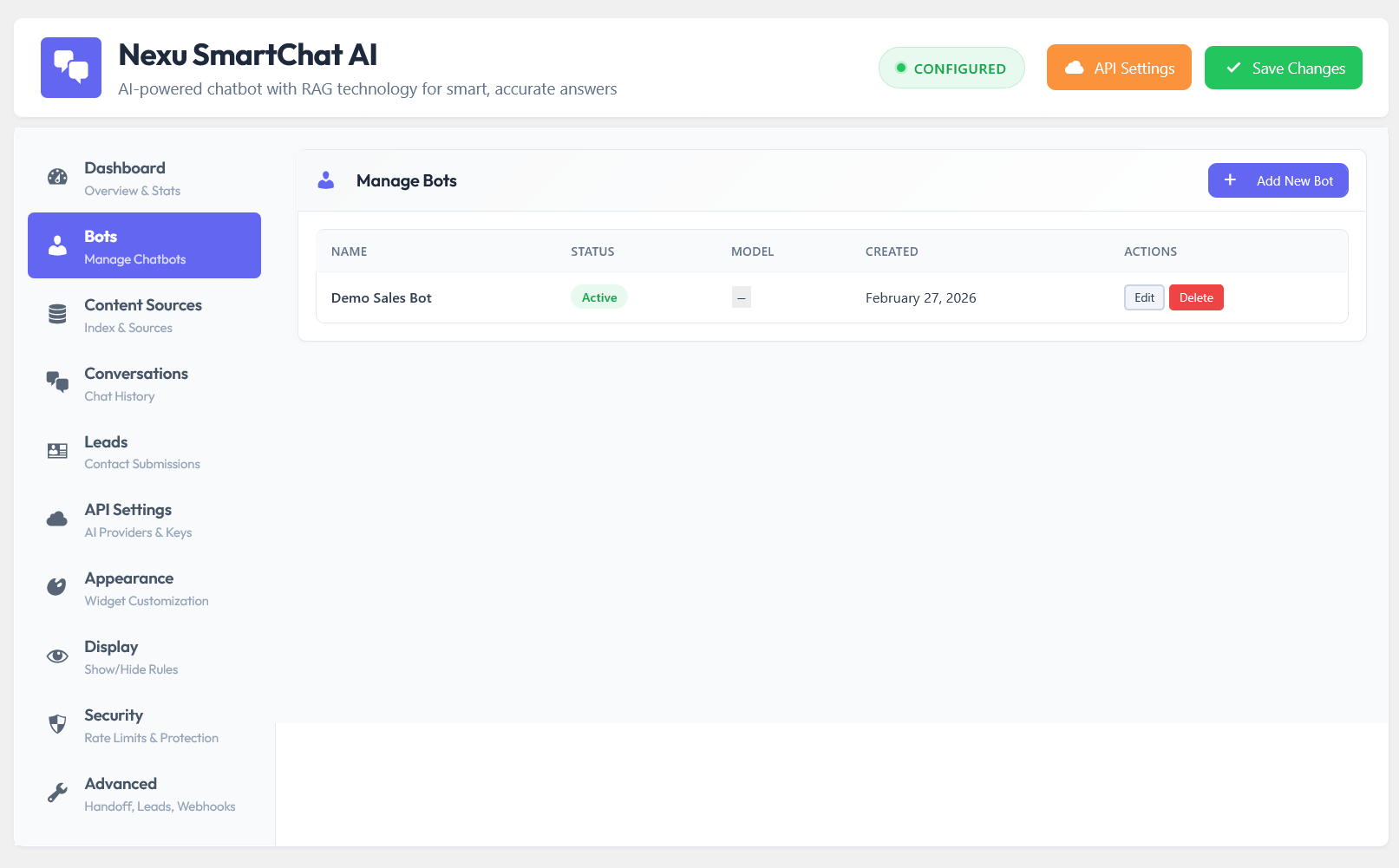
Most multi-bot WordPress chatbot plugins handle page-level deployment through one of three mechanisms: global versus page-specific settings, shortcode embedding, or a post/page meta box that overrides the global setting. Understanding which mechanism your plugin uses is the starting point.
The most common configuration pattern. You designate one persona as the default (typically your Site Navigator) and then assign specific pages to specific alternative personas via the page edit screen. This means you never have a page with no chatbot unless you explicitly disable the global default on that page. The advantage is simplicity: most pages get the default, and only pages where you have a specific persona to deploy require individual attention.
More powerful for large catalogs. Rather than assigning each product page individually, you assign the Product Specialist persona to all pages of the WooCommerce “product” post type. Every product page automatically gets the right persona without individual configuration. This is the correct approach for stores with more than 20 to 30 products where page-by-page assignment would be unmanageable.
Some plugins support shortcodes that embed a specific bot instance on a specific page. This approach gives you maximum control but requires manual placement on each page rather than rule-based assignment. It is best used for landing pages where you have designed the chatbot to be a prominent page element rather than a corner widget, or for pages with unusual requirements that post-type rules cannot express.
Keeping multi-persona management sustainable
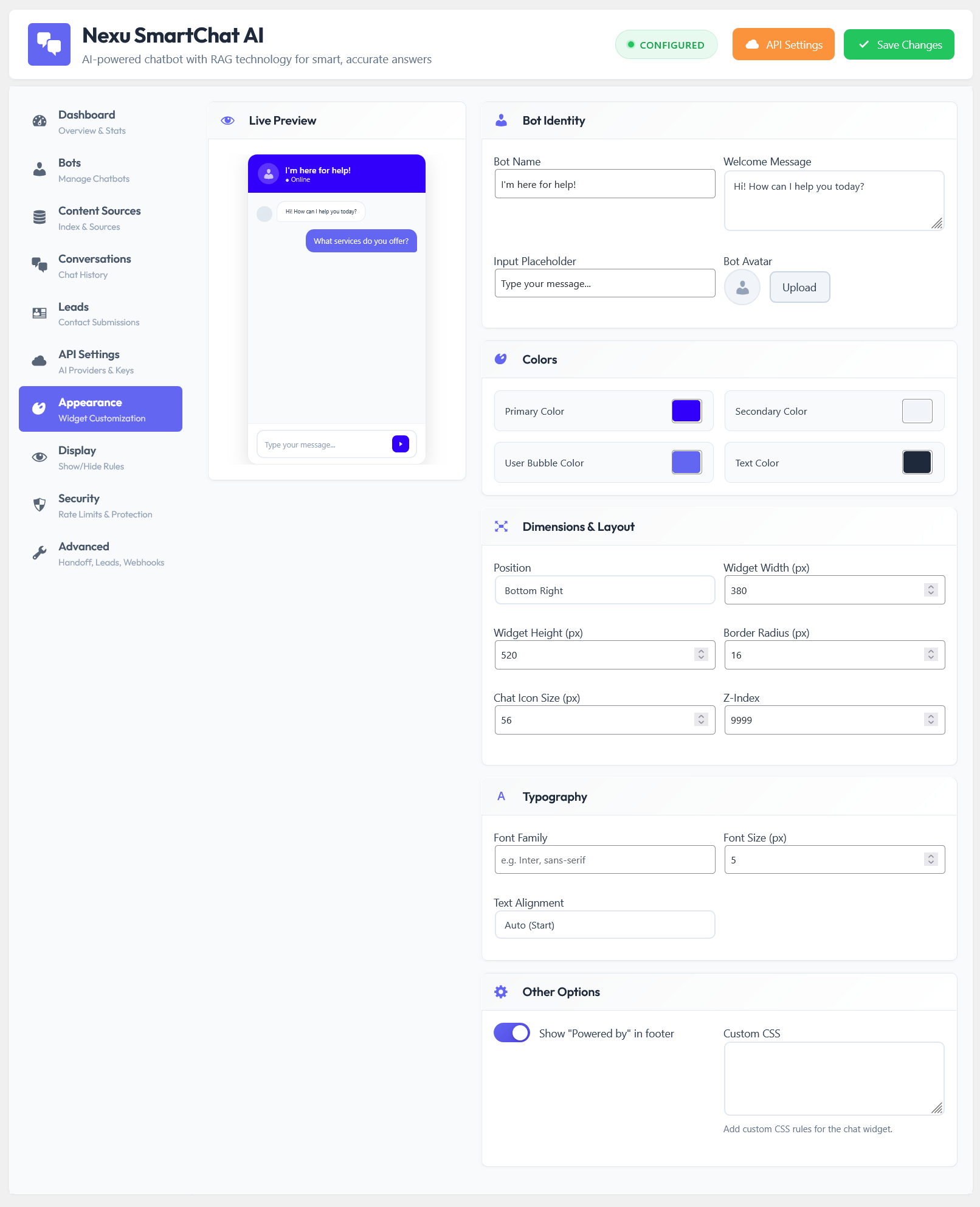
The risk with a multi-persona setup is that it doubles or triples your maintenance burden: more knowledge bases to keep updated, more system prompts to refine when something goes wrong, more deployments to check when you change page layouts. This risk is real, but it is manageable if you approach the architecture deliberately.
The biggest quality gain from multiple personas comes from having a product-specific bot and a general-purpose bot. Start with just these two: the Product Specialist for your product and category pages, and the Site Navigator everywhere else. Get both working well before adding a Pricing Guide or Support Agent. Adding personas incrementally as you have the time to configure them properly produces better outcomes than launching all four at once with hastily written system prompts.
Your shipping policy page should probably be indexed for both the Product Specialist and the Support Agent, because both will receive shipping questions. Your FAQ page might serve three of the four personas. Do not create entirely separate knowledge bases if significant content overlap exists. Re-indexing the same content for multiple personas is fine — the retrieval scope is still per-persona, but the underlying source documents can be shared.
Every time you update a product page or policy document, trigger a re-index for every persona that has that content in its knowledge base scope. This is a 30-second step if you build it into your standard content update checklist. Without it, personas gradually drift out of sync with your actual content as pages are updated without corresponding knowledge base refreshes.
When you do your weekly log review, filter by persona rather than reviewing all conversations together. Problems in the Product Specialist’s logs often require different fixes than problems in the Support Agent’s logs. Reviewing them separately produces more actionable insights and prevents you from making system prompt changes that fix one persona while inadvertently affecting another.
A multi-persona WordPress chatbot setup done well is one of the highest-leverage customizations available to any site that has meaningful traffic across multiple distinct sections. The configuration work is front-loaded: a few hours to build the initial personas, a few weeks of refinement as the conversation logs reveal what needs improving. After that, the maintenance load is only marginally higher than a single-bot deployment, while the quality difference for visitors is substantial.
The key is resisting the temptation to launch everything at once. Two well-configured personas that genuinely serve their specific visitor context are worth more than four generic ones that are only superficially different from each other. Build deliberately, test with real traffic, and add personas when you have the evidence and time to configure them properly. The Nexu SmartChat multi-bot system for WordPress makes the infrastructure side of this straightforward — the quality of the outcome depends on the care that goes into the persona design itself.
One plugin. As many specialist personas as your site needs.
Nexu SmartChat lets you create multiple independent chatbot instances, each with its own system prompt, knowledge base, appearance, and deployment rules — so every page on your site has a chatbot that actually matches what visitors need there.





Finally, a guide that explains why one bot
Finally, a bot that gets context.
I've been testing the multi persona setup for different pages on my university department's site, and the results are impressive. One question though: how do you handle edge cases where a visitor navigates quickly between pages (e.g., pricing to blog)? Does the chatbot smoothly transition personas mid conversation, or does it reset entirely? the guide mentions deployment rules, but I'd love clarity on real time behavior. thanks!
The setup instructions for page specific personas are actually pretty solid, but I wasted 20 minutes scratching my head over why my pricing page bot kept spitting out blog style answers instead. turns out the deployment rules section just assumes you already know how intent mapping works which, newsflash, not all of us do.