
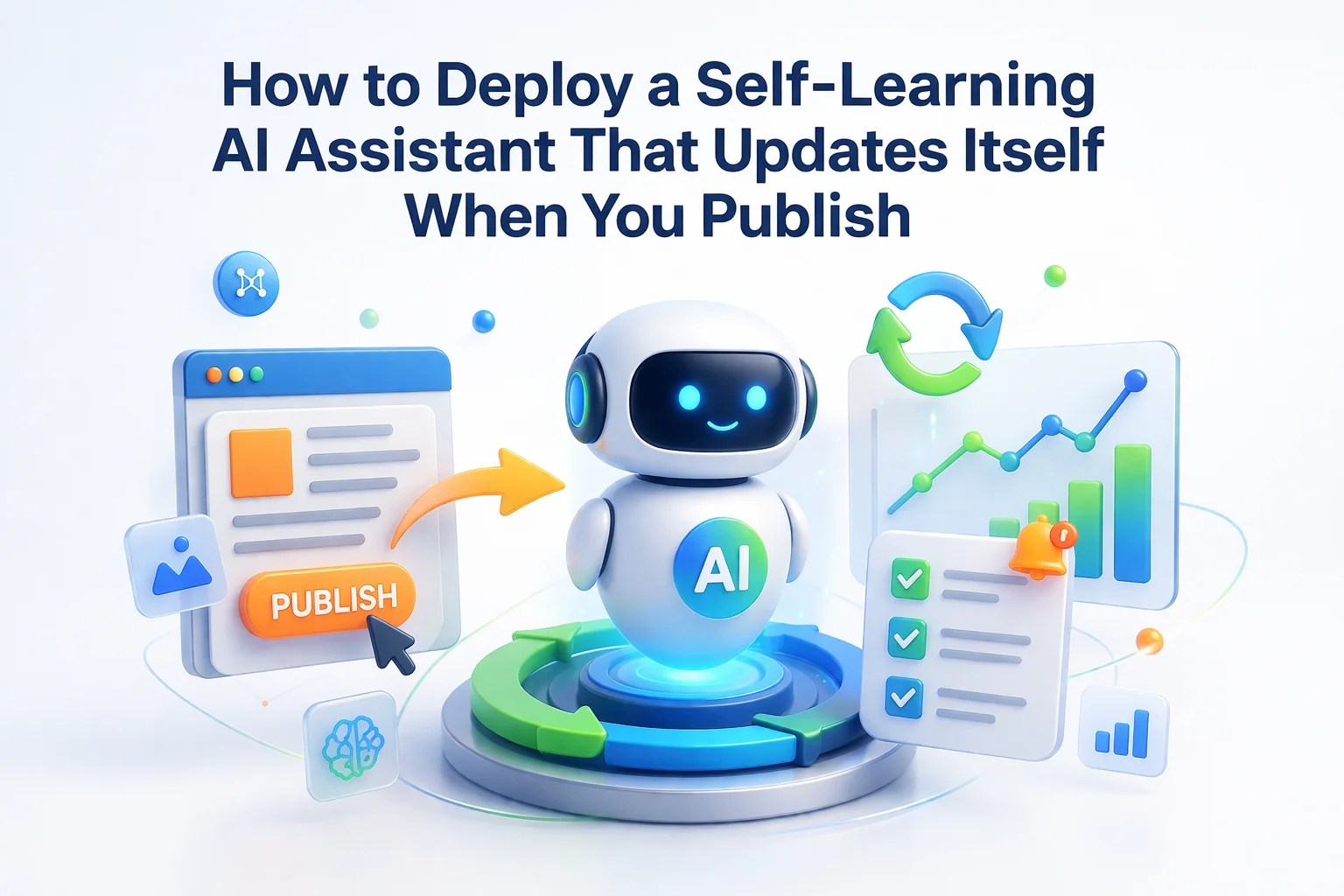
It was 3 AM when my client launched their new product line. Fourteen new items went live simultaneously, complete with descriptions, specifications, and pricing. By 3:01 AM, their AI chatbot could answer questions about every single one of those products. No one had to wake up to retrain anything. No one had to remember to click an update button in the morning. The system detected the new content and incorporated it automatically.
This is what self-learning means in the context of modern AI chatbots. Not the science fiction concept of a machine that develops new capabilities on its own, but something far more practical: a system that automatically stays synchronized with your website content. When you publish, it learns. When you update, it adapts. When you delete, it forgets.
This guide explains exactly how self-updating WordPress AI assistants work under the hood and how to deploy one on your own site.
Why static knowledge bases fail
Most chatbot implementations treat the knowledge base as a one-time setup task. You train the bot with your current content, and that snapshot becomes its permanent understanding of your business. This approach has a fundamental flaw: businesses are not static.
You launch a new product. Marketing campaigns drive traffic. Customers arrive excited and ask your chatbot about the new item. The bot has no idea it exists. It either admits ignorance, which feels like a broken experience on launch day, or hallucinates details about a product it has never seen. Neither outcome is acceptable.
You adjust pricing, maybe a sale, maybe a cost increase, maybe a permanent change. Your website shows the new price. Your chatbot quotes the old one. Customers get conflicting information depending on whether they ask the bot or check the product page. This inconsistency damages trust immediately.
You change your return policy from 30 days to 14 days. Your legal team updates the policy page. Your chatbot continues promising 30-day returns because it has no idea the policy changed. When customers try to return after 15 days citing the chatbot, you face either honoring an incorrect promise or creating a dispute.
How automatic content synchronization works
The solution is a chatbot that listens for content changes and updates its knowledge base automatically. This is not magic. It is engineering that leverages WordPress’s built-in event system to trigger reindexing whenever relevant content changes.

The technical flow works like this: WordPress fires action hooks whenever content is created, updated, or deleted. These hooks include save_post, delete_post, and WooCommerce-specific hooks for product changes. A properly integrated chatbot plugin registers listeners for these hooks. When a hook fires, the listener triggers reindexing of the affected content.
WordPress fires a hook → Plugin listener detects the event → Changed content is re-processed → Vector embeddings are updated → Knowledge base reflects the change → Next customer query uses updated information. This entire sequence happens automatically and typically completes within seconds of the original content save.
Incremental updates versus full reindexing
Not all content synchronization is created equal. The difference between incremental updates and full reindexing matters significantly for performance and resource usage.
Incremental updates are what you want for day-to-day operations. When you edit a single product description, the system should reindex just that product, not your entire catalog of 500 items. This keeps updates fast and minimizes resource usage. Full reindexing is reserved for initial setup or situations where you have made sweeping changes that affect large portions of your content.
Smart systems also include a scheduled sync as a safety net. Even with perfect hook integration, there are edge cases where changes might not trigger properly, maybe a bulk import via CSV, maybe a direct database edit, maybe a plugin conflict. A periodic background sync catches anything the event-driven system missed.
Setting up automatic synchronization
In Nexu SmartChat automatic knowledge base updates, the self-learning capability is enabled by default. However, understanding the configuration options helps you optimize the behavior for your specific site.

Choose which post types trigger automatic reindexing. Typically you want Products, Pages, and possibly Posts enabled. You might disable syncing for post types that do not contain customer-relevant information, like internal team notes or draft templates.
Some systems offer options for when reindexing occurs: immediate, delayed by a few minutes, or batched at intervals. Immediate gives you true real-time updates. Delayed or batched approaches reduce server load if you make many rapid edits. Choose based on your editing patterns.
WooCommerce has its own hooks for product changes, stock updates, and price modifications. Make sure these are enabled for comprehensive e-commerce synchronization. Price changes especially need real-time handling to avoid quoting outdated amounts.
Configure a background job that periodically checks for any content that might have changed without triggering hooks. Daily is usually sufficient for most sites. High-volume sites with frequent updates might benefit from more frequent checks.
Verifying your chatbot stays current
Trust but verify. Even with automatic synchronization enabled, you should periodically confirm the system is working correctly. Here are practical verification methods.
Publish a new product or update an existing one with a distinctive detail. Wait a minute, then ask the chatbot about that specific detail. If the bot knows the new information, synchronization is working. If it does not, something needs investigation.
The plugin dashboard should show indexing status including the number of indexed items and last update timestamp. Compare these numbers against your actual content counts. If you have 200 products but only 150 are indexed, investigate the gap.
Quality plugins maintain logs of synchronization activity. Check these logs to see what content was processed and when. Look for errors or failed sync attempts that might indicate problems with specific content items or system issues.

Troubleshooting synchronization issues
When automatic updates are not working as expected, these are the most common causes and solutions.
Some plugins override or disable standard WordPress hooks. Caching plugins, security plugins, or other optimization tools can interfere with hook execution. Try temporarily disabling other plugins to isolate the conflict, then configure exceptions if needed.
Some hosting environments disable or limit WordPress cron jobs, which many plugins use for background processing. Check with your host about cron support. You may need to set up a real server cron job instead of relying on WordPress’s built-in pseudo-cron.
Large content items or bulk updates can exceed PHP memory limits or execution time limits. If sync jobs are failing silently, check your error logs for memory or timeout errors. Increasing these limits in php.ini or wp-config.php often resolves the issue.
The set-it-and-forget-it reality
A properly configured self-learning AI assistant requires almost no ongoing attention. You publish content as normal. The chatbot learns automatically. Customers get accurate answers about your latest products and policies. The synchronization happens invisibly in the background.
This is the promise of modern AI assistants delivered. Not just intelligence, but intelligence that stays current without human intervention. Not just automation, but automation that maintains itself. The 3 AM product launch scenario I described at the beginning is not a special case. It is everyday operation.
Nexu SmartChat self-learning WordPress chatbot implements all of this automatically. The hook listeners are pre-configured. The incremental update logic is optimized. The dashboard shows you sync status at a glance. And when you publish that next product at 3 AM, your chatbot will be ready to sell it by 3:01 AM.
A chatbot that learns when you publish
Nexu SmartChat automatically updates its knowledge base when you publish, edit, or delete content. No manual retraining. No sync buttons. Your chatbot always knows your latest products and policies.





Set this up last week after a friend recommended it. The auto sync actually works I pushed a product update at 2 AM, and the bot had the new details by the time I finished my coffee. No babysitting needed
as a therapist running a small practice website, I needed an AI assistant that could keep up with my ever changing service offerings. this self learning setup actually delivered when I added three new therapy packages last week.
The sync options are a lifesaver for someone like me who isn't super techy. i set it to auto update, and my chatbot just works no more staying up late to manually refresh when I post new family recipes