
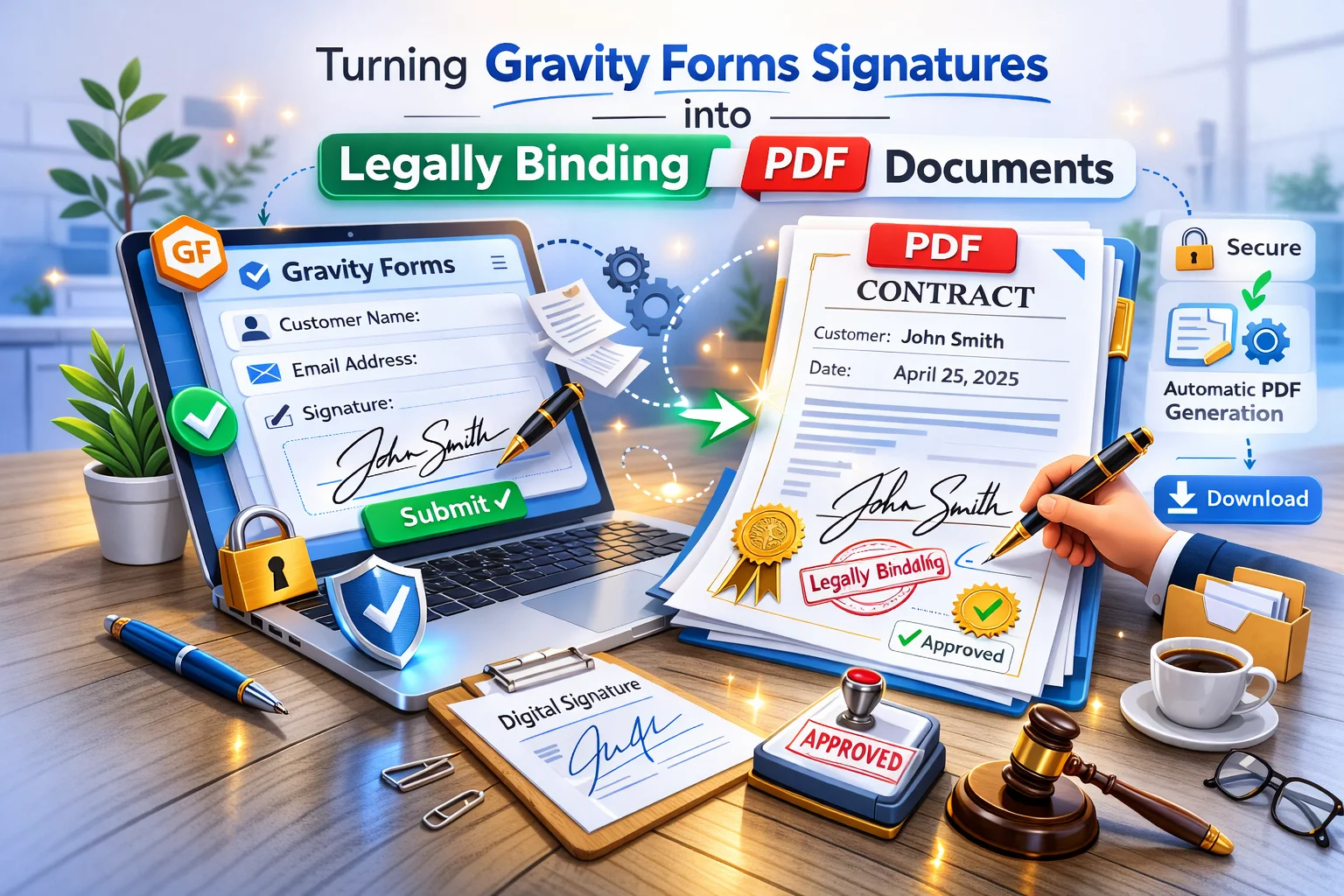
The Gravity Forms Signature add-on has been available for years, and it is genuinely useful for capturing a drawn signature on a form. But most implementations stop at the form submission. The signature is stored in the entry as an image. It sits there. Nobody does anything particularly useful with it.
The missing piece is embedding that signature into a PDF document that contains the actual content being agreed to. A signature on a form submission is a data point. A signature on a PDF document that shows the full terms, the parties involved, the agreed scope, and the date, is a signed agreement. Those are meaningfully different things, and the gap between them is what this guide closes.
We will cover how to combine the Gravity Forms Signature add-on with Nexu PDF Generator’s signed document workflow for Gravity Forms to produce a proper signed PDF document the moment a client submits your form. We will also cover the legal framework for electronic signatures in detail, because using this system confidently requires understanding what makes an electronic signature legally valid and where its limits are.
A note before we begin: this guide discusses the legal framework around electronic signatures in general terms for informational purposes. It does not constitute legal advice. The validity of electronic signatures for specific document types in specific jurisdictions varies. Consult a qualified lawyer for advice about your specific use case and jurisdiction.
The legal framework for electronic signatures
Electronic signatures are legally recognized across most major jurisdictions, but the framework varies. Understanding the core requirements helps you build a workflow that meets them, and gives you confidence that the signed documents you produce carry genuine legal weight.
The EU eIDAS regulation recognizes three tiers of electronic signatures. A Simple Electronic Signature (SES) is the lowest tier and covers most business contracts, service agreements, and commercial documents. It requires that the signature be linked to the signatory, that the signatory intended to sign, and that the document has not been altered after signing. A drawn Gravity Forms signature attached to a full document PDF with an IP address and timestamp record meets the SES standard for most commercial document types.
The US ESIGN Act and the Uniform Electronic Transactions Act (UETA) give electronic signatures the same legal effect as handwritten signatures for most commercial contracts. The key requirements are: the parties agreed to conduct the transaction electronically, the signature is associated with the relevant record, and there is a record retention system. A signed PDF document generated from a Gravity Forms submission, stored with the entry and delivered to both parties, satisfies all three requirements for the vast majority of commercial agreements.
The UK has its own electronic signature legislation following Brexit, based on principles similar to eIDAS. Australia’s Electronic Transactions Act, Canada’s PIPEDA framework, and equivalent legislation in most common law jurisdictions similarly recognize electronic signatures for commercial documents. The core principle across all of them is consistent: what matters is evidence of intent to sign and a reliable method of connecting the signature to the signed content, both of which a properly structured signed PDF provides.
All major electronic signature laws exclude certain document categories from the scope of electronic signature validity. These typically include wills and testamentary documents, certain real estate conveyances, family law documents, court orders, and documents requiring notarization. If your use case involves any of these document types, consult a qualified lawyer before relying on electronic signatures. For the overwhelming majority of business contracts, service agreements, NDAs, and commercial documents, electronic signatures are fully valid.
The practical implication of this legal framework is straightforward. For standard business contracts, the bar for a valid electronic signature is not technically complex. You need evidence that the person who signed intended to sign. You need a record of what they signed. You need to be able to show that the document has not been changed after signing. A PDF generated at the moment of submission, containing the full contract text and the drawn signature, stored with an immutable entry record that includes the submission timestamp and IP address, satisfies all of these requirements for most commercial documents.
How the Gravity Forms Signature add-on works
The Gravity Forms Signature add-on adds a canvas-based signature field to your forms. When a user encounters the field, they draw their signature using a mouse on desktop or their finger or stylus on a touch device. When the form is submitted, the drawn signature is captured as a PNG image and stored as part of the entry.
The signature image is stored in your WordPress uploads directory, linked to the specific entry. It is retrievable as a URL, which means it can be referenced in PDF templates using a merge tag just like any other field value. The image itself is the actual drawing the user made, not a font approximation of their name. This distinction matters for the perceived and legal weight of the signature.
The Signature add-on also captures contextual data alongside the image: the IP address of the submitter, the date and time of submission, and the browser and device information. Gravity Forms stores all of this with the entry. This contextual data is what forms the audit trail that makes an electronic signature legally robust, because it demonstrates not just that a signature was drawn, but who drew it, on what device, from where, and when.

Building the signed PDF: what the document must contain
The signed PDF document is the artefact that gives the electronic signature transaction its legal weight. The form submission is the event. The Gravity Forms entry is the data record. But the signed PDF is the document that can be produced as evidence of what was agreed, by whom, and when.
For the document to function as genuine evidence of agreement, it needs to contain specific elements. A PDF that shows only a signature image with a name below it proves very little. A PDF that contains the full agreement text, the parties’ identifying information, a timestamp, a reference number, and the drawn signature in context proves a great deal. The difference in what you put into the template design is the difference between a document that has evidentiary value and one that does not.
The document must name both parties clearly. Your business information (legal name, registration number, address) as static content. The client’s full name, company if applicable, and address from the form fields. The Parties section at the top of the document is the first thing any dispute resolution process will examine, so it needs to be unambiguous and complete.
Every clause, term, and condition that the signature is meant to acknowledge must appear in the document itself. A signature at the bottom of a document that says “I agree to the terms at [website URL]” is weaker evidence than a signature at the bottom of a document that contains all those terms verbatim. The terms on a website can change. The terms in a generated PDF are frozen at the moment of signing.
The date uses the submission timestamp merge tag, which is automatically accurate since the PDF is generated at the moment of submission. The reference number uses the entry ID or a formatted derivative, giving both parties a way to refer to this specific document in any future correspondence. These two pieces of information establish the document in time and give it a unique identity.
The signature image merge tag should be placed at the signature block at the end of the document, below a statement like “By signing below, [client name] confirms they have read, understood, and agree to the terms set out in this document.” The signature rendered in this context is meaningfully different from a signature image in isolation, because the surrounding text establishes the intent to be bound by the document above it.
Consider adding a small audit trail section at the very end of the document or as a footer: “This document was electronically signed on [submission date] from IP address [IP merge tag] using the form submission reference [entry ID].” This information ties the PDF to the specific Gravity Forms entry that generated it, giving you a complete chain of custody from the signed document back to the underlying data record. Gravity Forms captures and stores the submitter’s IP address as part of every entry by default.

The complete signing workflow: what the client experiences
Understanding the full client experience helps you design the form and confirmation flow in a way that maximizes both completion rates and the legal soundness of the resulting document.
The client receives a link to your signing form. They open it and see the document presented for their review, whether that is the contract terms displayed directly on the form page using Gravity Forms HTML fields, or a summary with a link to review the full terms. Below the content, they find the signature field with a clear instruction: “Please draw your signature in the box below to confirm your agreement.”
They draw their signature. They click Submit. The confirmation page immediately shows a download link for the signed PDF. Within the same minute, the PDF arrives in their inbox attached to a confirmation email. The document they receive contains their name, their signature, the full agreement text they just signed, the date, and a reference number. It is a complete, professional signed document, not a confirmation that they clicked a button.

Your copy: retaining signed documents securely
Every signed document generated by the feed is stored and accessible from the Gravity Forms entry it came from. The entries list shows a PDF action button on each row for one-click access to any signed document. The entry itself contains the IP address, timestamp, and all field values that constitute the audit trail for that specific signing event.

For document retention best practice, consider exporting a backup of signed PDFs to secure external storage periodically. Cloud storage services like Google Drive or Dropbox, configured to receive automatic exports, give you a redundant copy of all signed documents outside your WordPress installation. This is particularly important for contracts and agreements where the documents may need to be produced years later in a dispute or audit context.
The combination of the WordPress entry record (with IP, timestamp, and field values), the signed PDF (with full document text and signature image), and the email delivery record (in both parties’ inboxes) creates a robust three-point audit trail. If the validity of a signed document is ever challenged, you have multiple independent records corroborating each other.
Comparing this approach to dedicated e-signature platforms
DocuSign, Adobe Sign, HelloSign, and similar dedicated e-signature platforms are well-established tools with strong legal recognition and advanced features like qualified electronic signatures, tamper-evident document sealing, and extensive audit logs. For very high-stakes documents, particularly those requiring the highest tier of electronic signature validity under eIDAS, a dedicated platform may be the appropriate choice.
For the majority of standard commercial contracts, service agreements, and business documents, the Gravity Forms plus Nexu PDF Generator approach provides a legally sound and significantly more integrated workflow. The key advantages are that the signing experience is entirely on your own website with your own branding, the contract content is generated from the intake data the client already provided, the signed document is delivered immediately and stored with the entry, and the entire workflow is configured once and runs automatically without per-signature costs.
The right choice depends on your specific requirements. If you need Qualified Electronic Signatures for high-value or regulated documents, a dedicated platform is the appropriate tool. For standard commercial agreements, service contracts, NDAs, and everyday business documents, the WordPress-native approach gives you equivalent legal validity with significantly better workflow integration and no per-signature costs.
From Gravity Forms signature to a complete, legally structured signed PDF. Automatically.
Nexu PDF Generator embeds the Gravity Forms Signature field directly into a complete contract PDF with parties identification, full agreement text, timestamp, reference number, and audit trail. Both parties receive their copy the moment the form is submitted.






Finally got my forms sending signed PDFs automatically no more chasing clients for wet signatures or dealing with
Got this set up for client contracts and the no print feature actually saves time. pDFs hit both inboxes right after signing. one less thing to chase down
Finally got this working and it's a solid alternative to DocuSign. the guide bridges that awkward gap between collecting a signature and actually having a usable document. saved me hours of manual PDF work
Got this workflow up and running after a little trial and error, and honestly, it's been a really helpful for our client onboarding. The guide does a great job explaining why just a signature on a form isn't enough you really need that full PDF with all the terms, dates, and parties spelled out in case anything ever gets messy. It's saved us from having to add DocuSign just for simple agreements, which is a huge plus