
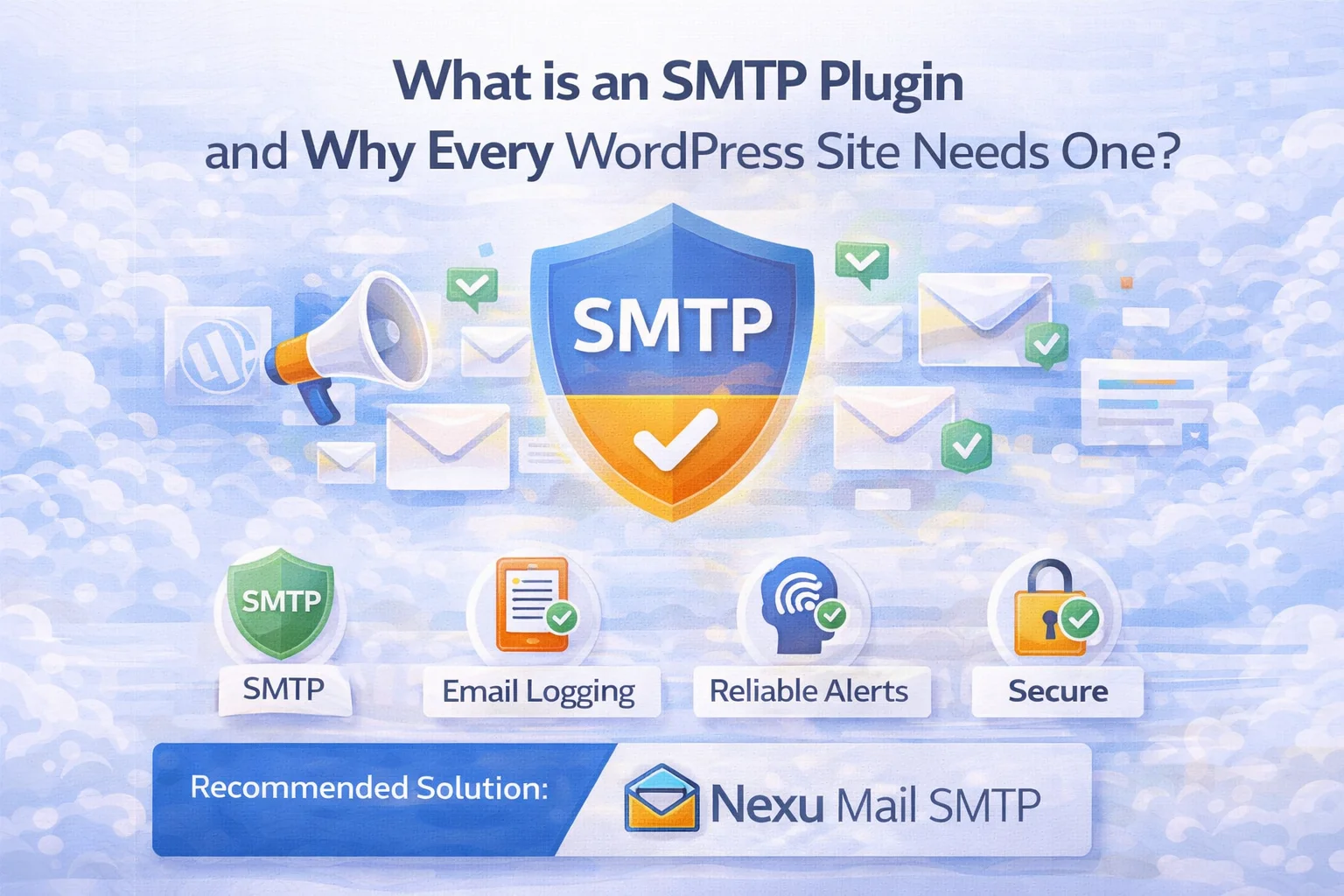
When you launch a WordPress site, email is probably not the first thing on your mind. You are thinking about your design, your content, your plugins, getting traffic. Email feels like a background detail that will just work automatically. And for a while, it seems like it does. You get the occasional notification, things appear to be functioning, and you move on.
Then one day a user contacts you saying they never received their password reset email. Or a customer asks why they did not get an order confirmation. Or you realize you have not received a contact form notification in weeks despite having regular site traffic. And you start to wonder: is my site actually sending email correctly? Has it ever been?
This is the moment most WordPress site owners discover that their email was never working as reliably as they assumed. The reason comes down to one fundamental misunderstanding about how WordPress sends email by default, a misunderstanding that an SMTP plugin solves completely, quickly, and in most cases for free.
If you have never heard of an SMTP plugin, or if you have heard the term but are not entirely sure what it means or whether you need one, this guide is written specifically for you. No assumed technical knowledge. Just a clear explanation of the problem, what SMTP actually is, what an SMTP plugin does, and why adding one to your WordPress site is one of the simplest and most impactful improvements you can make.
What your WordPress site does with email right now
Every time WordPress needs to send an email, whether that is a password reset, a contact form notification, a WooCommerce order confirmation, or a user registration welcome message, it uses a built-in function called wp_mail(). This function is built into WordPress’s core code and has been there since the very early days of the platform.
By default, wp_mail() passes the email to your web server and says, essentially, “please send this.” Your web server then attempts to deliver it directly to the recipient’s email provider. Gmail, Outlook, Yahoo, or wherever they have their inbox.
Your web server is a computer that is very good at serving web pages. It was not designed to send email, has no credentials to prove it is a legitimate email sender, and is treated with deep suspicion by modern email security systems. When Gmail receives an email from your web server, it looks at the credentials and sees something that resembles how spam and phishing emails arrive. So it filters it. Or rejects it entirely. And your user never receives their message.
This is not a WordPress bug. It is a fundamental mismatch between what web servers are designed to do (serve web pages) and what modern email security systems expect (cryptographically authenticated messages from dedicated mail servers with verifiable credentials). WordPress cannot fix this by itself. According to W3Techs, WordPress powers over 43% of all websites, meaning this email infrastructure gap affects millions of sites worldwide., it can only use whatever sending method is available, and the default method is the web server’s built-in mail function, which is the wrong tool for the job.
What makes this situation particularly frustrating is that it is invisible. WordPress believes it sent the email. It does not receive an error. It moves on. You have no way of knowing that the email never arrived until your user tells you, or until you notice the silence from a form that should have been generating notifications. A site can be silently dropping emails for months before anyone notices.
What SMTP actually is, the simple explanation
SMTP stands for Simple Mail Transfer Protocol. The SMTP standard is defined in RFC 5321 and has been the backbone of internet email since 1982. It is the standard communication method that email servers have used to send messages to each other since the early days of the internet. When you send an email from Gmail, when your bank sends you a transaction alert, when an e-commerce site sends your shipping confirmation, all of those emails are delivered using SMTP.
Think of SMTP as the postal system of the internet. It has rules for how email packages are addressed, handed off, routed, and delivered. Every major email provider. Gmail, Outlook, Yahoo, and dozens of specialized email services, exposes an SMTP interface that allows external applications to send email through their infrastructure.
When you connect WordPress to an SMTP server, you are essentially giving WordPress permission to use a real email provider’s infrastructure, the same infrastructure those providers use for all their own email sending. Your WordPress email gets to travel through Gmail’s servers (or whichever provider you choose), inheriting all of Gmail’s trust, authentication credentials, and deliverability reputation. It is the difference between sending a letter through an official post office and asking a random stranger on the street to hand-deliver it.
What an SMTP plugin does inside WordPress
WordPress does not have native SMTP configuration. There is no built-in settings panel. According to the WordPress developer reference, wp_mail() relies on PHP’s mail() function by default where you enter your email provider credentials. Connecting WordPress to SMTP requires an SMTP plugin, a WordPress plugin that intercepts the default email sending process and replaces it with authenticated SMTP delivery.
Here is what an SMTP plugin does, in straightforward terms. When any WordPress function, your contact form, WooCommerce, a user registration, anything, triggers an email, the plugin catches it before it reaches the web server. Instead of letting the web server attempt delivery, the plugin connects to your configured SMTP provider (say, Gmail) using the credentials you have entered, and hands the email to Gmail to deliver on your behalf. Gmail then sends the email using its own trusted infrastructure.
The plugin hooks into WordPress’s email pipeline using a built-in WordPress feature called filters. This means it captures every email that every plugin, theme, or WordPress core function attempts to send, not just emails from specific plugins. You configure the SMTP plugin once, and it automatically applies to all outgoing email from your WordPress site, regardless of which plugin is triggering the send.
You enter your email address and a special password (for Gmail, this is called an App Password) into the plugin’s settings. When WordPress needs to send an email, the plugin uses these credentials to log into your email provider’s SMTP server, the same way your phone’s mail app logs into your Gmail account. The email provider then recognizes the connection as authorized and accepts the email for delivery.
The best SMTP plugins do more than just route email, they keep a record of every email sent. This email log, stored in your WordPress database, shows you every message your site has attempted to send: who it went to, what the subject was, when it was sent, and whether it was delivered successfully. Without this log, you are still flying blind even with SMTP configured, you know email is going out but you cannot verify where and whether it arrived.
When a customer contacts you saying they never received their order confirmation, the ideal response is not “let me look into it and get back to you.” The ideal response is finding the email in your log, verifying it was sent, and clicking Resend, so the customer receives it within seconds while you are still on the same support conversation. This resend capability, available in the best SMTP plugins, changes how you handle email-related customer support entirely.

Which types of WordPress site need an SMTP plugin?
The honest answer is: all of them. But the consequences of not having one vary by site type, and understanding the specific stakes for your kind of site makes it easier to see why this matters for you specifically.
This is where the stakes are highest. Every order your store processes triggers multiple emails: a confirmation to the customer, a notification to you, shipping updates, refund confirmations. If any of these fail, customers do not know their order was received, do not know when it shipped, and contact your support team, or worse, initiate a chargeback because they assume the transaction failed. An SMTP plugin is not optional for a WooCommerce store; it is as essential as your payment gateway.
If your website’s contact form is how potential clients or customers reach you, every missed notification is a missed business opportunity. The person filling in your form does not know their message did not reach you, from their perspective, they contacted you and you never replied. If this happens repeatedly, your business gets a reputation for ignoring enquiries. A contact form with unreliable email delivery is actually worse than no contact form at all.
Sites with user registration, membership plugins, or community features send email constantly: welcome messages when someone joins, password reset emails when they forget their credentials, notification emails when content they follow is updated. If password reset emails are not arriving, users literally cannot access the site after a password change. This is a fundamental usability problem that drives member churn.
Even a simple blog sends email, comment notifications when someone replies to a reader’s comment, password resets when an author or admin forgets their credentials, contact form messages from readers. The email volume is lower, but the impact of each failure is proportionally significant. A reader who comments and never receives a reply notification is less likely to engage again. An admin who cannot receive a password reset is locked out of their own site.
What to look for when choosing an SMTP plugin
If you are choosing an SMTP plugin for the first time, the options can seem overwhelming. Here are the features that actually matter, the things that separate a plugin that genuinely solves the problem from one that only appears to.
A log of every email your site sends is not an advanced feature, it is a basic requirement for knowing whether your email is actually working. Many popular SMTP plugins hide this behind a paid upgrade. Choose a plugin that includes logging without an additional charge.
When a customer reports a missing email, you should be able to find it in the log and resend it in two clicks, not navigate through multiple WordPress screens hoping the original trigger still works. Resend from the log is a must-have, especially for WooCommerce stores.
If your SMTP credentials expire or your email provider changes something, your site’s email will silently stop working. A plugin that alerts you when sending fails means you find out immediately, not when a customer complains three days later.
Some SMTP plugins route your email or credentials through the plugin developer’s own servers. Your email is personal data, and your SMTP credentials are sensitive. Choose a plugin that stores everything on your own WordPress installation, not on a third-party server you have no visibility into.
Your SMTP plugin should work with Gmail, Google Workspace, Outlook, and major transactional providers like SendGrid and Mailgun. You may start with Gmail and later want to upgrade to a dedicated service, a good plugin accommodates that without requiring you to switch tools.
You should not need developer experience to configure an SMTP plugin. Clear field labels, sensible defaults, and a built-in test email function that confirms the connection is working before you save settings, these are signs of a well-designed plugin built for real people, not just developers.

How long does setup actually take?
This is the question that stops people from acting on the information above. They assume it will be complicated, technical, and time-consuming. For most people, using a free Gmail account as their SMTP provider, the complete setup from installing the plugin to sending a confirmed test email takes between fifteen and thirty minutes.
That is the complete picture. Eighteen minutes of your time, most of which is spent waiting for pages to load and test emails to arrive. The result is a WordPress site that sends email reliably, with a full record of every message sent, the ability to resend any failed or missing email in seconds, and alerts that tell you immediately if anything goes wrong. It is the single most impactful improvement most WordPress site owners have never made, not because it is hard, but because nobody explained clearly enough why it matters.
The right plugin makes all the difference
Not every SMTP plugin is the same. Some fix the delivery problem but leave you with no visibility into whether emails are arriving. Some include email logging but lock the resend feature behind a paid upgrade. Some are technically sound but so complex to configure that they introduce new frustration while solving the original one.
The best SMTP plugin for most WordPress sites is one that solves all three layers of the email problem at once: reliable delivery through authenticated SMTP, a log that shows you everything your site has sent, and resend capability so that when something goes wrong, and occasionally it will, you can fix it for the affected customer in seconds rather than hours.
Nexu Mail SMTP is built as a complete WordPress email delivery solution. SMTP configuration, email log, resend, and failure alerts all in a single plugin. It is designed specifically so that a site owner with no technical background can complete the full setup in under twenty minutes and end up with professional-grade email infrastructure that works correctly for every email type their WordPress site sends.
Your WordPress site is already sending emails. Make sure they are actually arriving.
Nexu Mail SMTP connects your WordPress site to Gmail or any email provider in minutes, and adds a complete email log and resend capability so you always know what was sent and where it went.






Okay, I'll admit I was one of those people who just assumed WordPress emails worked until a subscriber hit me up asking where their download link was. Turns out my site had been silently failing for who knows how long
Didn't realize how many form notifications I was missing until I read this. Super clear breakdown for someone who isn't a tech expert finally understand why my contact form emails kept vanishing. Only wish it mentioned which SMTP plugins play nice with common form builders like Gravity Forms or WPForms upfront. Saved me hours of digging though
Look, the price was fair for this guide, and since I've been managing university websites for years, I thought even a basic WordPress email refresher might be helpful. But wow this feels like it was written for someone who just discovered what a mouse is. the pacing drags so much, with pages spent explaining what an email even is before finally touching on SMTP. if you're brand new to tech, maybe it's okay, but if you've ever logged into cPanel, you'll be skipping huge chunks. The worst part?