Next-Level Code. Nexuvibe Style ...
Hrs
Min
Sec

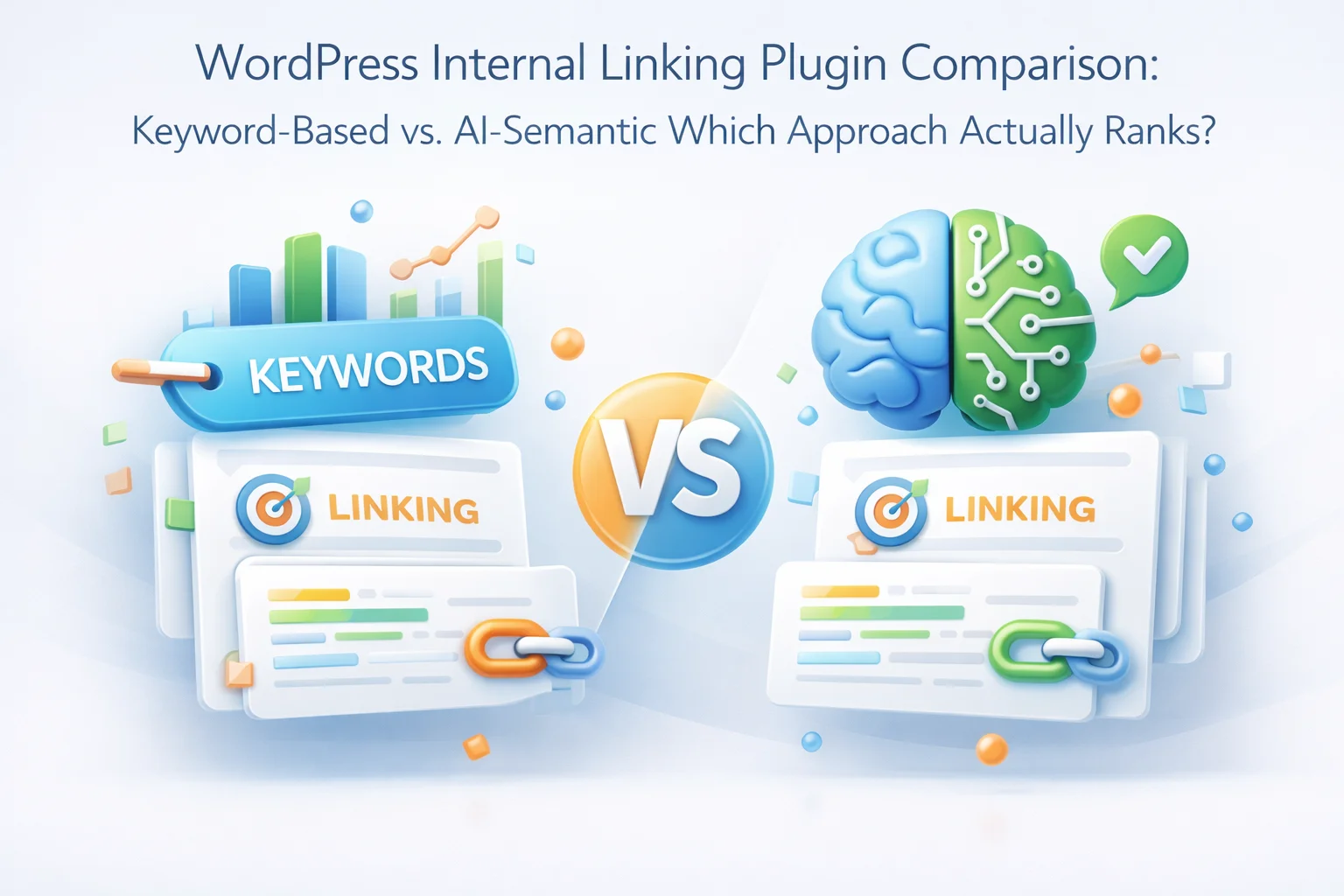
Every WordPress site owner who has looked into internal linking automation has eventually faced the same fork in the road. On one side: keyword-based linking plugins, the established approach that has existed for over a decade. On the other: a newer generation of AI-powered semantic linking tools that claim to understand your content rather than just scanning it for matching words.
The marketing language around both approaches can make it difficult to understand what is actually different between them, and more importantly, which one produces better SEO outcomes. This guide cuts through the noise with a direct technical comparison. We look at how each approach works under the hood, where keyword-based linking succeeds and where it breaks down, what AI-semantic linking does differently, and what the real-world ranking implications are.
The conclusion is not that keyword-based linking is worthless. For simple cases with limited content, it still works. But for sites that are serious about topical authority, crawl efficiency, and long-term organic performance, the two approaches are not equivalent. The gap between them matters more than most SEO content on this topic admits.
Keyword-based linking plugins operate on a fundamentally simple rule: define a phrase, point it to a target URL, and every time that phrase appears in your content, the plugin wraps it in a link to that URL. Some implementations are slightly more sophisticated, allowing case-insensitive matching, partial word matching, or the ability to limit how many times the link fires per post. But the core logic does not change.
You are essentially building a lookup table. Keyword A maps to URL B. The plugin scans your post content, finds instances of keyword A, and inserts the link. There is no analysis of the surrounding context, no understanding of whether the link actually makes sense in that location, and no consideration of the relationship between the source post and the target post beyond the presence of a matching string.
The maintenance overhead of keyword-based linking grows with your site. Each new post potentially needs new keyword rules. Each new target page needs to be manually evaluated and added to the rule set. On a site with 500 posts and 50 target pages, you need dozens of keyword rules to get anything like comprehensive coverage, and someone needs to manage those rules over time as your content evolves.
If you write a post about “running shoes” and create a keyword rule for “running shoes,” your plugin will link to that post whenever those exact words appear. But it will completely miss a post that calls them “jogging footwear,” “trail sneakers,” or “athletic footwear for runners.” These are the same concept expressed in different words, and a reader would recognize them as related content worth linking. A keyword matcher cannot. This means the most natural, editorially correct links often go uncreated because the vocabulary does not align perfectly.
When the same keyword rule fires across dozens of posts, every one of those links uses the exact same anchor text. Google’s guidelines have long flagged repetitive exact-match anchor text as a signal of manipulative or low-quality linking. If 40 posts on your site all link to your “best coffee grinders” page using the anchor text “best coffee grinders,” that uniformity is detectable and can suppress rankings for the very page you are trying to boost. Keyword-based tools have no mechanism to create the natural anchor text diversity that modern SEO requires.
Keyword matching has no concept of context. If “apple” appears in a post about orchard management and you have a keyword rule linking “apple” to your tech product review page, the plugin creates that link regardless of how absurd it is in context. Human readers immediately notice contextually inappropriate links. Search engine crawlers are increasingly capable of recognizing when link placement does not serve the reader. Links that feel forced or irrelevant can actually reduce the quality signal of the linking page rather than helping the target page.
Keyword-based plugins work from predefined rules. A page that has never been assigned a keyword rule, either because it was forgotten, because it covers a nuanced topic without obvious target keywords, or because it was published before the rule was set up, will never receive an internal link from the keyword tool. Orphan pages accumulate silently, and no keyword matching system has a mechanism to detect or fix them. This is a structural blind spot that grows more problematic as your content archive ages.
Every new piece of content added to a keyword-based system either needs new rules created manually, or it falls through the cracks. On a site publishing several posts per week, this becomes a full-time maintenance job. The rules table grows unwieldy, conflicts arise between rules targeting similar keywords, and the person managing the rules needs to hold an increasingly complex mental model of what is already set up. Keyword-based linking does not get better as your site grows. It gets harder to manage.
The term “AI-powered” is overused in WordPress plugins, so it is worth being precise about what AI-semantic linking actually involves. The core technology is vector embeddings: a method of representing text as a sequence of numbers (a vector) in a high-dimensional space, where texts that are semantically similar end up positioned close to each other in that space.
When a semantic linking plugin like Nexu Link Brain’s semantic WordPress internal linking engine indexes your content, it sends each post to an AI model that converts the text into one of these high-dimensional vectors. The vector captures the meaning of the content, not just the words used. “Running shoes,” “jogging footwear,” and “athletic sneakers for training” will produce vectors that are close to each other in this space, even though they share no common words.
When the plugin needs to find relevant link targets for a given post, it computes the vector for that post and searches the index for content with similar vectors. This is called vector similarity search, and it returns the most semantically related content regardless of whether any specific words are shared. The AI understands that two posts are about the same underlying topic even when they use completely different vocabulary.
This is not just a technical distinction with no practical effect. It has direct consequences for link quality, link coverage, and the naturalness of anchor text, all of which affect how search engines evaluate your internal linking structure.
Understanding which approach wins requires understanding how Google interprets internal links. Google has been remarkably transparent about several aspects of this over the years, and the picture that emerges favors semantic relevance over keyword presence.
Google uses internal links for three primary purposes. First, crawl discovery: links tell Googlebot where to find content it should index. Second, PageRank flow: link equity passes from linking pages to target pages, and the relevance of the linking page to the target page affects how much that equity is weighted. Third, context signals: anchor text and the surrounding content provide context about what the target page is about. According to Google’s official guidance on internal links, the relevance of the linking context matters alongside the anchor text itself.
Notice how this list maps onto the problems with keyword-based linking. Repetitive anchor text is the direct output of keyword rules. Links placed without contextual relevance happen whenever a keyword rule fires in an unrelated post. The pattern of programmatic, rule-based link insertion is something Google’s systems have become increasingly capable of detecting.
AI-semantic linking addresses these signals directly. The link only forms when there is genuine topical relevance between source and target. Anchor text is generated contextually, drawing from the actual language used in the source post rather than a predefined keyword. The result looks and reads like a human editor made the linking decisions, which is precisely what search engines are trained to reward.
A food blog covers recipes, kitchen equipment reviews, nutrition guides, and restaurant recommendations. A keyword tool links “cast iron skillet” everywhere those words appear, but it misses the rich topical connections between, for example, a seasoning guide, a recipe that specifically requires cast iron, and a heat-retention comparison article, all of which discuss the same underlying topic with different vocabulary.
A cycling store has product pages for 200 bikes and accessories, plus a blog with 150 posts covering maintenance, routes, and gear reviews. A keyword tool might link “mountain bike” to the category page when those words appear, but it will miss the countless contextual connections between specific gear articles and the products they reference indirectly.
A software development site uses both “API endpoint,” “REST endpoint,” and “server route” in different articles to describe the same technical concept. A keyword tool requires separate rules for each variation, and even then misses contextual uses. Articles that are clearly about the same concept but use different terminology remain unlinked.
A site with 5 years of publishing history has dozens of posts that were published before the current internal linking strategy was implemented. These pages receive limited or no internal link equity. A keyword tool only retroactively links pages where keyword rules happen to fire. Pages that were published before relevant rules were created remain orphaned.
Topical authority is increasingly the differentiating factor in competitive SEO. Google’s systems reward sites that demonstrate comprehensive, interconnected coverage of a subject area. Random keyword-based links create a scattered, non-coherent linking structure that does not reinforce topical clusters. Pages within the same topic cluster may have no internal links between them if the keyword rules do not happen to align.
Anchor text diversity is one of the most technically consequential differences between the two approaches, and it is frequently underestimated by site owners who focus only on whether links are being created rather than how they are being created.
It would be intellectually dishonest to claim that keyword-based linking has no valid use cases in 2026. There are specific situations where it remains appropriate and even preferable.
If your site has 20 to 30 posts on a narrow topic, a handful of keyword rules can create adequate coverage without the setup overhead of an AI indexing system. The compound benefits of semantic understanding grow with content volume.
If you always want your product name to link to your product page when mentioned anywhere on your site, a keyword rule handles that reliably and directly. This is a simple, deterministic use case where keyword matching is exactly the right tool.
AI-semantic linking requires an external AI API key with associated usage costs. For very small operations with tight budgets, keyword-based tools with a flat license fee may be more practical despite their technical limitations.
The honest framing is not “keyword-based vs. AI-semantic” as a binary choice where one is always better. It is a question of which approach matches the complexity of your content and the seriousness of your SEO goals. For sites beyond a certain size and ambition, keyword matching stops being adequate and starts being actively counterproductive due to the anchor text uniformity it creates at scale.
One area where the difference between the two approaches is absolute rather than relative is site structure visualization. Keyword-based plugins have no concept of your site’s overall link architecture. They apply rules locally, with no awareness of what the resulting structure looks like at the macro level.
The interactive link graph in Nexu Link Brain provides something categorically different: a complete visual map of how every piece of content on your site connects to every other piece. You can immediately see topic clusters forming, identify isolated content that has no connections, trace how link equity would flow from your most authoritative pages, and spot structural problems before they affect your rankings.
For anyone managing SEO strategy across a large content site, this structural visibility is not optional. Understanding your internal linking architecture at the macro level is essential to making good decisions about where to focus linking effort, which pages need more authority, and whether your topical clusters are coherent. No keyword-based plugin provides this, because keyword-based plugins have no architectural awareness to visualize.
The decision comes down to three factors: your content volume, the vocabulary diversity of your niche, and how seriously you are competing for organic rankings.
The table makes the pattern clear. Keyword-based linking is adequate for small, simple sites. As complexity, volume, and competitive ambition increase, the limitations of keyword matching become performance constraints rather than minor inconveniences. The anchor text uniformity alone can suppress rankings on a site that is otherwise doing everything else right.
If you are managing a content-driven WordPress site and you are serious about organic rankings, the approach that aligns with how search engines actually evaluate content and links in 2026 is the semantic one. Nexu Link Brain’s AI-powered WordPress internal linking system brings semantic understanding, anchor diversity protection, orphan rescue, and structural visualization to the problem in a single plugin. The keyword era of internal linking automation worked well enough for a simpler SEO landscape. That landscape has changed.
Nexu Link Brain moves beyond keyword matching to create semantically relevant internal links with natural anchor text, complete site visualization, and automated orphan rescue across your entire WordPress content archive.







I've been testing both keyword based and semantic linking tools for months, and the difference in how they handle content is wild. the keyword plugins do exactly what you'd expect they scan for exact matches and drop links where the words pop up. no surprises there
Too much hassle
The keyword matching in this plugin is about as subtle as a flight attendant announcing turbulence it gets the job done, but you'll definitely feel it. it's basically just find and replace with a link tossed in, which is fine if your site's super simple. But if you've got deeper content layers, it starts feeling like you're duct taping a wing on mid flight. still, for a quick and dirty fix, it does the trick. Just don't expect it to pick up on nuance like a real person would