
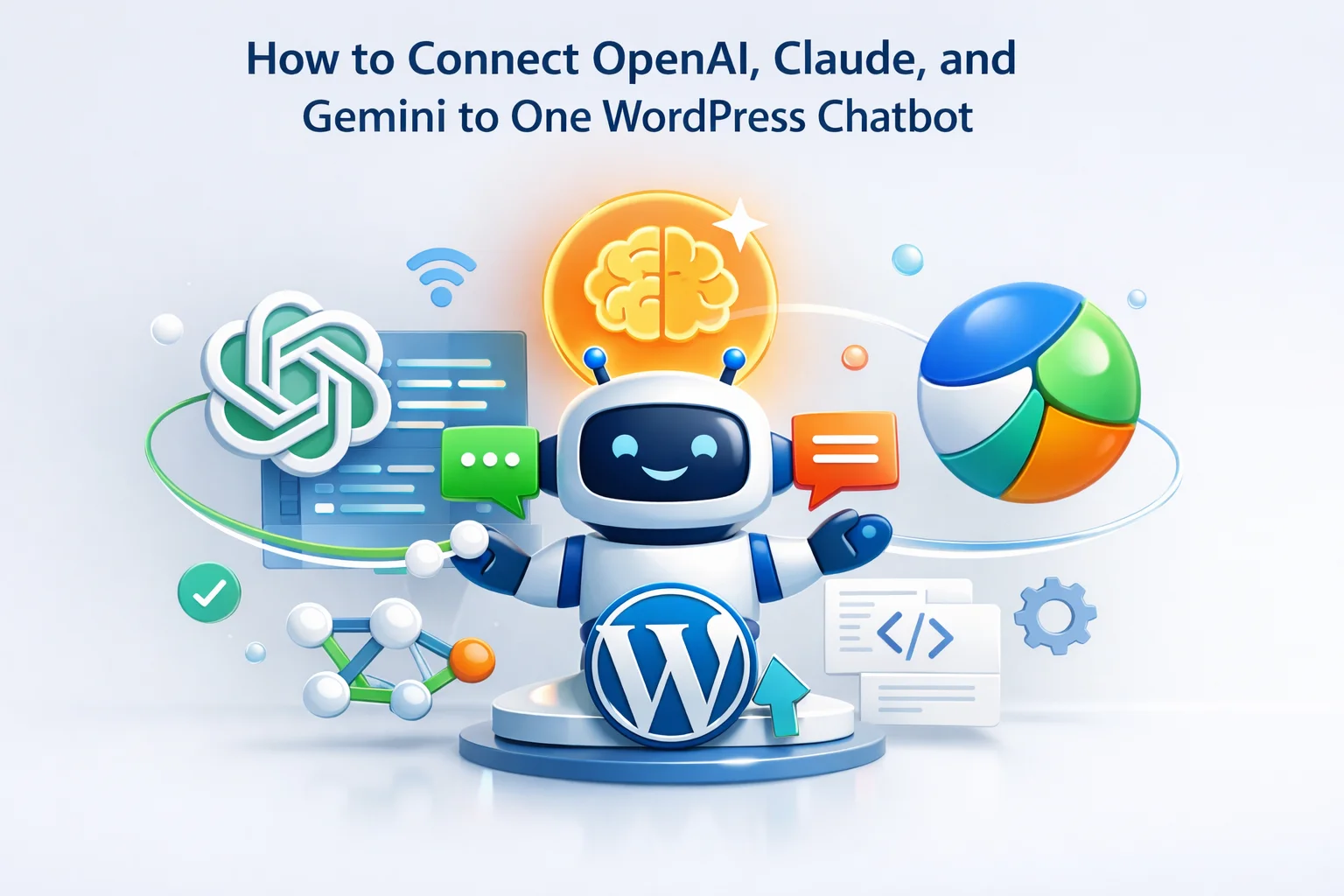
In January 2024, OpenAI experienced a significant outage that lasted several hours. Businesses running chatbots exclusively on GPT-4 watched helplessly as their customer support went dark. No fallback. No alternative. Just a spinning loader and frustrated customers clicking away. That same week, Anthropic announced a price reduction on Claude that made it 40% cheaper than GPT-4 for equivalent tasks. Companies locked into OpenAI-only solutions could not take advantage of the savings without rebuilding their entire chatbot infrastructure.
These two scenarios illustrate why multi-provider AI architecture is not a luxury but a necessity. When your chatbot can connect to OpenAI, Anthropic Claude, Google Gemini, and Mistral through a single interface, you gain something invaluable: options. You can switch providers during outages. You can chase the best price-to-performance ratio as models evolve. You can test different AI personalities with real users and measure the results.
This guide walks through the complete process of setting up a multi-provider AI chatbot for WordPress that gives you the flexibility to use any major AI model without rewriting code or rebuilding your knowledge base. We cover the technical configuration, the strategic considerations, and the practical workflow for switching between providers.
The vendor lock-in problem in AI chatbots
Most chatbot solutions available today force you into a single AI provider. When you build on Tidio, you use whatever AI they have integrated. When you set up a custom ChatGPT integration, you are dependent on OpenAI’s availability and pricing. This creates three distinct risks that compound over time.
OpenAI, Anthropic, and Google all experience outages. The question is not whether your provider will have downtime, but when. A multi-provider setup means that when OpenAI has issues, you can switch to Claude or Gemini within seconds. Your customers never see an error message.
AI pricing is volatile. When Anthropic dropped Claude pricing significantly, only users with multi-provider setups could immediately take advantage. When Google launched Gemini Pro with aggressive pricing, locked-in OpenAI users could only watch from the sidelines. Flexibility means always paying the best available rate.
GPT-4 was the undisputed leader in 2023. By mid-2024, Claude 3 Opus matched or exceeded it in many benchmarks. Gemini 1.5 introduced massive context windows that neither competitor could match. Each provider leads in different areas, and leadership changes frequently. Being able to switch means always using the best tool for your specific needs.
Getting your API keys from each provider
Before configuring your WordPress chatbot, you need API access from the providers you want to use. Each company has a slightly different process, but all of them offer free credits to get started. Here is how to obtain keys from the four major providers.
Visit platform.openai.com and create an account. Navigate to API Keys in your dashboard and generate a new secret key. OpenAI provides $5 in free credits for new accounts. Store your key securely as it will only be shown once. For production use, set up billing with a spending limit to prevent unexpected charges.
Go to console.anthropic.com and register. Anthropic’s approval process can take a few hours for new accounts. Once approved, create an API key from your dashboard. Claude models excel at nuanced conversation and are particularly strong at following complex instructions, making them excellent for customer service scenarios.
Access aistudio.google.com using your Google account. Google offers generous free tier access to Gemini Pro. Create an API key from the settings menu. Gemini is particularly cost-effective for high-volume applications and offers excellent multilingual capabilities for international stores.
Register at console.mistral.ai. Mistral is a European AI company offering models that compete with GPT-4 at lower prices. Their models are hosted in EU data centers, which can be important for GDPR compliance. Mistral Large offers strong reasoning capabilities at roughly half the cost of GPT-4.
Never share your API keys publicly or commit them to version control. Set spending limits on all providers to prevent runaway costs. Use separate API keys for development and production environments. Rotate keys periodically, especially if team members leave. All reputable WordPress plugins store API keys encrypted in your database, but you should still restrict database access to trusted administrators only.
Configuring multiple providers in your WordPress chatbot
With your API keys ready, the actual configuration process is straightforward. A well-designed WordPress chatbot with multi-AI provider support should let you add all your keys in one place and switch between them without reconfiguring anything else.

The configuration interface should validate each API key as you enter it, confirming that the connection works before you save. Once all providers are connected, you can select your active provider and specific model from dropdown menus. The key architectural advantage is that your knowledge base, your chatbot persona, your appearance settings, and all other configurations remain completely independent of which AI provider you choose.
This separation of concerns is what makes switching providers instant. You are not rebuilding anything. You are simply pointing your existing chatbot at a different AI engine. The context, the rules, the indexed content: everything stays exactly as you configured it.
Understanding model selection: which AI for which task
Not all AI models are created equal, and the best choice depends on your specific use case. Here is a breakdown of when to use each provider based on real-world performance in e-commerce and customer support scenarios.
A common strategy is to use a faster, cheaper model like GPT-3.5 Turbo for initial responses and simple questions, then switch to a more capable model like GPT-4o or Claude 3.5 Sonnet for complex conversations that require deeper reasoning. Some stores use Gemini for multilingual support because of its strong performance across languages, while using OpenAI for English-speaking markets.
Temperature and parameters: fine-tuning response style
Beyond choosing a provider and model, you can adjust parameters that control how the AI generates responses. The most important parameter is temperature, which controls the randomness of outputs.

Low temperature produces predictable, focused responses. Use this when accuracy is critical, like when answering questions about shipping costs, return policies, or product specifications. The AI sticks closely to the retrieved information without creative interpretation.
Medium temperature balances accuracy with natural conversation flow. This is the sweet spot for most customer service interactions. Responses feel human while remaining on-topic. Product recommendations feel personalized rather than robotic.
Higher temperature produces more varied and creative responses. Useful for chatbots with a distinct personality or brand voice where you want each interaction to feel unique. Be careful with very high settings as responses can become unpredictable or off-topic.
Creating specialized personas for different providers
Different AI models respond differently to the same instructions. A system prompt that works perfectly with GPT-4 might produce different results with Claude. Advanced users can create separate chatbot personas optimized for each provider, then switch both the provider and persona together.

For example, Claude models tend to be more verbose and cautious, so a Claude-optimized persona might include instructions to be more concise. GPT models sometimes need explicit instructions about formatting, while Gemini performs well with structured output requests. Testing each provider with your specific use case reveals these nuances.
Testing and comparing providers with your actual content
Benchmarks and reviews only tell part of the story. The only way to know which provider works best for your specific store is to test them with your actual products and customer questions. A systematic testing approach helps you make data-driven decisions.

Start by creating a list of 20 to 30 questions that represent your most common customer inquiries. Run each question through each provider and compare the responses. Look for accuracy, tone, helpfulness, and how well the AI uses your indexed product information. The conversation history feature lets you review these test sessions systematically.
Once you launch with real users, monitor conversation ratings to see which provider generates higher satisfaction scores. Some stores find that GPT-4 performs better for technical products while Claude excels at fashion or lifestyle items where emotional tone matters more. Your data will reveal patterns specific to your audience.
Real-time switching: handling outages gracefully
The practical value of multi-provider setup becomes clearest when something goes wrong. Having multiple providers configured means you can switch in seconds when you detect an issue. Here is a workflow for handling provider outages.
Bookmark status.openai.com, status.anthropic.com, and similar pages. When you notice slow responses or errors in your chatbot, check the provider status first. Many issues are temporary and resolve within minutes.
If an outage looks significant, log into your WordPress dashboard, navigate to the chatbot API settings, and select a different provider. The switch is immediate. Your chatbot resumes working with the new provider while the primary one recovers.
Once the primary provider reports resolved and you confirm responses are working normally, switch back if desired. Some stores discover during outages that their backup provider actually performs better and make it their new primary.
Building a resilient AI chatbot strategy
The AI landscape will continue evolving rapidly. New providers will emerge. Existing providers will release better models and adjust pricing. The chatbot you deploy today needs to adapt to changes you cannot predict. Multi-provider architecture is not about choosing the best AI available right now. It is about building a system flexible enough to always use the best AI available at any given moment.
By connecting OpenAI, Claude, Gemini, and Mistral to a single WordPress chatbot with unified multi-model support, you gain the freedom to optimize continuously. Test new models as they release. Switch providers when pricing changes. Maintain uptime during outages. Your investment in configuration and content indexing carries forward regardless of which AI engine powers your responses.
The Nexu SmartChat plugin for WordPress implements this multi-provider architecture completely. Configure all your API keys once, test each provider with your content, and switch between them instantly. Your chatbot becomes provider-agnostic: capable of leveraging the best of OpenAI, Anthropic, Google, and Mistral without rebuilding anything when you change your mind.
Connect all major AI providers to your WordPress chatbot
Nexu SmartChat supports simultaneous connections to OpenAI, Anthropic Claude, Google Gemini, Mistral, and Azure. Switch providers in one click. Never be locked into a single vendor again.





Hey y'all, this saved my lunch rush!
Finally found a way to avoid AI downtime disasters. tested during a Claude outage switched to Gemini in seconds. No lost chats, no angry clients. Worth every minute of setup
This guide straight up saved my thesis project when OpenAI crashed during finals week. My WordPress chatbot just flipped to Claude without a hitch, and not a single person noticed the switch. i used to lie awake stressing about another outage tanking my demo, but now I don't even worry about it. Setup took maybe an hour with the instructions which is nothing compared to the full blown panic I'd be in if my presentation imploded mid demo. But honestly? Worth every cent for how much stress it's saved me