Next-Level Code. Nexuvibe Style ...
Hrs
Min
Sec

You installed a chatbot on your WordPress site. You tested it. It sounded smart, answered fluently, gave confident replies. Then a customer reached out to say the bot had quoted a price you do not charge, described a feature your product does not have, or promised a return policy you never published. The chatbot was not malfunctioning — it was doing exactly what it was designed to do. The problem is that it was designed wrong.
AI hallucination is the term for when a language model generates confident, fluent, and completely fabricated information. It is not a bug in the model. It is a predictable consequence of asking a model to answer questions it was never given the facts to answer. A generic chatbot connected to GPT-4 knows a lot about the world — but it knows nothing about your specific prices, your specific products, or your specific policies unless someone explicitly gave it that information in a structured, reliable way.
This guide explains why hallucinations happen in WordPress chatbots, why the solution is architectural rather than prompt-based, and how to implement the one approach that actually eliminates the problem for WordPress and WooCommerce sites.
The fix we cover is Retrieval-Augmented Generation (RAG) — specifically as implemented by a WordPress AI chatbot plugin that grounds every answer in your actual site content through automatic indexing, eliminating the conditions that cause hallucination in the first place.
Language models are trained to predict the next most plausible token given everything that came before it. They are extraordinarily good at sounding coherent and authoritative. What they are not good at is distinguishing between “I know this because I was given this fact” and “I generated this because it sounded plausible.” When a model does not have the specific information needed to answer a question, it does not say “I don’t know” — it fills the gap with the most statistically likely answer based on its training data. That answer sounds completely confident and is often completely wrong.
For a general-purpose assistant answering questions about history or science, this is a manageable problem. For a chatbot on your WooCommerce store answering questions about your specific products and policies, it is a trust-destroying one. A visitor who asks “what is your return window?” and gets a confidently stated but invented answer is not just getting bad information — they are getting information that could lead to a dispute, a chargeback, or a public complaint.
The root cause of hallucination in WordPress chatbots is not model quality — it is the absence of a reliable retrieval mechanism that finds and injects your actual site content into every answer the model generates. Without that mechanism, the model will invent. With it, the model grounds its responses in your real content and hallucination drops to near zero for the questions your content actually covers.
The chatbot quotes a price that is close to but not equal to the real one, or describes a feature — a material, a size, a compatibility — that it inferred from training data rather than your product listing. The visitor makes a decision based on that invented spec, then discovers the discrepancy at checkout or after delivery.
A visitor asks about the return window, shipping times, or warranty coverage. The chatbot generates a plausible-sounding policy — “we offer 30-day returns on all items” — that has nothing to do with what you actually wrote on your returns page. This is legally and reputationally dangerous, and it happens whenever the chatbot has no access to your actual policy documents.
A chatbot with no access to your actual catalogue will recommend products that sound like they should be in your range — especially on niche or specialist stores. The visitor asks for a specific variant, the bot confidently says you carry it, and they spend ten minutes trying to find it on your site before giving up and leaving.
Retrieval-Augmented Generation solves hallucination at the architectural level. Instead of asking the language model to answer from its training data, RAG intercepts every query, retrieves the most relevant content from your actual site, and injects that content into the prompt as factual context before the model generates its response. The model is no longer guessing — it is summarising and presenting information you actually wrote.
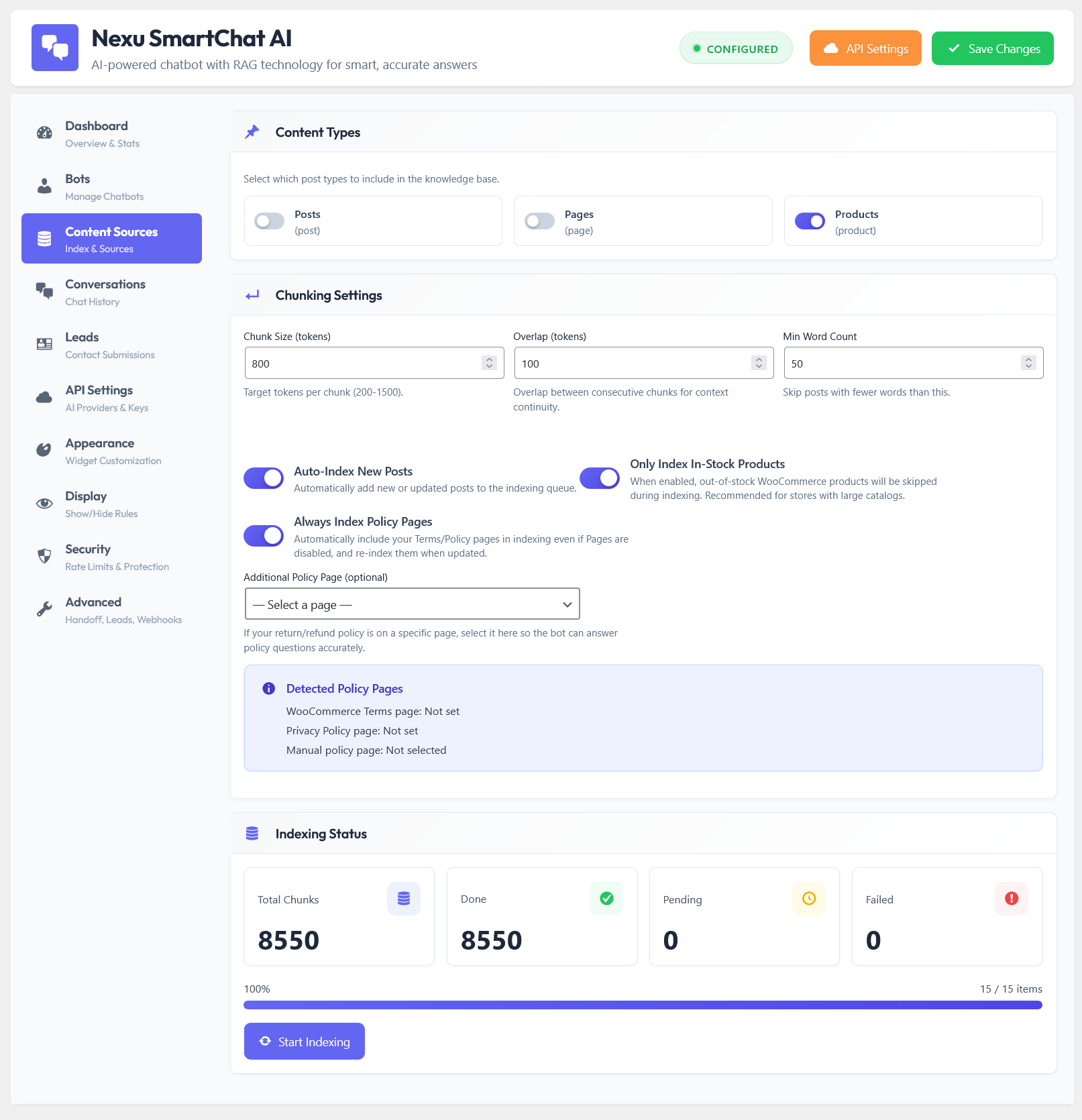
Every page, post, product description, policy page, and FAQ entry on your WordPress site is converted into numerical vector embeddings that capture meaning — not just keywords. These embeddings are stored locally in your WordPress database. This is your chatbot’s ground truth.
Before the language model sees the visitor’s question, the RAG system converts that question into an embedding and finds the most semantically similar chunks from your knowledge base. “What is your return policy?” retrieves your actual returns page content. “Do you have a blue version?” retrieves your actual product variants. The retrieval is semantic — it works even if the visitor’s words do not exactly match your content.
The retrieved content is injected into the prompt as context, with a system instruction to answer only based on that content. The model reads what you actually wrote and uses it to generate a response. If the answer is not in the retrieved content, a well-instructed model says so — rather than inventing something plausible.
A RAG system is only as accurate as its knowledge base. If you change a price and the index still holds the old one, the chatbot quotes the old price — technically grounded, but wrong. The right implementation re-indexes content automatically every time you publish or edit a page, product, or post. The knowledge base is always synchronised with your live site.
Most WordPress chatbot plugins that claim RAG support implement it externally — your content is uploaded to a third-party service, indexed on their servers, and queried via an API. This creates a synchronisation problem: the external index drifts out of date unless you manually re-upload content every time something changes, which nobody consistently does. The hallucination problem comes back through the maintenance gap.
Nexu AI Chatbot for WordPress – SmartChat Assistant Plugin with Auto-Indexing & RAG solves this by running the entire RAG pipeline natively inside WordPress. The vector knowledge base lives in your WordPress database. The indexing process hooks directly into WordPress post save events — every time you publish or update content, that content is re-indexed immediately, automatically, without any manual action.
Once RAG is in place, several configuration choices determine how tightly the chatbot sticks to your content versus how freely it elaborates. Here is what each one does and how to set it for maximum accuracy.
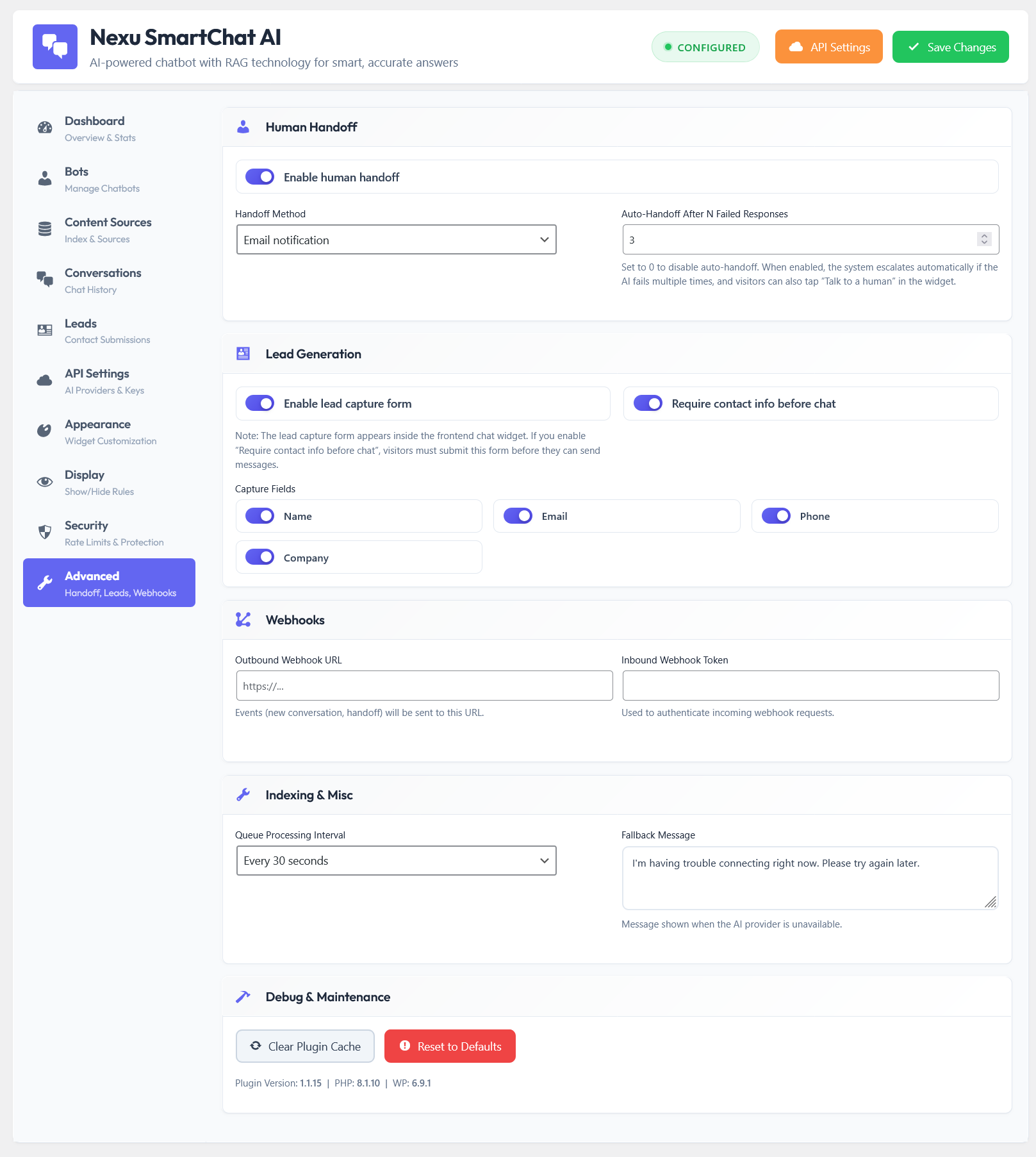
Temperature controls how “creative” the model is. A temperature of 0.0–0.3 makes the model stay close to the retrieved content and generate consistent, factual responses. Higher temperatures make responses more varied and conversational, but also more likely to drift from the source material. For a product chatbot or a support assistant, keep temperature between 0.1 and 0.3. SmartChat exposes this setting directly in the advanced configuration panel.
When your content is indexed, it is broken into chunks before being converted into embeddings. Larger chunks give the model more context per retrieved piece but reduce how precisely the retrieval matches the query. Smaller chunks improve retrieval precision but may miss surrounding context. For policy pages and product descriptions, 400–600 token chunks tend to hit the right balance. SmartChat’s indexing panel lets you adjust chunk size before running the index.
Your system prompt should explicitly instruct the model to answer only from the provided context. A good instruction: “Answer only based on the information provided in the context. If the answer is not clearly stated in the context, say ‘I don’t have that information — please contact us directly.’ Do not invent or estimate prices, policies, or product specifications.” This catches edge cases where the retrieval step does not find relevant content and prevents the model from filling the gap with a hallucination.
RAG accuracy degrades over time if the knowledge base is not kept current. A chatbot with a knowledge base last updated three months ago will accurately quote the prices from three months ago — which is a hallucination problem dressed up as a maintenance problem. SmartChat’s auto-indexing triggers on WordPress save events, meaning your knowledge base is updated the moment you save a change. Enable it and the staleness problem disappears entirely.
RAG is only as accurate as the content it retrieves. If your WooCommerce product descriptions are thin, your policy pages are vague, or important information lives only in images or PDFs that cannot be indexed, the chatbot cannot retrieve it and will either say it does not know (good) or drift toward inventing something (bad). Here is what to make sure your site has before indexing.
A good rule of thumb: if a knowledgeable human could read your site and answer the question correctly, the RAG system can answer it correctly. If the answer requires information that is not written anywhere on your site, write it first, then index.
A chatbot that confidently gives visitors wrong information is worse than no chatbot at all. It erodes trust, creates support problems, and occasionally creates legal exposure. The good news is that the fix is not complicated — it is a specific architectural choice, and for WordPress sites it is available as a native plugin that handles the entire implementation automatically.
If your current WordPress chatbot is hallucinating, the answer is not a better model or a longer system prompt. The answer is a WordPress AI chatbot with native RAG and automatic content indexing — so every answer your bot gives is grounded in something you actually wrote, updated the moment you change anything on your site.
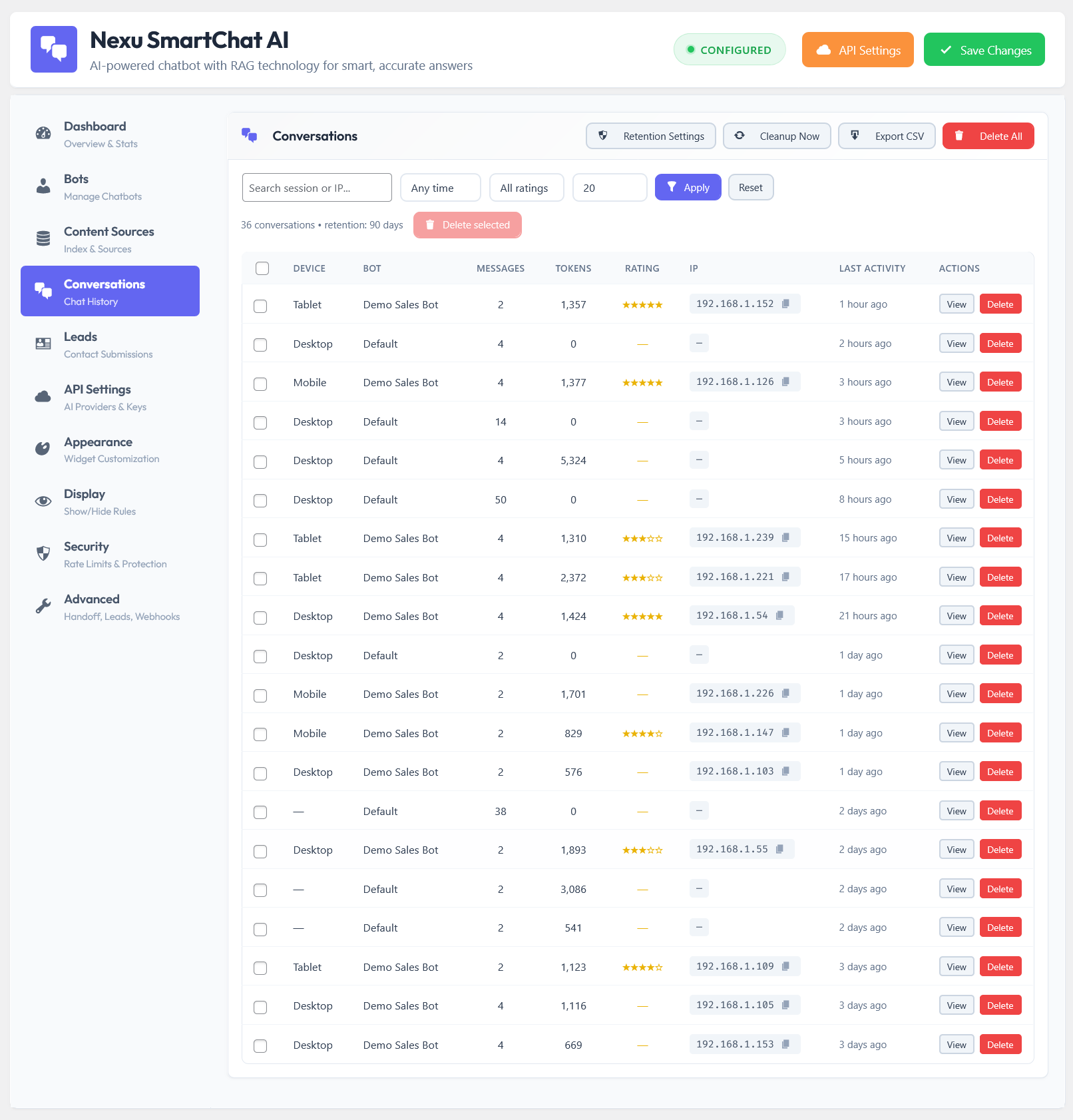
Native RAG pipeline running entirely inside WordPress. Vector knowledge base in your own database. Auto-indexed on every publish and edit. Temperature and chunk size controls. Full conversation history in your admin. OpenAI, Claude, Gemini, and Mistral supported. One flat fee from $89 — no subscription.






Hey y'all, I just read through this guide after my WooCommerce bot kept giving customers the wrong shipping estimates. I was convinced the thing was broken, but nope turns out I'd never set up the data right in the first place. The way they explain RAG here actually clicked for me. basically, if you feed your bot real info from your store upfront, it stops making up random answers.
This guide finally made RAG make sense for me. I run a WooCommerce store and was so done with my chatbot just making up shipping policies on the spot
Hello, I found this guide incredibly insightful as a senior scientist working with AI implementations. The explanation of why chatbots confidently provide incorrect information like fabricated policies or wrong prices was particularly clarifying. It's worrying how easily these systems can erode trust, but understanding the architectural root cause helps. well worth the read for anyone managing a WooCommerce store. just wish the setup instructions for RAG were a bit more detailed for non developers.