
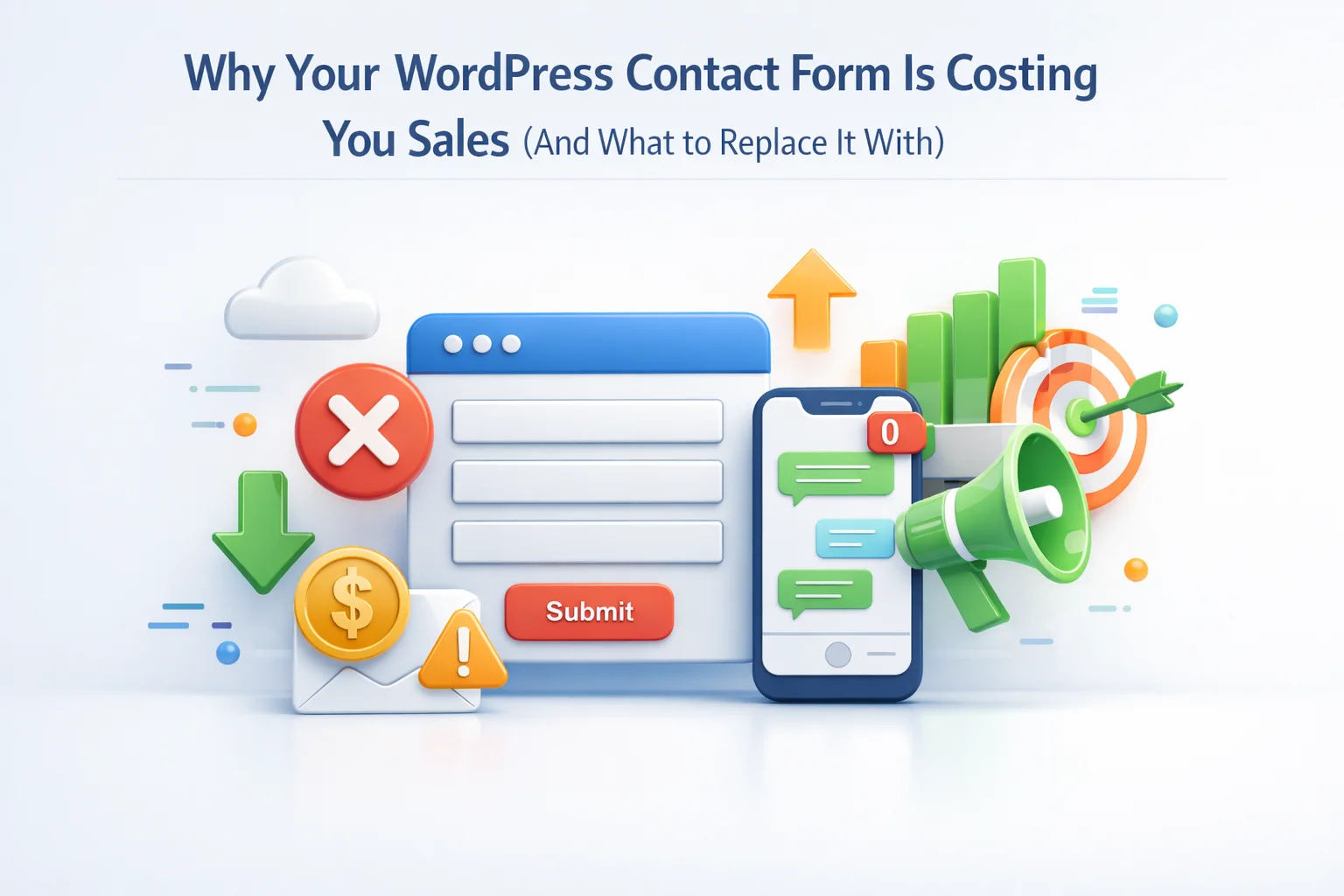
I tracked something disturbing across three client WordPress sites last quarter. Of all the contact form submissions these sites received, 67% came from people who never became customers. That is not the disturbing part. The disturbing part is what the data showed about timing: 78% of those lost leads had also visited a competitor’s website within the same hour they submitted the contact form.
The contact form did exactly what it was designed to do. It collected information. It sent a notification email. It displayed a thank you message. Then it left the potential customer waiting. Waiting while they had a question. Waiting while they were motivated to buy. Waiting while competitors with faster response systems captured their attention and their money.
Contact forms made sense when the internet was young and expectations were different. People understood that online inquiries meant waiting. Today, consumers expect instant responses. They have been trained by Amazon, by ChatGPT, by every app on their phone that responds immediately. The contact form, unchanged in fundamental design since the 1990s, now creates a jarring delay in an otherwise instant world.
This guide explains exactly why contact forms hurt conversion rates, what data tells us about the cost of response delays, and how AI chatbots for WordPress sites are replacing contact forms as the primary engagement tool for businesses that care about not losing sales.
The psychology of waiting: why delays destroy purchase intent
When someone submits a contact form on your WordPress site, they are at a peak moment of interest. They have found your site, consumed your content, decided they want to learn more or buy something, and taken the action of reaching out. Their motivation is high. Their attention is focused. They are ready.
Then they wait. And everything changes.
The moment someone leaves your website, their engagement with your brand begins to decay. They close the tab. They move on to other tasks. Life interrupts. By the time you respond to their form submission hours or days later, they have mentally moved on. The urgency that drove them to submit the form no longer exists.
People researching a purchase rarely visit only one website. If they submitted your contact form, they probably also visited two or three competitors. While you wait until morning to check emails, a competitor with live chat or AI chatbot has already answered their questions, addressed their concerns, and potentially closed the sale.
The question they submitted reveals an objection or uncertainty. That objection does not pause while waiting for your reply. It festers. Maybe they start second-guessing whether they need the product at all. Maybe they find negative reviews while waiting. Without immediate engagement to address concerns, doubts multiply.
The data on response time and conversion rates
The relationship between response speed and conversion probability is not linear. It is exponential decay. Research consistently shows that the value of a lead drops dramatically with every minute of delay.
Leads contacted within 5 minutes are 21 times more likely to convert than leads contacted after 30 minutes. After one hour, the odds of qualifying a lead drop by more than 60%. Yet the average business response time to web leads is 47 hours. Nearly two full days of decaying interest before the first contact.
Contact forms, by design, cannot respond in under 5 minutes unless you have staff monitoring emails 24/7. The form collects information and waits for a human. The human checks email periodically. The response comes when the human gets around to it. This architecture makes fast response impossible without unrealistic staffing.
The specific moments contact forms fail
Contact forms fail at multiple points in the customer journey. Understanding these failure points reveals why simply having a contact form is no longer sufficient for businesses that depend on converting website visitors.

Someone browses your site at 10 PM, ready to buy but has one question. Your office closed at 5. They submit a contact form knowing they will not hear back until tomorrow. By tomorrow, they have either purchased from a competitor or lost the motivation entirely. Evening and weekend traffic converts poorly with contact forms only.
“Do you ship to Canada?” This takes 3 seconds to answer. But submitting a contact form, waiting for a reply, checking email, reading the response—that is a multi-step process spread across hours or days. Simple questions that could be answered instantly instead become friction points that derail purchases.
Someone comparing three vendors submits contact forms to all of them. The vendor who responds first has a massive advantage. If you respond third, you are already behind. Contact forms put you in a race where speed wins, but provide no tools for speed.
Cart loaded, credit card in hand, but one small hesitation. “Is this compatible with my setup?” Submitting a contact form means abandoning the checkout to visit a different page, fill out fields, wait for a response, then try to remember to come back and complete the purchase. Most do not complete that loop.
How AI chatbots capture what contact forms lose
AI chatbots address every failure point of contact forms by providing instant, always-available engagement. The same visitor who would have submitted a form and waited can instead get immediate answers and continue toward purchase.

AI chatbots respond at 2 AM Sunday with the same speed and accuracy as 2 PM Tuesday. No staffing requirements. No office hours limitations. The after-hours visitor gets their question answered immediately and can complete their purchase while motivation is high.
Under 5 seconds instead of under 48 hours. The chatbot meets the response time threshold where conversion probability is highest. There is no decay period because there is no waiting. Questions get answered while the customer is still engaged.
The chatbot appears on every page. Customers ask questions without leaving their current context. On a product page, they ask about that product. At checkout, they ask about shipping. The question gets answered where it arises, keeping them in the buying flow.
AI chatbots with site knowledge can answer product-specific questions, policy questions, and complex inquiries by pulling from your actual website content. Not canned responses. Real answers to real questions based on your actual information.
When contact forms still make sense
AI chatbots do not completely eliminate the need for contact forms. Certain scenarios benefit from structured form submissions. The key is understanding when each tool fits best.

Complex quote requests requiring multiple specifications benefit from structured forms. Project dimensions, material preferences, quantity requirements—collecting this systematically helps you provide accurate quotes. The chatbot can handle initial questions and guide customers to the form when a detailed quote is needed.
Job applications, warranty claims with photos, technical support with log files—anything requiring file uploads still needs form functionality. Contact forms with upload fields serve this purpose well. The chatbot handles questions; the form handles document submission.
Some industries require documented consent, formal request records, or specific data collection for compliance. Contact forms with proper logging and storage fulfill these requirements. The chatbot can still handle general inquiries while compliance-related requests go through formal channels.
The hybrid approach: chatbot-first, form-when-needed
The most effective strategy combines both tools with clear roles. The chatbot handles the majority of visitor interactions, providing instant answers and capturing leads who would otherwise wait and potentially leave. Contact forms remain available for specific use cases that benefit from structured submission.
Position the chatbot prominently on all pages. Make it the first thing visitors see when they have questions. The WordPress AI chatbot widget should be visible and inviting, encouraging interaction before visitors consider navigating to a contact page.
Index your product pages, policy pages, FAQ content, and other customer-facing information. The chatbot should be able to answer the questions that currently fill your contact form submissions—shipping, returns, pricing, availability, compatibility, and similar routine inquiries.
Maintain contact forms for quote requests, file submissions, job applications, and other scenarios requiring structured data. The chatbot can even guide visitors to these forms when appropriate, saying something like “For a detailed quote with your specifications, you can fill out our quote request form here.”
Track how many visitor questions the chatbot answers versus how many still go to contact forms. Monitor conversion rates for visitors who interact with the chatbot compared to those who submit forms. The data will likely show significant improvement in engagement and conversion from chatbot interactions.

Stop losing sales to your own contact form
Contact forms are not broken. They are obsolete for their primary use case. They were designed for a time when waiting was acceptable and expected. That time has passed. Today’s consumers expect immediate responses, and businesses that provide them capture sales from businesses that do not.
Every hour a potential customer waits for your contact form response is an hour they might spend buying from someone who answered immediately. Every after-hours inquiry that sits until morning is a customer who might not remember their interest by the time you respond. Every simple question that could be answered instantly but instead requires a form submission is friction that might prevent a sale.
SmartChat Assistant provides instant 24/7 engagement for WordPress sites, answering visitor questions immediately using your actual website content. The same questions that would have generated contact form submissions instead get instant answers. The same customers who would have waited now convert in the same session. The sales your contact form was costing you become sales your chatbot captures.
Stop losing customers to response delays
SmartChat Assistant replaces contact form waiting with instant answers. Your visitors get immediate responses. Your conversion rates improve. Your sales stop walking away.





Hey everyone, my friend recommended this after I complained about our school's contact form drop offs. The stats here are wild 78% leaving for competitors? Yikes. but honestly, not every parent or vendor wants a chatbot interrupting them mid form.
Hey everyone, just got done reading this and wow it really made me think. i've been using the same basic contact form for years, figuring it was good enough because, well, that's what everyone does. but that stat about most lost leads checking out competitors within the hour? That's wild and honestly kind of scary. When you think about it, though, it makes sense. We're all used to getting quick replies everywhere else, so why would my website be any different? Definitely time to rethink how I handle inquiries. Really appreciate the fresh perspective here!
So much faster without that form!
Good read, but realistically, not every small business can afford 24/7 chat. Still useful insights though